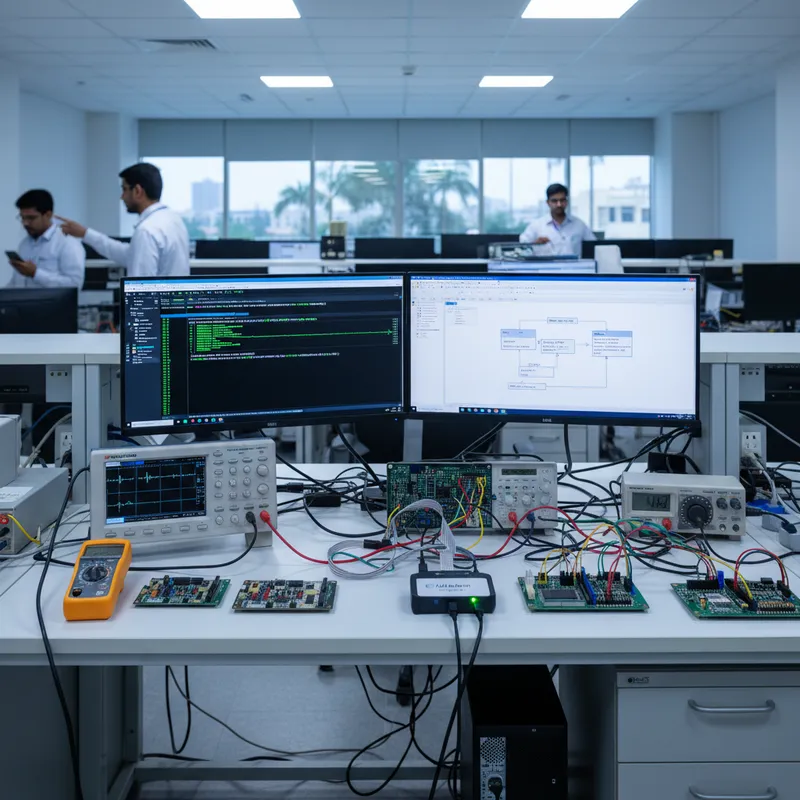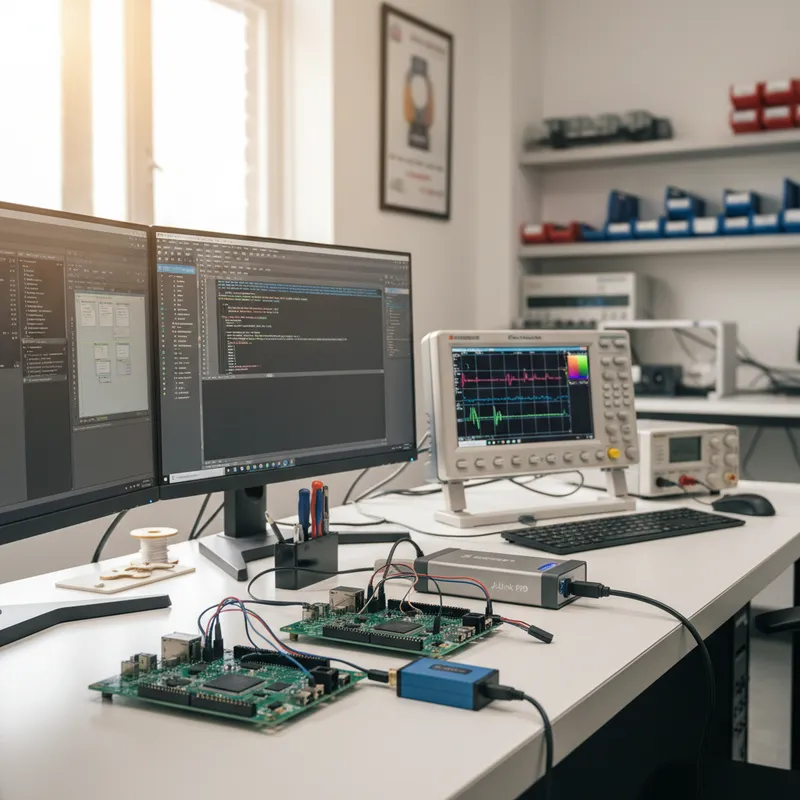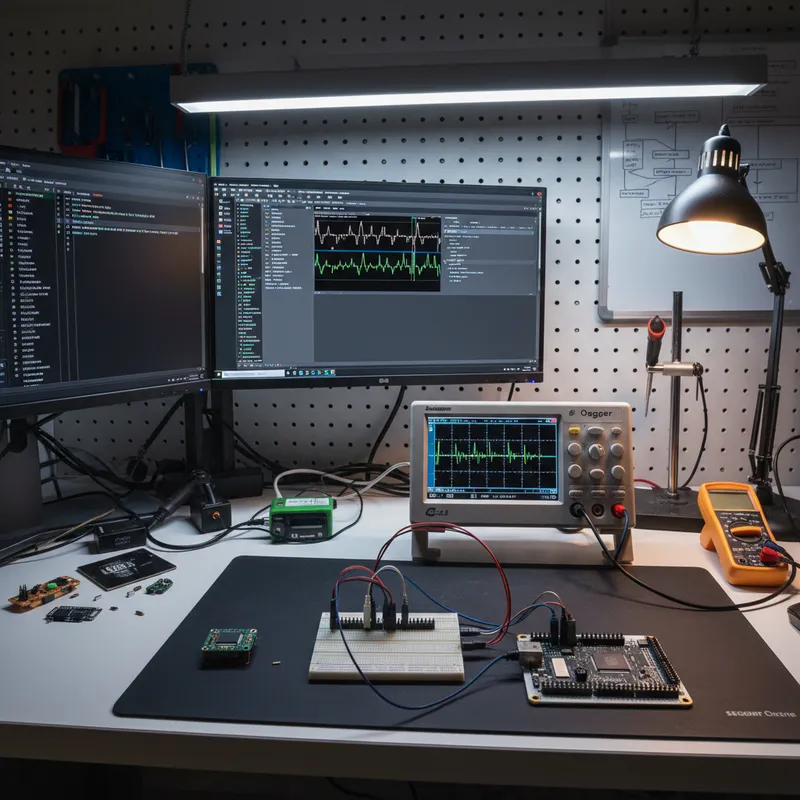
The Raspberry Pi RP2040 and its successor RP2350 have gone from hobbyist curiosities to commercial MCU contenders in Indian product engineering. The RP2040’s dual-core Cortex-M0+ delivers enough performance for motor control, sensor fusion, and USB-based instrumentation at an aggressive price point, while the RP2350 adds dual-core Arm Cortex-M33 (with optional RISC-V switching via software), TrustZone, and expanded memory, a combination that is turning up in Indian consumer electronics, industrial I/O modules, and custom test-measurement jigs built in Bengaluru, Pune, and Hyderabad.
What has not kept up with the RP2040’s commercial adoption is the debug tooling. Most RP2040 tutorials still point Indian developers at picoprobe, the Raspberry Pi Foundation’s own reference debugger built on a second Pico board. Picoprobe is fine for personal projects; it is not a professional debug probe. For commercial RP2040 or RP2350 work in India, SEGGER J-Link is the upgrade that pays for itself within the first week of product bring-up.
This guide is for Indian teams building commercial products on RP2040 and RP2350 who want to understand exactly what J-Link gives them over picoprobe, which model to choose, and how SEGGER Flasher handles production programming. GSAS Micro Systems is an authorized SEGGER engineering partner in India, every probe mentioned here ships locally with INR invoicing and engineering support.
Why picoprobe isn’t enough for commercial RP2040 work
Picoprobe gets you started, it speaks CMSIS-DAP over USB, works with OpenOCD, supports SWD and UART, and costs nothing beyond a spare Pico board. But on a serious RP2040 or RP2350 product, three limitations show up fast:
- Hardware breakpoints, not flash breakpoints. RP2040’s Cortex-M0+ cores have 4 hardware breakpoints each. Between interrupt handlers, the dual-core boot ROM, and any RTOS you layer on top, 4 breakpoints evaporates in minutes. J-Link delivers unlimited breakpoints in flash by transparently rewriting the target instructions, SEGGER’s algorithm handles the flash-erase wear smoothing under the covers. The unlimited flash breakpoints license is included with J-Link PLUS and above (or via the BASE-to-PLUS upgrade).
- Low download speed. OpenOCD via picoprobe programs RP2040 flash at a fraction of what the SWD interface is capable of. On a 2 MB firmware image (RP2350 especially, where PSRAM and larger flash partitions are common), the iteration cycle adds up. J-Link ULTRA programs RP2040 flash several times faster than picoprobe.
- No SystemView, no Ozone, no RTT Viewer. These are the SEGGER debug tools that Indian professional teams rely on for live trace, multi-core debug, and non-intrusive printf. They require a real J-Link to work.
Which J-Link model for RP2040 and RP2350
- J-Link BASE / BASE Compact: the entry-level bench debugger for RP2040 and RP2350 development. USB 2.0 Hi-Speed, full RTT support. This is where most Indian teams start when moving off picoprobe; note that the unlimited flash breakpoints license is not included at this tier.
- J-Link PLUS / PLUS Compact: adds the unlimited flash breakpoints license on top of BASE. Choose this for commercial RP2040 and RP2350 product work where breakpoint headroom across interrupt handlers, boot ROM, and RTOS code matters.
- J-Link ULTRA: USB 2.0 Hi-Speed with download speeds up to 4 MB/s and high-speed RTT. Choose ULTRA when your RP2350 firmware is large (approaching 4 MB) or produces high-volume RTT logs. The download speed matters when you flash dozens of times per day during active bring-up.
- J-Link PRO: Ethernet-connected probe, the right choice for CI racks flashing RP2040 boards at volume over LAN. For benches that need galvanic isolation between the host PC and a powered target, pair the probe with the separate SEGGER J-Link Isolator; isolation is not built into the probe itself.
All J-Link models support both cores of RP2040 and RP2350 simultaneously. SEGGER device profiles treat each core independently, so Ozone can debug Core 0 and Core 1 in parallel without losing breakpoint state. For RP2350 specifically, SEGGER supports both Arm mode and RISC-V mode via the same J-Link hardware, you choose which architecture to debug via a single configuration option in Ozone or the GDB server.
RTT on RP2040, printf without the UART cost
RP2040 has 2 UART peripherals and not enough GPIO headroom on small boards to spare two pins for debug logging. Semihosted printf stops the CPU, which ruins any real-time behavior. SEGGER’s Real-Time Transfer (RTT) solves both problems, it uses the SWD pins already in use by the J-Link, runs at USB-speed throughput, and does not pause the target CPU.
The Indian RP2040 developer setup: SEGGER_RTT macros sprinkled through the application, JLinkRTTViewer running on the development laptop, full log stream during real-time sensor acquisition without dropping a single SPI transfer. For consumer electronics teams in Chennai debugging complex USB HID or MIDI RP2040 products, RTT is often the only logging option that does not affect the behavior being debugged.
SystemView for RP2040 dual-core coordination bugs
Raspberry Pi’s dual-core architecture, two Cortex-M0+ cores sharing SRAM banks through a crossbar, introduces a class of coordination bugs that single-threaded RP2040 tutorials never mention. When Core 1 is running a heavy workload (sensor acquisition, DSP, or protocol stack) while Core 0 handles USB and application logic, timing interactions between the two cores can produce data races that are nearly impossible to see with a traditional debugger.
SEGGER SystemView traces every interrupt, task switch, and user-defined event across both cores on a common timeline. If your RP2040 firmware is using the FreeRTOS SMP port or bare-metal dual-core scheduling, SystemView will show you exactly which core was executing what at the moment a race condition manifested. Indian teams working on RP2040 products with tight real-time constraints, motor drivers, closed-loop control, synchronized multichannel I/O, find SystemView worth more than the cost of the J-Link by itself.
Production programming RP2040 with Flasher
Once your RP2040 or RP2350 design is ready for volume production, move off J-Link-on-the-bench and onto SEGGER Flasher for the line. Options:
- Flasher Compact: in-circuit RP2040 programming at bench scale for low-volume runs
- Flasher PRO: standalone production programmer, no host PC needed on the line
- Flasher ATE: rack-mounted ATE integration for large contract manufacturers in Chennai, Bengaluru, and Pune
- Flasher Hub: 10-gang parallel programming for high-volume consumer RP2040 products
- Flasher Secure: secure boot and OTP region handling (especially relevant for RP2350’s TrustZone features)
Every Flasher variant shares the same RP2040 and RP2350 flash algorithms as J-Link. Your bench validation carries directly to the factory line.
Buy SEGGER J-Link and Flasher for Raspberry Pi in India from GSAS
GSAS Micro Systems is an authorized SEGGER engineering partner in India. We stock J-Link and Flasher for Raspberry Pi RP2040 and RP2350 development and production, with application engineering support tuned to Indian commercial MCU product work. If your team is moving off picoprobe, graduating to a CI-integrated debug stack, or planning an RP2350 production line, contact GSAS for a hands-on demo at any of our Bengaluru, Chennai, Hyderabad, Delhi NCR, Mumbai, or Pune offices.
Interested in SEGGER tools?
Talk to our application engineers for personalized tool recommendations.
More from SEGGER
View all →
Meet the GSAS Team at electronica India 2026, Stall H3.I45
15 Sept · 3 min
J-Link Is Now Validated by ST for StellarStudio
13 Sept · 2 min
An AI Agent That Drives the Debugger: SEGGER and Embedder Connect J-Link to the Loop
13 Sept · 6 min
SEGGER J-Link and J-Trace Now Support Andes Trace: Why This Matters for RISC-V
21 Jul · 6 min

Emulating Processor Power for Thermal Testing: Why Constant Power
7 Oct · 7 min

CRPS and Rack Power Supply Testing: The Six Tests That Matter
7 Oct · 7 min