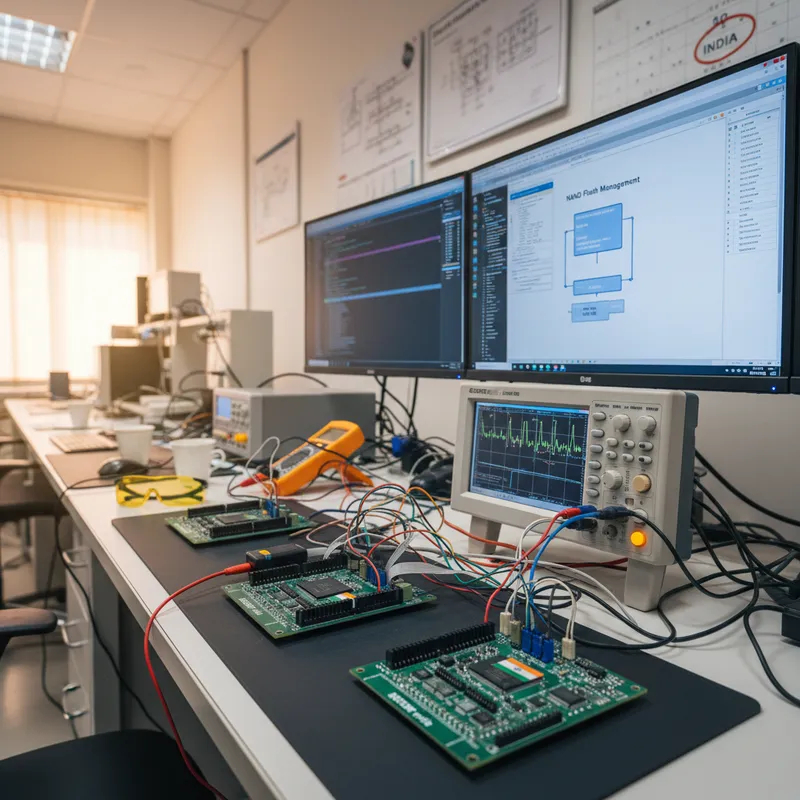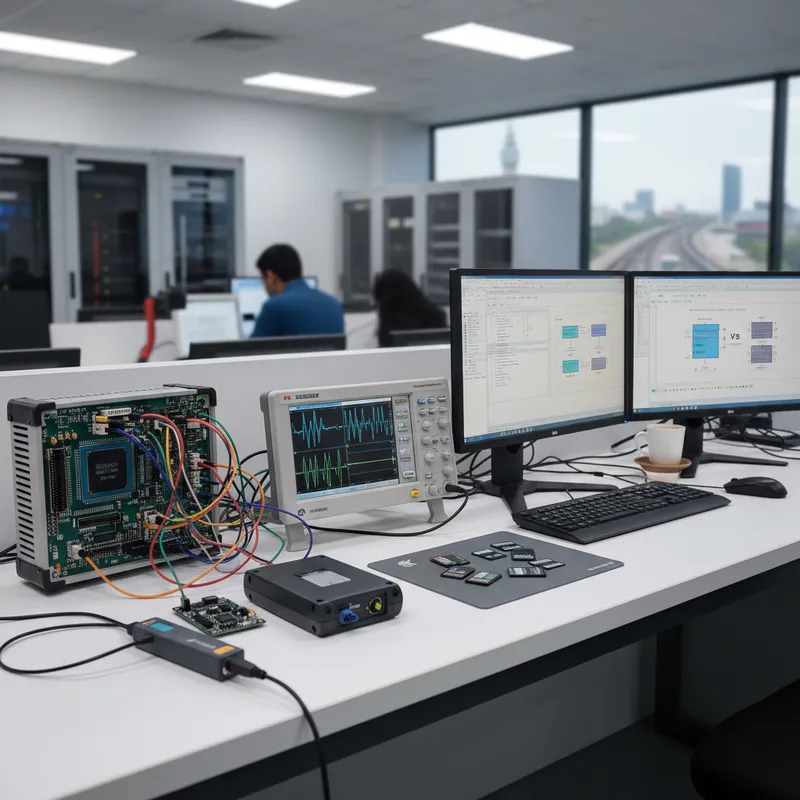
Picking a filesystem sounds like a small decision. For an Indian data-logging programme it is one of the load-bearing architectural choices, because the filesystem decides what happens when a loco loses traction power mid-write, what happens when an engineer pulls an SD card and plugs it into a Windows laptop in a depot, and what happens when a 48-hour vibration capture crosses the 4 GiB mark on a single recording. SEGGER emFile, the commercial embedded filesystem from SEGGER Microcontroller GmbH, supports FAT12, FAT16, FAT32 and exFAT inside a single code base. This post is a practical walkthrough, aimed at Indian railway, industrial and genset programmes, of when to pick FAT32 and when to pick exFAT, and of the other emFile decisions (Journaling, SD vs eMMC drivers, power-fail recovery) that sit alongside that choice. At GSAS, as an authorised SEGGER engineering partner for India, we integrate emFile on customer silicon across all of these markets.
What FAT and exFAT actually are, and why emFile supports both
FAT, in its FAT12, FAT16 and FAT32 flavours, is the allocation-table filesystem that has been in continuous use since DOS. It is interoperable with essentially every operating system ever shipped. FAT32 is the most common variant for removable media: it supports volumes up to 2 TiB in typical tool chains, long file names via the VFAT extension, and a maximum individual file size of 4 GiB minus one byte. That 4 GiB file-size ceiling is a hard wall: it is baked into the on-disk format, and no implementation, emFile included, can exceed it while still claiming FAT32 compatibility.
exFAT was designed by Microsoft specifically to lift the FAT32 limits for flash media. The on-disk layout is different, the cluster sizes scale more cleanly to very large SD and eMMC devices, and the per-file size ceiling is, in practical terms, unlimited. exFAT is the filesystem every SDXC card above 32 GiB ships with out of the box. Modern Windows, macOS and Linux all mount it natively. Because emFile supports both FAT and exFAT in a single product, you do not have to pick your filesystem architecture at the start of the programme and live with it, you can ship different formats on different SKUs with the same firmware.
The hard decision rule: when FAT32 is right, when exFAT is right
For Indian programmes we use a simple first-pass rule. Pick FAT32 when every log file will stay below 4 GiB, every target operating system for offline analysis is guaranteed, and the media is small enough that cluster overhead is not a concern. Pick exFAT when any single capture may exceed 4 GiB, when media is 64 GiB or larger, or when the programme explicitly requires SDXC compatibility.
That rule covers most cases. A diesel genset controller logging a few kilobytes of telemetry per minute into daily rolled files will never see a file larger than a few megabytes, FAT32 is fine, and the ecosystem interop is at its best. A railway on-board event recorder capturing continuous waveforms for forty-eight hours, or an industrial vibration logger sampling accelerometers at tens of kilohertz, will absolutely cross 4 GiB in a single recording, exFAT is the right call, and trying to use FAT32 means engineering a chunked-file scheme that your offline analysis tools also have to understand.
Cluster overhead, long file names, and interop realities
On a very large SD or eMMC volume, FAT32 pays a cluster-size penalty: to keep the allocation table small enough, the cluster size balloons. A 128 GiB FAT32 volume typically runs a 32 KiB or larger cluster, which means every small file, every per-minute summary log, every configuration snapshot, consumes an entire cluster. On a logger that writes many small files alongside occasional large files, that overhead adds up. exFAT’s allocation-table design scales better and its default cluster sizes on large media are tuned for flash, which gives you less wasted space in the worst case.
Long file names are supported on both. FAT32 uses the VFAT extension, which emFile implements transparently; exFAT’s native directory entries support long names directly. Indian field engineers routinely pull SD cards out of loggers, drop them into a Windows or Ubuntu laptop at the depot, copy the log directory, and analyse it offline. Both filesystems mount cleanly on current Windows, macOS and Linux, so the interop decision usually comes down to the media size rather than the file system alone.
Wear levelling, the underlying FTL, and what emFile does not do
A point that trips up Indian programmes new to embedded storage: emFile’s FAT and exFAT layers are not responsible for wear levelling on SD cards or eMMC. Those devices have an on-package flash translation layer, the FTL, implemented by the card or chip controller, which does its own wear levelling and bad-block management below the filesystem interface. emFile writes logical blocks; the card translates them to physical NAND pages and levels the wear. The filesystem’s job is to produce good write patterns (aligned, sequential where possible, minimal rewrites of hot metadata) so that the underlying FTL has an easy time.
When you are running on raw NAND or on SPI NOR without a controller, the picture changes: emFile has dedicated NAND and NOR drivers that implement wear levelling and bad-block management themselves, and those drivers sit under the FAT/exFAT layer. For the SD and eMMC case that dominates Indian railway and industrial logging, you use emFile’s SD/MMC driver and let the card’s built-in FTL do the wear work.
Power-fail recovery and the Journaling add-on
The single most important question for an Indian data logger is not “what is the maximum throughput?”, it is “what does my filesystem look like after a power cut mid-write?” On a raw FAT or exFAT volume, a power cut during a metadata update (directory entry, cluster chain, free-space bitmap) can leave the on-disk structures in an inconsistent state. You might lose the file that was being written. You might, in the worst case, see a directory entry pointing at a truncated file. Normal operating systems handle this with a fsck pass; embedded loggers that are expected to be always-on do not have that luxury.
The emFile Journaling add-on solves this at the filesystem layer. It implements a transactional write-ahead journal so that filesystem operations are atomic with respect to power loss. If power drops mid-operation, the next mount replays the journal and either completes the operation cleanly or rolls it back, the on-disk state is always consistent. For any Indian programme where the logger can lose power unexpectedly (and that is every railway, genset and industrial programme we work on), Journaling is not optional. We turn it on by default, and we recommend the same to every customer we support.
Journaling is distinct from, and complementary to, the FTL’s own power-fail handling. The FTL protects the flash against torn writes at the page level; the journal protects the filesystem metadata against torn updates at the logical-block level. Together, they get you the behaviour customers actually expect: “pull the power at any moment, reboot, everything that was flushed before the cut is still there and the filesystem mounts cleanly”.
Feature support matrix at a glance
A short comparison of the practical attributes you care about:
| Attribute | FAT32 (emFile) | exFAT (emFile) |
|---|---|---|
| Max per-file size | 4 GiB minus one byte | Effectively unlimited |
| Typical volume upper bound | Up to 2 TiB in common tool chains | Matches SDXC and eMMC addressable range |
| Long file names | Yes (via VFAT) | Yes (native) |
| Cluster overhead on large media | Higher at large volumes | Lower, tuned for flash |
| Windows / macOS / Linux interop | Universal | Native on current OS versions |
| Journaling add-on support | Yes | Yes |
| SD / eMMC driver support | Yes | Yes |
| NOR / NAND driver support | Yes | Yes |
In practice the choice is almost always driven by the first row. If you will never cross 4 GiB, FAT32 is a perfectly good default. If you might cross it, use exFAT and be done with it.
Indian programmes where this decision shows up
Indian railway on-board data loggers. On-board event recorders and train-control telemetry systems for Indian railways capture both continuous waveforms and event-driven snapshots. When a capture window stretches across a full operational cycle, the continuous streams cross the FAT32 4 GiB ceiling, exFAT is the right choice. These loggers run on SD or eMMC, pulled periodically for offline analysis by depot staff, and the analysis laptops are Windows or Ubuntu; exFAT mounts natively on both. Where the logger is adjacent to Kavach-related systems, the storage and filesystem layers sit entirely inside the supplier’s own product, with emFile providing the filesystem underneath the application.
Indian industrial vibration loggers. Condition-monitoring programmes across Indian process industries run high-rate accelerometer capture over multi-hour or multi-day cycles. A 48-hour continuous capture at moderate sample rates and modest per-sample widths crosses 4 GiB in a single run. These programmes pick exFAT, pair it with Journaling, and rely on the filesystem to survive unexpected plant outages. Field engineers pull the SD card, walk it to a laptop, and copy the capture off, exFAT’s Windows interop is the reason there is no custom mount step.
Indian diesel genset telemetry archives. Genset controllers log per-second metrics, events, and summary rollups. Individual log files are small, hundreds of kilobytes to tens of megabytes, and the programme rolls files daily or weekly. FAT32 is the natural choice here because file sizes are always well below the ceiling, media is often a 16 GiB or 32 GiB SD card, and the operator ecosystem is heavily Windows-based. Journaling is still on by default, because gensets by their nature deal with power events.
Indian industrial HMIs and recipe storage. Operator HMIs that store machine recipes, trend history and event logs mix small writes (configuration, per-shift audits) with occasional large exports. FAT32 works unless exports regularly cross 4 GiB; in that case, exFAT is worth the swap for the headroom alone.
Target silicon: which Indian-market parts pair with which emFile configuration
emFile runs on essentially every Cortex-M and Cortex-A family we see in Indian programmes. The choice of filesystem does not change based on silicon, but the choice of driver and media does.
STMicroelectronics STM32F7 and STM32H7 are the dominant parts for Indian railway event recorders, genset controllers and industrial HMIs. The SDMMC peripheral on these parts drives SD/SDHC/SDXC cards and eMMC at high clocks, and emFile’s SDMMC driver handles the full 4-bit and 8-bit data paths. For a railway recorder streaming waveforms, H7 plus eMMC plus exFAT plus Journaling is a very common stack.
NXP i.MX RT1050, RT1060 and RT1170 show up in premium industrial HMIs and test equipment. Their uSDHC controllers also drive eMMC at high rates, and the large on-chip RAM gives the filesystem buffer plenty of headroom. exFAT plus Journaling on eMMC is a straightforward pairing here.
Renesas RA6M4 and RA8 parts are used in Indian metering and industrial control. The SDHI block drives SD cards and eMMC; where the application is logging-dominated, exFAT plus Journaling is again the default.
Lower-end parts: STM32F4, GD32F4, Nordic nRF52840 for Bluetooth Low Energy asset trackers, are typically paired with smaller SD cards (a few gigabytes) and short-lived files. FAT32 is the right default here, and Journaling is still turned on because even a low-end logger loses power sooner or later.
For all of these, emFile’s SD/MMC driver is the production driver we integrate on customer programmes. The NOR and NAND drivers come out when the programme uses raw flash instead of a managed card, that is a separate post and a separate set of trade-offs.
Further reading
External, canonical SEGGER references:
GSAS internal cross-links:
- SEGGER partner page, full catalogue and India engineering support
- emFile product page
- embOS, the RTOS most Indian emFile customers run above
- SEGGER emFile with NAND for Indian industrial and railway storage
- SEGGER emNet + emSSL TLS to AWS IoT in Mumbai and Azure India
- SEGGER emModbus for Indian industrial automation and energy metering
- Industrial automation solutions
The FAT-versus-exFAT decision comes down to one question on almost every Indian logging programme: will a single log file ever exceed four gigabytes? If the honest answer is “yes, or maybe”, use exFAT. If the honest answer is “absolutely not, and I know why”, FAT32 is the simpler default. Either way, turn Journaling on, use the SD/MMC or eMMC driver that matches your media, and let emFile handle the interop with the Windows and Linux laptops that your field engineers actually carry. The GSAS engineering team runs integration and review sessions on this stack with customers across Bengaluru, Chennai, Hyderabad, Delhi NCR, Mumbai and Pune: if you are weighing the filesystem choice for a new programme, we are happy to walk the trade-offs with your firmware lead.
Also appears in:
Interested in SEGGER tools?
Talk to our application engineers for personalized tool recommendations.
More from SEGGER
View all →
Meet the GSAS Team at electronica India 2026, Stall H3.I45
15 Sept · 3 min
J-Link Is Now Validated by ST for StellarStudio
13 Sept · 2 min
An AI Agent That Drives the Debugger: SEGGER and Embedder Connect J-Link to the Loop
13 Sept · 6 min
SEGGER J-Link and J-Trace Now Support Andes Trace: Why This Matters for RISC-V
21 Jul · 6 min

Emulating Processor Power for Thermal Testing: Why Constant Power
7 Oct · 7 min

CRPS and Rack Power Supply Testing: The Six Tests That Matter
7 Oct · 7 min