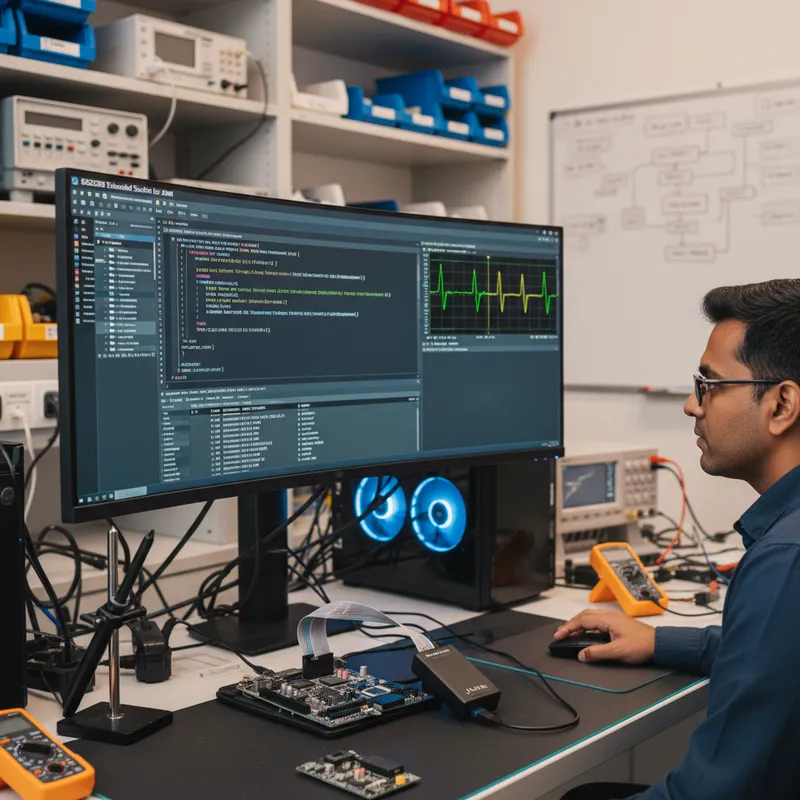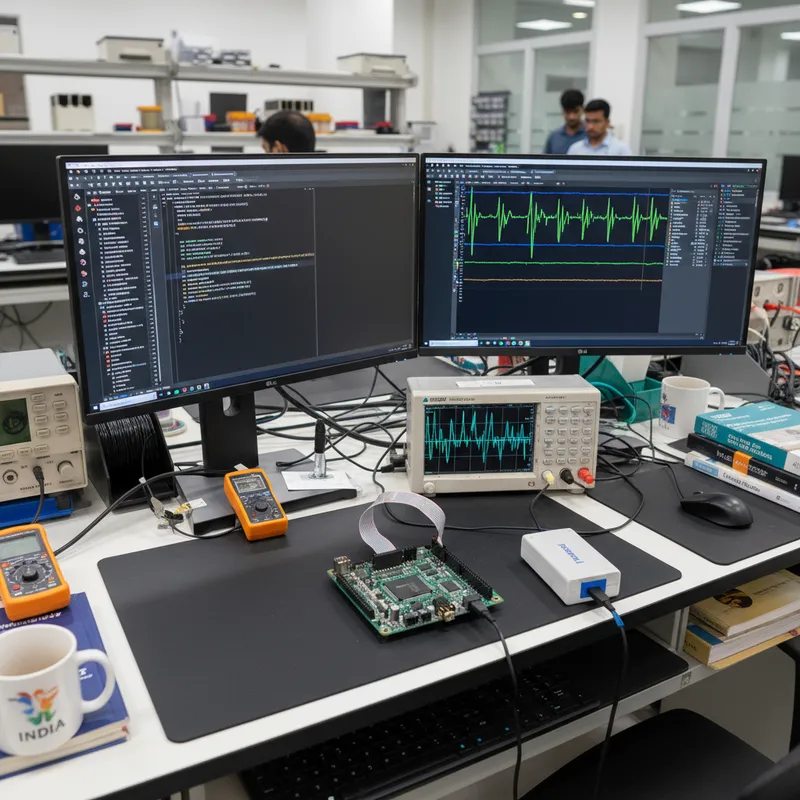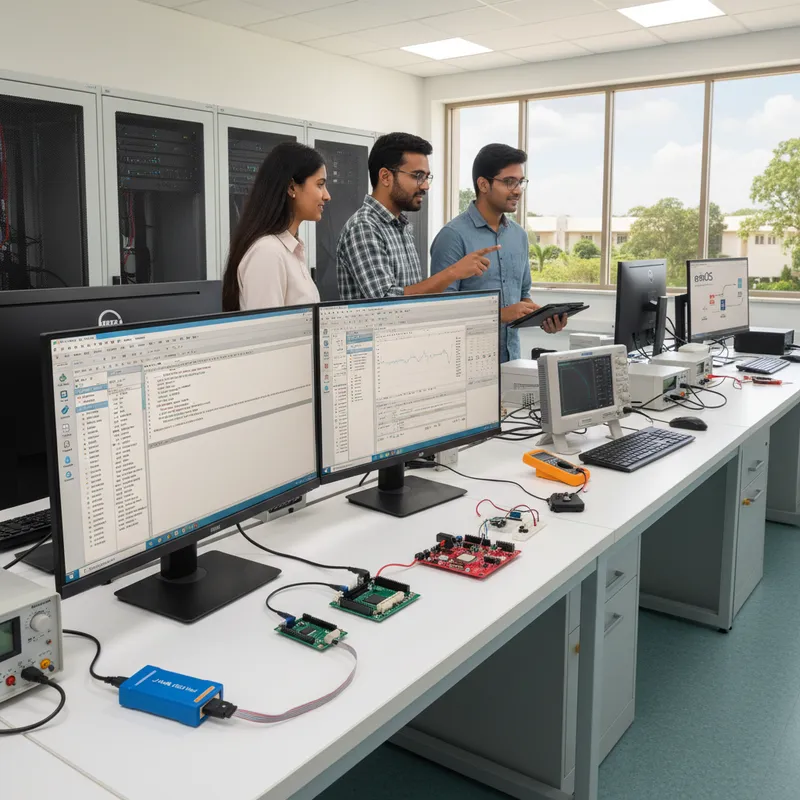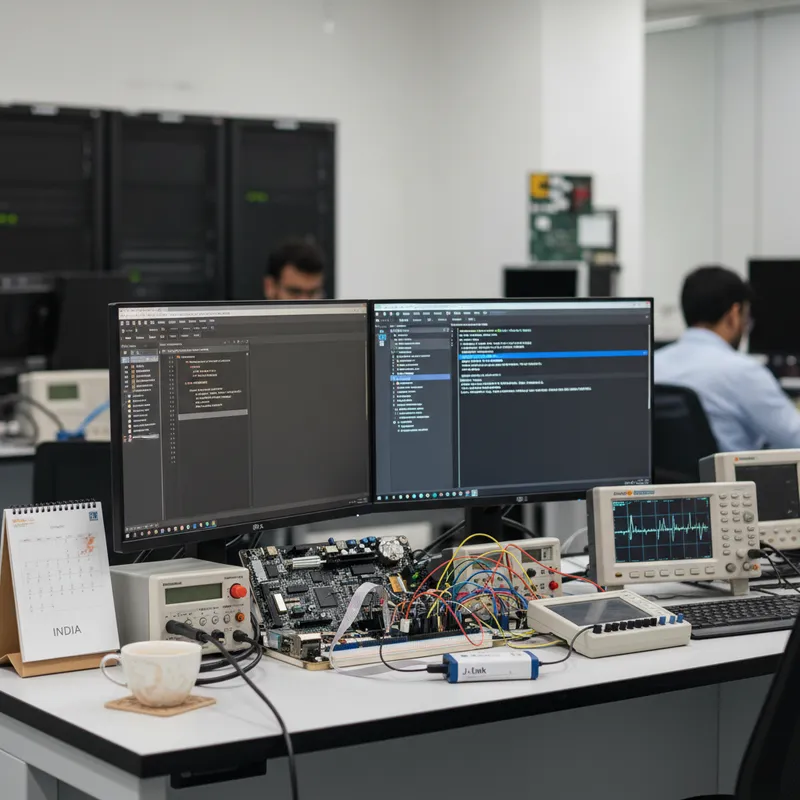
Serious Indian embedded product teams no longer build firmware on a single developer’s Windows laptop. Over the last three years, ECU teams in Pune, IoT product teams in Bengaluru, medical device teams in Hyderabad, and industrial controls teams in Chennai have all moved their firmware builds onto Jenkins, GitLab CI, GitHub Actions self-hosted runners, and Azure DevOps Pipelines. The firmware build has to be reproducible, the toolchain has to install headlessly, and the release artefacts have to flow cleanly into a Flasher-based production line. This post walks through how SEGGER Embedded Studio from SEGGER Microcontroller GmbH bridges the IDE-driven workflow that Indian developers use on their bench with the headless Linux CI pipelines that their release engineering teams actually run. GSAS Micro Systems is an authorized Indian engineering partner for SEGGER Microcontroller GmbH and supports Indian teams standing up Embedded Studio on Jenkins, GitLab CI, GitHub Actions, and Azure DevOps.
This post is for Indian engineering leads, DevOps engineers, and release engineers who want a practical picture of what the CI integration looks like in production. It is not a marketing pitch, it is the workflow we see Indian teams actually deploying.
The Indian embedded DevOps context
Five patterns show up repeatedly in Indian firmware CI conversations:
1. Linux CI runners, not Windows build agents. The rest of the company’s infrastructure, backend services, mobile apps, web frontends, cloud pipelines, builds on Linux. Spinning up a dedicated Windows build agent just for the embedded IDE is operational overhead that the DevOps team resents. A cross-platform firmware IDE that builds on Linux removes that friction entirely.
2. Reproducible builds. For ISO 26262, IEC 62304, and DO-178C adjacent work, Indian teams need byte-for-byte reproducible firmware images from a tagged Git commit. That means the toolchain version, the linker version, the build flags, and the CMake configuration must all be pinned and versioned in Git, not configured through GUI dialogs on individual developer machines.
3. Artefact flow to production. The output of the CI pipeline, the signed hex file, has to end up in a format that the production line can consume. For Indian EMS partners running a mixed-model line, that usually means a signed image uploaded to Flasher Secure FSS (SEGGER’s Flasher Secure Server), ready to be consumed by a Flasher ATE2 or Flasher Pro on the next production run.
4. Hardware-in-the-loop regression. On every commit, the CI pipeline should not just build the firmware, it should flash a test unit on a HiL rig and run a functional regression. That means the CI runner needs access to a J-Link probe over the network, and the test driver needs a command-line tool to control it.
5. Developer parity. Whatever the CI pipeline builds must be bit-for-bit reproducible from a developer’s workstation. A developer in Bengaluru opening the project in Embedded Studio on their Linux laptop should get exactly the same binary as the Jenkins runner in a datacentre in Chennai. No environmental drift.
Embedded Studio’s CMake story
SEGGER Embedded Studio’s CMake support is the bridge between these two worlds. There are two directions:
Importing CMake projects. Embedded Studio can open a CMakeLists.txt directly as a project. Once imported, the IDE indexes the source tree, sets up build targets, and lets the developer run a full debug session against the J-Link probe, all while the underlying source of truth remains the CMakeLists.txt file in Git. If the CI pipeline is CMake-based (which is the direction most Indian firmware teams are heading), developers can use Embedded Studio as a thin IDE layer over the team’s canonical CMake build without duplicating configuration.
Exporting projects to CMake. Embedded Studio can export an existing .emProject file to CMakeLists.txt. This is the right direction for teams whose developers are happy with the IDE-first workflow but whose CI needs to build without an IDE licence installed on every runner. Note that the exported CMake file is a starting point, most teams touch it up to integrate with their wider CMake structure.
Headless command-line builds. Embedded Studio ships emBuild, a command-line build driver that runs the same build that the IDE runs, with no GUI. Critically, emBuild runs on Linux and macOS as well as Windows. On a Linux Jenkins runner, the invocation looks like:
/opt/SEGGER/embeddedstudio/bin/emBuild \
  -config "Common" \
  -rebuild \
  MyProduct.emProject
This produces the same hex/elf/bin output as clicking Build in the IDE. The output path, the toolchain flags, the linker script, everything is driven by the .emProject file that is versioned in Git.
For teams using the CMake-import flow, emBuild still works: point it at the project directory and it runs the CMake configure + build steps in sequence.
The end-to-end pipeline for a Cortex-M product
Here is what an end-to-end Indian CI pipeline looks like for a Cortex-M IoT product:
Step 1, Developer commits. An engineer in Bengaluru pushes a commit to GitHub, GitLab, or Bitbucket. A webhook fires to the CI server.
Step 2, CI runner picks up the build. A Linux CI runner (Ubuntu 22.04 or similar) with SEGGER Embedded Studio installed headlessly pulls the repo. The toolchain is already installed at a known path, pinned to a specific version in the runner’s provisioning script.
Step 3, emBuild runs the build. emBuild -rebuild produces a clean hex, elf, and bin output. The build flags, optimisation levels, and linker script are all driven from the .emProject file. The build artefacts are tagged with the Git commit SHA and uploaded to the CI artefact store.
Step 4, Static analysis. The SEGGER Compiler is Clang-based, which means Clang’s diagnostic framework is available out of the box. Teams add a separate pass with a commercial static analyser, SonarQube, Klocwork, or Coverity, for deeper rule-based checks. The static analysis report is attached to the pull request as a comment.
Step 5, Unit tests. Unit tests run against either a host emulator (for code that does not touch hardware) or a hardware-in-the-loop rig (for driver code). The HiL rig is controlled via J-Link Commander from the same CI runner, flash the test image, run a scripted self-test, parse the RTT output, return pass/fail.
Step 6, Secure signing. For products with secure boot, the CI pipeline calls emSecure command-line signing to produce a signed image. The private signing key never leaves an HSM, and the signed image is ready for production consumption. See emSecure for secure boot for the detailed signing workflow.
Step 7, Production authorisation. The signed image is uploaded to the FSS used by Flasher Secure. On the next production run, the EMS contract manufacturer’s Flasher consumes the FSS authorisation and programmes boards on the line.
Every step in this pipeline runs on a Linux runner. No Windows host required.
Specific CI platform integrations
Jenkins. Jenkins is still the most common Indian CI platform, particularly for Tier-1 automotive and defence-adjacent work where the infrastructure is on-premises. A Jenkins freestyle or pipeline job runs a shell step that calls emBuild, then a subsequent shell step that calls J-Link Commander against the HiL rig. The Jenkins agent runs Linux; the agent’s provisioning script installs Embedded Studio to /opt/SEGGER/embeddedstudio and the J-Link Software Pack to /opt/SEGGER/JLink.
GitLab CI. Popular in Indian Tier-1 automotive and semiconductor-adjacent teams. The .gitlab-ci.yml declares a build stage that runs on a Linux runner with the SEGGER tooling baked into a custom Docker image. The image is published once to the team’s internal registry and consumed by every project. The Docker image approach is particularly clean because it pins the exact Embedded Studio version, no drift between runs.
GitHub Actions self-hosted runners. Bengaluru consumer IoT teams and SaaS-adjacent teams tend to run GitHub Actions with self-hosted runners (because licensing the SEGGER toolchain on GitHub’s public runners is not straightforward). The self-hosted Linux runner has Embedded Studio pre-installed, and the workflow YAML calls emBuild as a run: step.
Azure DevOps Pipelines. Indian enterprise-software-adjacent embedded teams (typically IT-services group firmware practices) lean on Azure DevOps because the rest of the organisation is on Azure. A YAML pipeline defines the build stage, the runner is a self-hosted Linux agent, and the emBuild invocation is a bash step.
TeamCity and Bamboo. Less common in Indian firmware CI but still seen in Tier-2 enterprise accounts. The integration pattern is the same: self-hosted Linux agent, emBuild from a shell step.
Licensing: what Indian engineering managers need to know
SEGGER Embedded Studio is licensed commercially per developer seat. The CI runner’s headless emBuild usage typically falls under the same commercial licence, but the specific terms depend on the seat count, the concurrency pattern, and the particular edition your team is running. Indian engineering managers should confirm the CI licensing terms with SEGGER via GSAS: this is not something to guess at, and SEGGER’s licensing desk will give you a clear answer for your specific configuration.
The non-commercial evaluation licence is not intended for CI or production builds. If your CI pipeline is building firmware that will ship, you need commercial licences. GSAS handles the commercial licensing for Indian teams with INR invoicing and GST compliance, and can produce a licence configuration that fits your seat count and CI concurrency.
A realistic Indian CI/CD migration case
The migration pattern GSAS sees most often looks like this. A typical Pune-area Tier-1 automotive supplier has been building a body-control ECU on Keil MDK via a Windows Jenkins build agent for four years. The team’s new DevOps lead wants to consolidate onto the company-wide Linux Jenkins farm. The migration:
- Week 1-2: Move the existing Keil project to Embedded Studio following the standard migration playbook. Verify a clean
emBuildfrom the command line on a single Linux developer workstation. - Week 3-4: Stand up a pilot Jenkins job on the Linux farm. Install Embedded Studio headlessly, configure the
emBuildstep, tag the build artefact with the Git SHA, upload to the artefact store. Verify that the pilot Jenkins binary is functionally equivalent to the legacy Windows Jenkins binary. - Month 2: Wire in the HiL rig. Set up a dedicated Jenkins agent with a J-Link PRO probe attached, write the J-Link Commander test scripts, add the HiL regression stage to the pipeline.
- Month 3-4: Retire the Windows Jenkins build agent. The Linux pipeline is now the sole source of truth.
The payoff: one unified CI platform, a reproducible firmware build, and a HiL regression that runs on every pull request. The cost: 2-4 engineer-months of DevOps work, spread across the firmware team and the release engineering team.
Further reading
- SEGGER Embedded Studio product page at segger.com, authoritative product documentation
- SEGGER emBuild command-line reference at segger.com, SEGGER wiki for Embedded Studio
- SEGGER Embedded Studio at GSAS
- SEGGER Embedded Studio migration from Keil and IAR, the prerequisite migration playbook
- SEGGER linker and compiler optimisation for Cortex-M, toolchain tuning that pairs with Embedded Studio
- SEGGER Flasher Secure encrypted firmware workflow, how signed CI artefacts reach the production line
- SEGGER J-Link Commander CLI scripting, the HiL rig automation companion
- SEGGER at GSAS
Buy SEGGER Embedded Studio in India from GSAS
GSAS Micro Systems is an authorized Indian engineering partner for SEGGER Microcontroller GmbH and helps Indian teams stand up CI/CD pipelines around Embedded Studio. Whether you are a Pune automotive Tier-1 consolidating onto a Linux Jenkins farm, a Bengaluru IoT startup building a GitHub Actions self-hosted pipeline, a Hyderabad medical device team formalising a reproducible build for IEC 62304 evidence, or a Chennai industrial controls house moving from Windows build agents to GitLab CI, we will help you scope the migration, produce Embedded Studio commercial licences in INR with GST compliance, and arrange on-site bring-up support with a SEGGER application engineer. Contact us at any of our Bengaluru, Chennai, Hyderabad, Delhi NCR, Mumbai, or Pune offices, or visit our SEGGER India partner page for the full portfolio.
Also appears in:
Interested in SEGGER tools?
Talk to our application engineers for personalized tool recommendations.
More from SEGGER
View all →
Meet the GSAS Team at electronica India 2026, Stall H3.I45
15 Sept · 3 min
J-Link Is Now Validated by ST for StellarStudio
13 Sept · 2 min
An AI Agent That Drives the Debugger: SEGGER and Embedder Connect J-Link to the Loop
13 Sept · 6 min
SEGGER J-Link and J-Trace Now Support Andes Trace: Why This Matters for RISC-V
21 Jul · 6 min

Emulating Processor Power for Thermal Testing: Why Constant Power
7 Oct · 7 min

CRPS and Rack Power Supply Testing: The Six Tests That Matter
7 Oct · 7 min