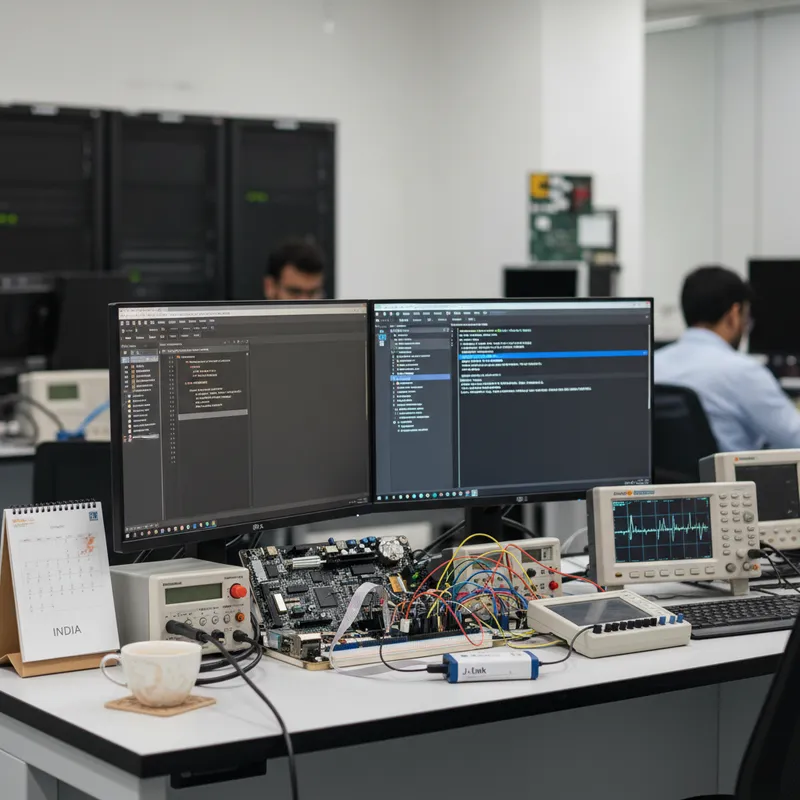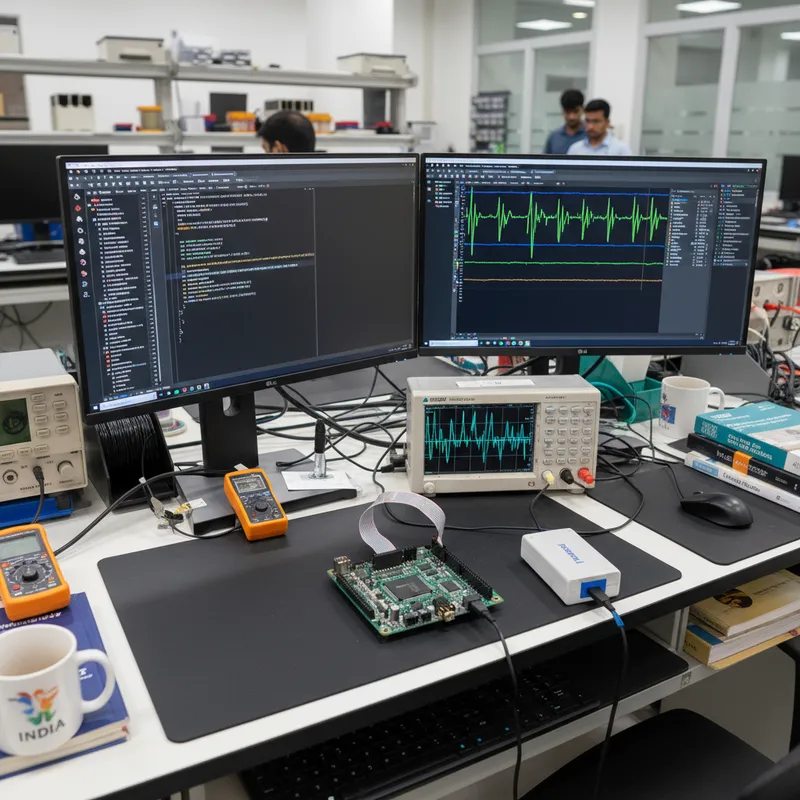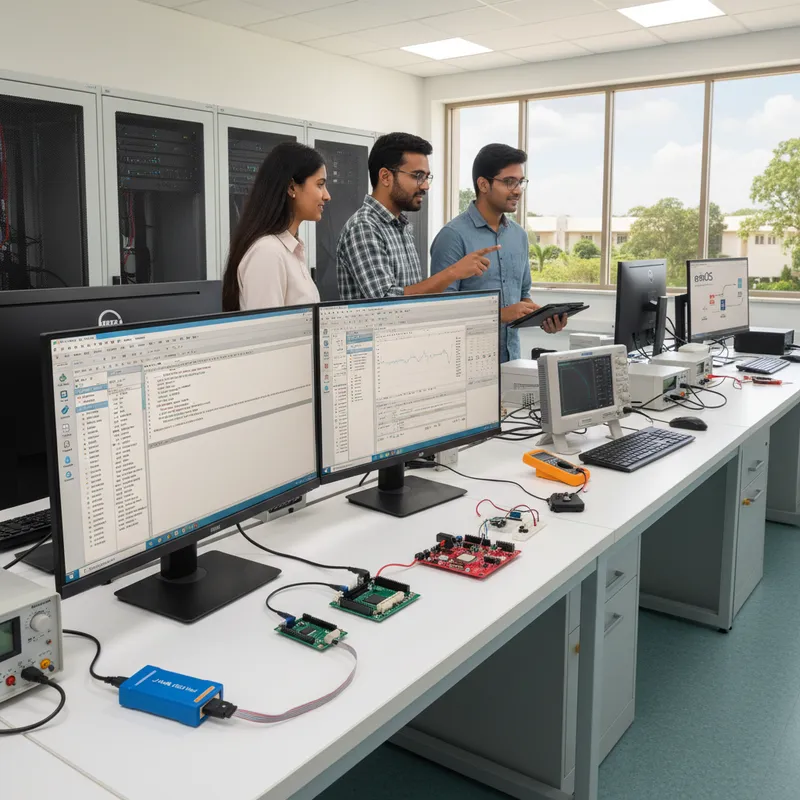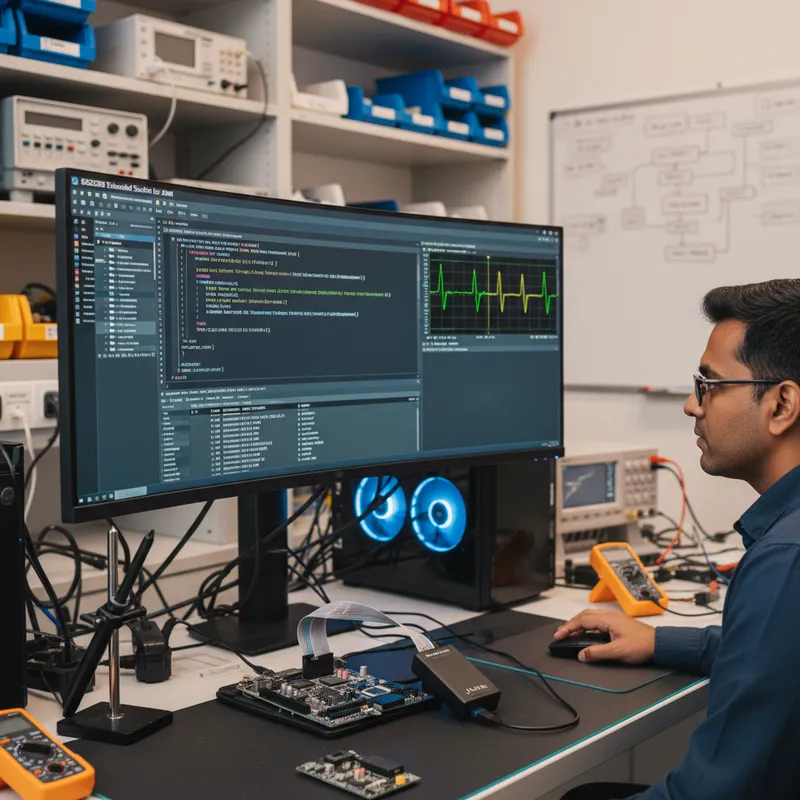
Indian embedded teams have historically standardised on either Keil MDK or IAR Embedded Workbench. Both are commercially proven, both have strong toolchains, and both are Windows-centric. Over the last three years, a steady stream of Indian ECU, IoT, medical, and industrial firmware teams in Bengaluru, Pune, Hyderabad, and Chennai have started evaluating a third option: SEGGER Embedded Studio, the cross-platform IDE from SEGGER Microcontroller GmbH that runs natively on Windows, Linux, and macOS, ships with a Clang/LLVM-based toolchain, and integrates tightly with the rest of the SEGGER tool stack, J-Link, Ozone, SystemView, embOS, and RTT (Real-Time Transfer). This post is for Indian engineering leads who are weighing a migration and want an honest, non-marketing view of what the move actually involves. GSAS Micro Systems is an authorized SEGGER engineering partner in India and ships Embedded Studio commercial licences with INR invoicing, GST compliance, and on-site migration support.
Before we start: this post is not an attack on Keil MDK or IAR EW. Both are capable IDEs that serve their users well. Many Indian teams will stay on those platforms, and that is a fine choice. The question this post addresses is: if you have decided to evaluate SEGGER Embedded Studio, what does the migration actually look like?
Why Indian teams consider switching IDEs in the first place
Five drivers show up repeatedly in Indian migration conversations:
1. Cross-platform development. Keil MDK is Windows-only. IAR EW is effectively Windows-only (there is a Linux build-server variant but not a full IDE). Indian embedded teams are increasingly multi-OS, R&D engineers in Bengaluru often run Linux or macOS on their daily-driver laptops and only boot Windows to open the IDE. A cross-platform IDE removes that friction. More importantly, it removes the friction from CI. If your build farm is Linux (because the rest of your company’s infrastructure is Linux), compiling firmware on Linux rather than marshalling a Windows build agent just for the embedded IDE simplifies the DevOps story considerably.
2. Commercial licensing clarity. Keil MDK uses a per-feature subscription model from Arm. IAR EW uses a seat-based model with per-target-family pricing. SEGGER Embedded Studio uses a straightforward commercial per-seat licence with no per-feature upgrade menu and no per-target-family surcharge. The honest comparison: depending on your team’s size and the number of silicon families you target, SEGGER Embedded Studio licensing can be materially cheaper than the alternatives, especially for Indian teams where INR pricing through GSAS removes the foreign-currency exposure.
3. Integrated SEGGER tool stack. If your team is already using J-Link probes, running SystemView for RTOS analysis, or depending on Ozone for cross-toolchain debug, then Embedded Studio gives you a single IDE where all of those tools are first-class integrated components. You do not need to configure external debuggers or juggle multiple tool versions.
4. No compiler lock-in. Keil MDK historically tied you to ARMCC v5 and now ARMCC v6 (which is Arm’s downstream Clang). IAR EW ties you to the IAR C/C++ compiler. SEGGER Embedded Studio supports GCC, Clang/LLVM, and SEGGER’s own Clang-based toolchain, you can switch between them on a per-project basis if you need to match a specific customer’s build requirements.
5. CI and automation story. Embedded Studio builds from the command line on Linux using the same project file the IDE uses. This matters for Indian teams running GitLab CI, Jenkins, or Buildkite pipelines on Linux runners. Keil MDK’s command-line build works but requires a Windows host. IAR EW’s Linux build server is a commercial add-on.
The migration workflow: what actually happens
The honest answer is that no IDE migration is zero-effort. A project with 150 source files, a custom linker script, a vendor HAL, and a handful of third-party libraries is going to need real engineering attention to move. SEGGER provides semi-automatic import tooling for Keil μVision (.uvprojx) and IAR EW (.ewp) projects that handles the mechanical work, but the resulting project usually needs a day or two of clean-up before it builds cleanly.
Importing a Keil μVision project
Embedded Studio can open a Keil μVision .uvprojx project directly. The importer:
- Reads the project’s source file list and preserves the folder structure
- Reads the include path list and compiler define list
- Reads the optimisation and debug flag settings (where they map onto GCC/Clang equivalents)
- Picks up the vendor device pack from the Keil CMSIS Pack directory, so register definitions and startup code are available
- Preserves the linker script region layout (but converts the Keil linker script syntax, see below)
What the importer does not do:
- Convert ARMCC v5 compiler flags one-for-one. ARMCC v5 is deprecated upstream at Arm and many of its flags do not have direct GCC equivalents. If your project still uses ARMCC v5, the cleanest path is to first move the Keil project to ARMCC v6 (Arm Clang), then import to Embedded Studio. This gives the importer a Clang-compatible flag set to work from.
- Convert Keil’s scatter-load linker script (
.sct) into the GNU linker script format (.icfor.ld). Embedded Studio uses GNU ld, and the scatter-file syntax is different. For most projects this is a manual rewrite of 20-100 lines of linker script. SEGGER ships example linker scripts for common vendor parts that you can start from. - Preserve Keil-specific pragmas.
#pragma arm section,__attribute__((at())), and similar Keil-specific directives need to be rewritten as GCC/Clang-equivalent attributes, typically__attribute__((section(".name"))). This is mechanical but file-by-file.
Importing an IAR EW project
IAR EW project import (.ewp) is similar. The importer reads the project structure, include paths, and defines, and maps IAR’s optimisation levels to GCC/Clang equivalents. The gotchas are:
- IAR’s ILINK linker uses a
.icffile format that is different from both Keil’s scatter format and GNU ld’s linker scripts. It also needs manual conversion, and some of the more complex ILINK memory placement directives require case-by-case handling. - IAR-specific pragmas (
#pragma location,#pragma data_alignment, IAR intrinsics) need rewriting to their GCC/Clang equivalents. - IAR’s C library is slightly different from GCC’s newlib or SEGGER’s own emRun. Code that depends on specific IAR libc behaviour (particularly around
printfformatting, locale handling, andmath.hedge cases) needs testing after migration.
Startup files and vendor device support
Most Indian firmware projects use a vendor SDK, STM32CubeHAL, NXP MCUXpresso SDK, Nordic Connect SDK, Renesas FSP, TI SimpleLink, Microchip Harmony, or similar. All of these SDKs ship with startup files and linker scripts for the major IDEs. The good news: every vendor SDK that supports Keil MDK or IAR EW also supports GCC, and the GCC startup files and linker scripts typically port to Embedded Studio with minimal changes.
For some vendor families, the integration is even tighter. SEGGER ships project templates for common STM32, nRF52/nRF53, i.MX RT, and EFR32 parts that pre-configure the CMSIS Device headers, the startup file, and the linker script ready for immediate use. Those templates are maintained by SEGGER and updated as new silicon ships.
CMSIS Pack support
Embedded Studio supports the CMSIS Pack standard, which is how Arm’s ecosystem distributes device support files, middleware, and examples. You can install a CMSIS Pack from the Arm Pack Installer and use the same device startup files, headers, and flash algorithms that a Keil MDK project would use. For Indian teams who have built up institutional knowledge around CMSIS Packs, this continuity is useful.
Debug session configuration: J-Link as the common denominator
The easiest part of the migration is the debug story. If your team is already using J-Link probes (and most Indian teams doing serious embedded work are), then Embedded Studio connects to them natively with zero configuration. The debug session gets:
- Standard breakpoint, step, run, stop semantics
- Variable inspection and watch windows
- Memory viewer with live update
- Register view with bit-field decode from the CMSIS SVD file
- RTT terminal for non-intrusive printf
- Optional Ozone integration for cross-toolchain or cross-IDE debug sessions
If your team was already using J-Link from Keil MDK or IAR EW, the J-Link configuration you are already familiar with (target device, interface speed, reset strategy) moves into Embedded Studio unchanged.
RTOS awareness: embOS, FreeRTOS, and Zephyr
Embedded Studio’s debug session is RTOS-aware. For embOS projects, Embedded Studio shows the task list, task state, stack usage, and priority in the debug view, no extra configuration needed. For FreeRTOS projects, RTOS awareness is enabled via a plugin that reads the FreeRTOS task structures out of target memory. For Zephyr projects (which Indian teams working on nRF5340, ESP32, and STM32 IoT products increasingly use), there is Zephyr RTOS awareness built on the same plugin mechanism.
Pair Embedded Studio with SystemView for instruction-accurate RTOS timing analysis, SystemView captures task switches, ISR entry/exit, and user events at full speed and renders them on a timeline so your team can find scheduling glitches, priority inversions, and ISR jitter without instrumenting the code.
A realistic Indian migration case pattern
The migration pattern GSAS sees most often looks like this. A typical Pune-area-based automotive Tier-1 supplier has been on Keil MDK for five years, maintaining a mature STM32-based body-control ECU product line. An engineering director decides to evaluate Embedded Studio because the team’s new CI platform runs on Linux and the Windows-only Keil build server has become an operational bottleneck. The team starts with a trial:
- Week 1: Import one existing product’s Keil project into Embedded Studio on a single engineer’s Linux workstation. Work through the linker script rewrite, fix a handful of Keil-specific pragmas, get the firmware building cleanly. Verify on-target debug with the team’s existing J-Link PRO probes.
- Week 2: Wire the Embedded Studio build into the team’s GitLab CI runners on Linux. Produce a reproducible build artefact from the command line that matches the old Keil binary for functional equivalence. Run the product’s full regression suite on the new binary.
- Weeks 3-4: Pilot the new build on one active development branch while the main branch continues on Keil. Compare build output, binary size, flash timing, and on-target performance.
- Month 2-6: Gradually migrate the rest of the product line. New projects start on Embedded Studio, legacy projects move as they hit maintenance releases.
The honest trade-off: the migration costs 2-4 engineer-weeks per product family. The payoff is cross-platform CI, a cleaner licensing cost structure, and tighter integration with the rest of the SEGGER tool stack. For an Indian Tier-1 maintaining 3-5 product families over a 5-year window, the math usually works out in favour of migrating.
Another common pattern is the startup greenfield. An Indian IoT startup in Bengaluru or Hyderabad is building its first product on nRF5340 or STM32U5. They do not have a legacy Keil investment. They pick Embedded Studio from day one because the licence economics are friendlier at startup scale, the cross-platform story matches their team’s laptops, and the integration with J-Link and SystemView gives them production-grade debug capability immediately.
Licensing honestly: what Embedded Studio costs versus the alternatives
SEGGER Embedded Studio’s commercial licence is per-seat, per-year, with no per-target-family surcharge. The pricing is commercial-confidential and volume-dependent, but the headline comparison against Keil MDK Professional and IAR Embedded Workbench for Arm Baseline/Standard/Full editions is: at equal feature scope, Embedded Studio is typically competitive to materially cheaper for Indian teams when priced in INR through GSAS. The exact delta depends on the team size, the seat count, and the specific edition of the competing product. GSAS can produce a like-for-like comparison for a specific team configuration under NDA.
One more honest note: SEGGER also offers non-commercial evaluation licences for Embedded Studio that let engineers kick the tyres for evaluation purposes. These are not intended for production development or commercial use, if your team is going to build a product with Embedded Studio, you buy the commercial licence. GSAS handles the commercial licensing for Indian teams with INR invoicing and GST compliance.
Further reading
- SEGGER Embedded Studio product page at segger.com, authoritative product documentation
- SEGGER Embedded Studio release notes at segger.com
- SEGGER Embedded Studio product page at GSAS
- SEGGER J-Link model selection guide for India, choosing the right J-Link to pair with Embedded Studio
- SEGGER J-Link STM32 complete guide for India, the STM32-specific workflow
- SEGGER J-Link for Renesas RA and RX in India, the Renesas workflow Embedded Studio pairs with
- SystemView V4 ELF integration, RTOS profiling companion
- Cortex-M hard-fault debug with RTT, the diagnostic technique Embedded Studio makes easy
- SEGGER at GSAS
- GSAS industrial IoT capabilities
Buy SEGGER Embedded Studio in India from GSAS
GSAS Micro Systems is an authorized SEGGER engineering partner in India for Embedded Studio commercial licensing and migration support. Whether you are an automotive Tier-1 in Pune planning a phased migration off Keil MDK, an IoT startup in Bengaluru starting a greenfield nRF5340 project, a medical device team in Hyderabad evaluating IDE options for a new IEC 62304 programme, or an industrial controls house in Chennai looking to unify Linux CI with Windows development, we will help you scope the migration, produce a like-for-like cost comparison under NDA, and arrange an on-site workshop with a SEGGER application engineer for the bring-up. Contact us for a hands-on demo at any of our Bengaluru, Chennai, Hyderabad, Delhi NCR, Mumbai, or Pune offices, or visit our SEGGER India partner page for the full portfolio.
Also appears in:
Interested in SEGGER tools?
Talk to our application engineers for personalized tool recommendations.
More from SEGGER
View all →
Meet the GSAS Team at electronica India 2026, Stall H3.I45
15 Sept · 3 min
J-Link Is Now Validated by ST for StellarStudio
13 Sept · 2 min
An AI Agent That Drives the Debugger: SEGGER and Embedder Connect J-Link to the Loop
13 Sept · 6 min
SEGGER J-Link and J-Trace Now Support Andes Trace: Why This Matters for RISC-V
21 Jul · 6 min

Emulating Processor Power for Thermal Testing: Why Constant Power
7 Oct · 7 min

CRPS and Rack Power Supply Testing: The Six Tests That Matter
7 Oct · 7 min