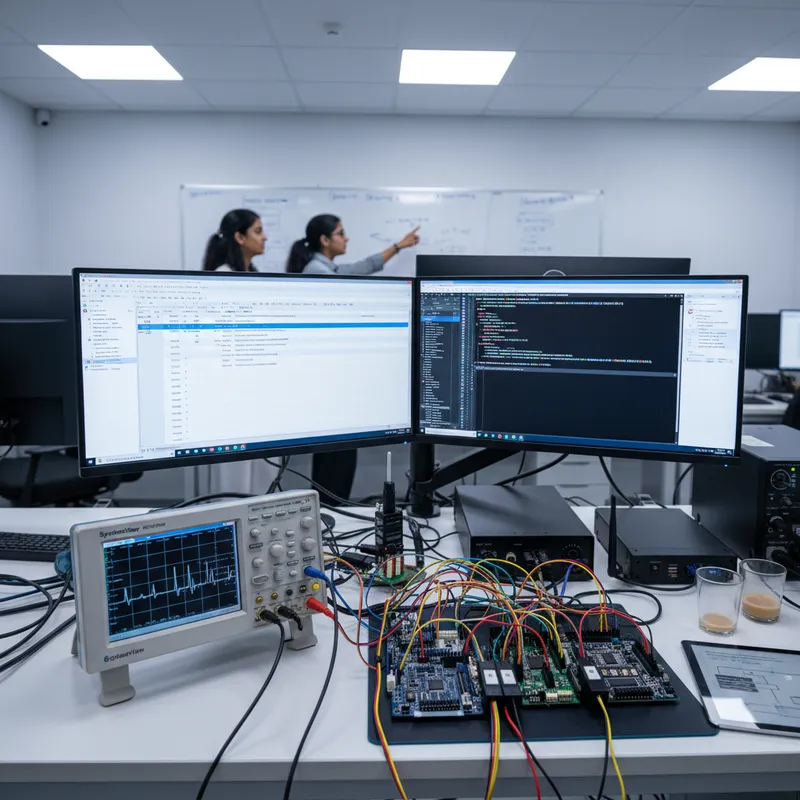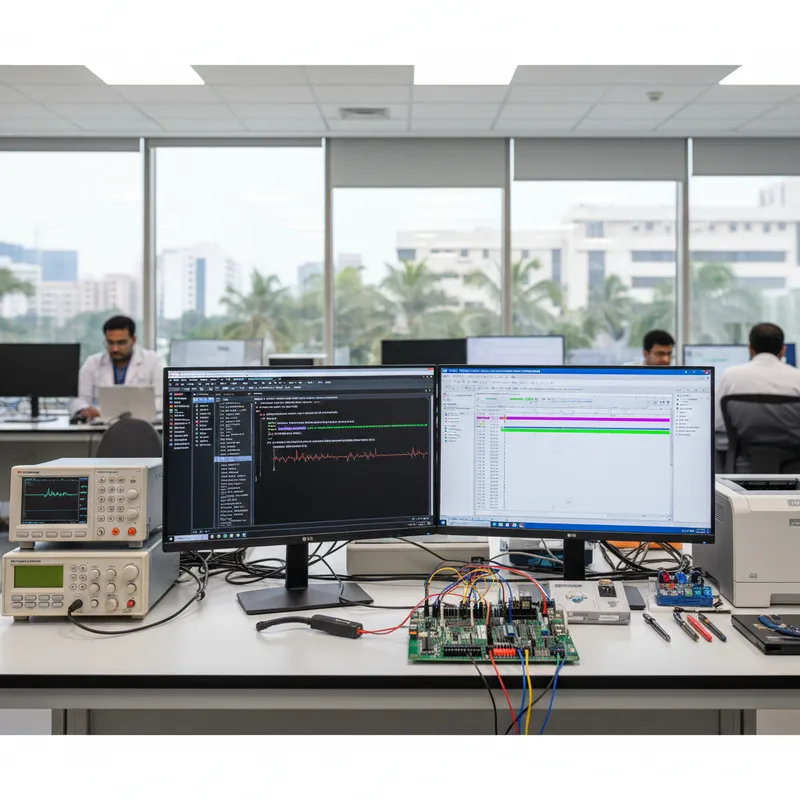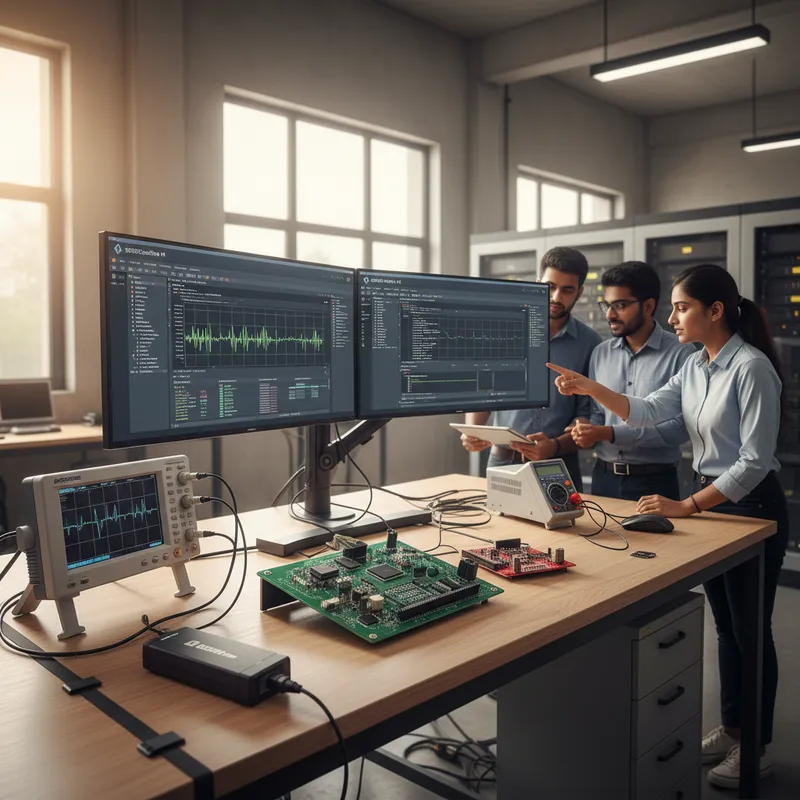
On 31 March 2026, SEGGER Microcontroller GmbH announced SystemView V4, a meaningful upgrade to the real-time visualization tool that Indian firmware teams already rely on to understand how their RTOS-based systems actually behave on-target. The headline change sounds small. The downstream consequences for Indian embedded engineering practice are not.
This post walks through exactly what changed in V4, what it does not change (which matters, because the release note is deliberately narrow), and what the new workflow means for three system classes that Indian teams build every day: an automotive ECU node, a Class-II medical monitor, and an Industry-4.0 gateway. GSAS Micro Systems is an authorized SEGGER partner, SystemView, the J-Link probes it runs on, and the full SEGGER tool stack are available in INR with local support across Bengaluru, Chennai, Hyderabad, Delhi NCR, Mumbai, and Pune.
The one change that matters: SystemView V4 reads your ELF file directly
Every prior version of SystemView needed to be handed information about your system through manual source-code instrumentation. If you wanted the timeline to show a task called "SensorSampler" instead of a numeric task ID, you had to register the name in firmware at task-creation time. If you wanted log messages to appear on the timeline, you had to embed the strings in ROM and stream them over RTT at runtime. For ROM-constrained RTOS projects, which is most of them in practice, this created a tax every firmware engineer pays: the debug tool wanted data the target image could barely afford to carry.
V4 collapses that tax. From SEGGER’s own announcement:
“The new version of SystemView introduces support for adding the firmware ELF file directly to a project. This provides SystemView with crucial information without requiring any modification of the target source code, simplifying both recording and analysis of system behavior.”
The ELF is the compiler’s own record of what is in your firmware, every symbol, every static object, every function name, every global variable. SystemView V4 reads the ELF at the host side and uses it to fill in details the target no longer has to ship. The firmware image shrinks. The RTT stream shrinks. The debug timeline becomes more informative at the same time. That combination, less instrumentation, more signal, is rare.
Print ELF: log messages that cost zero bytes in firmware
The first concrete feature built on top of ELF integration is Print ELF. SEGGER describes it this way:
“With the new Print ELF feature, log messages no longer need to be included in the firmware image. Instead, the target application records an ID, while SystemView retrieves the corresponding string from the ELF file. This can significantly reduce firmware ROM usage as well as SystemView RTT bandwidth requirements.”
Mechanically: your firmware code still calls the usual print helper. At build time, each unique log string is assigned a numeric ID and the string itself is recorded in an ELF section that ships alongside the binary but never gets flashed to the MCU. At runtime, the target only sends the ID over RTT. SystemView on the host matches the ID against its copy of the ELF and shows you the full string in the timeline, with all the context it would have had if the string had been in ROM.
Two wins in one change. ROM savings, critical on an STM32L4 motor controller with 512 KB of flash, or a Nordic nRF52 wearable with no room to spare for debug strings. RTT bandwidth savings, critical when the same node is streaming high-frequency sensor telemetry through the same debug pin SystemView is reading.
Automatic resource naming out of the box
The second V4 feature is just as consequential for daily debug work. Historically, SystemView needed each queue, mutex, task, and mailbox to be explicitly registered by name in firmware. Every team writing a new module had to remember the registration line, and every team onboarding a new engineer had to explain why the timeline showed “Task_7” instead of the human-readable name the code used.
V4 picks the names out of the ELF symbol table automatically. Per SEGGER:
“Names of system resources such as queues, mutexes, tasks, and mailboxes are extracted directly from the ELF information, eliminating the need to explicitly register them in the firmware. SystemView now displays resource names out of the box, making system analysis more efficient and easier to interpret.”
The payoff is not just aesthetic. When an Indian team is debugging a race condition between two ISRs contending for the same mutex at 03:00 before a customer demo, the timeline now shows "g_flash_write_mutex" and "adc_dma_complete_sem" instead of opaque numeric IDs, and the engineer finds the bug in minutes instead of hours.
What the V4 announcement does NOT say
It is worth being specific about what the announcement deliberately does not claim, because several things could reasonably be asked about V4 but are not covered on the release page itself:
- No new performance numbers. Event-rate limits, maximum task counts, RTT buffer sizes, none of these are re-stated or changed in the V4 announcement.
- No new RTOS or core support is claimed. SystemView’s core RTOS coverage (embOS, FreeRTOS, Zephyr, and others) continues unchanged as far as this release is concerned.
- No new UI features beyond the two above, no new timeline filters, groupings, annotations, or export formats are described.
- No pricing or licensing change. The SystemView Unlimited Edition remains a paid option; the free edition remains free. Specific event thresholds should be verified on the live SystemView product page before quoting in any Indian project proposal.
- No new host operating system support is mentioned. Windows, macOS, and Linux continue as the SystemView host tool targets.
For Indian proposal writers working SystemView into a tender or RFQ, the defensible claim is simple: the V4 upgrade simplifies instrumentation and reduces the firmware footprint of debug logging. Everything else must be confirmed against the canonical SEGGER source at the time of quoting.
What V4 changes for three Indian system classes
Automotive ECU node (AUTOSAR-adjacent firmware on Renesas RA6 or NXP S32K)
Indian automotive Tier-1 teams in Pune, Bengaluru, and Chennai spend considerable effort fitting AUTOSAR BSW, application SWCs, diagnostic services, and the trace instrumentation into limited flash on mid-range MCUs. Every byte of RTT logging that does not need to ship in ROM is a byte available for function. V4’s Print ELF feature moves debug strings out of the firmware image entirely, which for a typical automotive application with thousands of log call sites is often tens of kilobytes of ROM recovered. Paired with a SEGGER J-Link PRO with isolated JTAG on the ECU harness, SystemView V4’s automatic resource naming shows "g_brake_event_queue" on the timeline at the moment the software-reset watchdog fires, which is the difference between a one-morning bug hunt and a three-day one.
Class-II medical monitor (ISO 13485 / IEC 62304 firmware on STM32U5 or nRF5340)
For Indian medical device makers building pulse oximeters, BP cuffs, CGM monitors, and home sleep trackers under ISO 13485 quality systems, every change to the firmware, even debug instrumentation, adds to the change-control burden. Print ELF reduces the pressure by keeping debug string updates out of the shipping image: the ID-to-string map lives in the ELF that accompanies the binary but is not part of the flashed firmware. For a Class-II product audit, this separation is a welcome reduction in traceability scope. SystemView V4’s automatic resource naming also reduces the instrumentation diff churn between firmware builds, which in turn reduces the review load on the safety engineer.
Industry 4.0 gateway (Zephyr or embOS on NXP i.MX RT1170 or STM32MP1)
High-throughput gateway products streaming sensor data to MQTT brokers and downstream analytics systems frequently saturate their SystemView RTT bandwidth with log data during stress testing. Print ELF directly addresses the RTT bandwidth problem by moving strings off the wire. For an Indian systems integrator building a predictive-maintenance gateway that processes thousands of sensor events per second on an i.MX RT1170, V4’s Print ELF is the difference between a usable SystemView trace and a trace that drops events under load.
Getting SystemView V4 running on an Indian engineering bench
SystemView runs on any J-Link debug probe, BASE, PLUS Compact, ULTRA, PRO, WiFi, without additional hardware. The Unlimited Edition license is the practical choice for professional Indian teams shipping products into production. For teams already using SystemView via the free edition, upgrading to V4 is a host-side install; the target code does not need to change. For teams moving from a competitor trace tool, the first benefit is the one V4 doubled down on: SystemView no longer demands invasive firmware registration to produce a useful timeline, which lowers the cost of trying it out for the first time on an existing codebase.
GSAS Micro Systems supplies SystemView alongside the J-Link, J-Trace, Flasher, Embedded Studio, and embOS product range across India. If your team is planning an upgrade from SystemView V3 to V4, evaluating SystemView for the first time against a competing trace tool, or fitting a SystemView workflow into an AUTOSAR, ISO 13485, or IEC 61508 toolchain, contact us at any of our 11 offices across India for a hands-on walkthrough on your target hardware.
Further reading
- SystemView V4 release announcement, the canonical SEGGER source for this post
- SystemView product page, current feature matrix, supported RTOSes, and Unlimited Edition licensing
- J-Link model comparison, pick the right J-Link for your SystemView workflow
- SEGGER on the GSAS partner page, the full SEGGER tool, probe, and middleware range available in India
Also appears in:
Interested in SEGGER tools?
Talk to our application engineers for personalized tool recommendations.
More from SEGGER
View all →
Meet the GSAS Team at electronica India 2026, Stall H3.I45
15 Sept · 3 min
J-Link Is Now Validated by ST for StellarStudio
13 Sept · 2 min
An AI Agent That Drives the Debugger: SEGGER and Embedder Connect J-Link to the Loop
13 Sept · 6 min
SEGGER J-Link and J-Trace Now Support Andes Trace: Why This Matters for RISC-V
21 Jul · 6 min

Emulating Processor Power for Thermal Testing: Why Constant Power
7 Oct · 7 min

CRPS and Rack Power Supply Testing: The Six Tests That Matter
7 Oct · 7 min