Webinar
Introduction to Keil Studio for VS Code
Part 1 of 4
Getting Started: From µVision to a VS Code Workflow
From install to first build in one session.
 Save Your Seat →
- Date
- Wednesday, 25 November 2026
- Format
- Online, live webinar
- Speakers
- Soumyarani R Pise & Geetha Sathyanarayana Nazre (GSAS)
- Cost
- Free
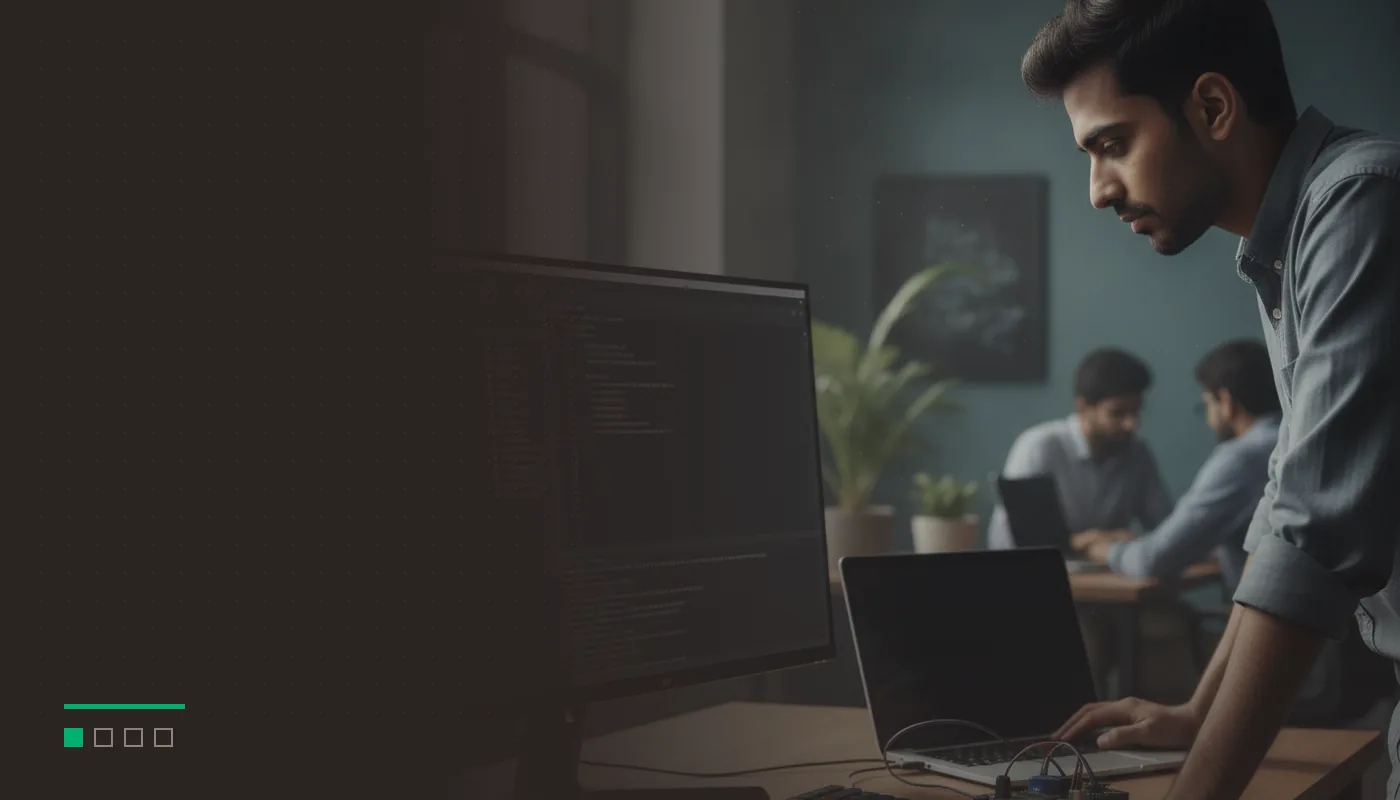
Registration for Introduction to Keil Studio for VS Code is free and open online. Select Save Your Seat, or click the event image, to sign up.
Your IDE shapes how your team builds, reviews and ships firmware. Part 1 shows how Keil Studio fits into VS Code, Git and CI, and takes a first CMSIS project from install to first build on real hardware.
Arm now describes Keil µVision as its legacy IDE, and Keil Studio for VS Code, part of Keil MDK v6, is where Arm delivers its newest MDK tooling, such as the CMSIS Debugger and the CMSIS Developer Assistant. Over four weekly sessions, GSAS takes you from your first Keil Studio project to migrating existing µVision projects, debugging with trace, and AI-assisted development. Every session includes a live demo on real Cortex-M hardware.
What’s covered
- Why the move matters: Arm now describes Keil µVision as its legacy IDE, and Keil Studio for VS Code, part of Keil MDK v6, is where Arm delivers its newest MDK tooling, such as the CMSIS Debugger and the CMSIS Developer Assistant.
- How Keil Studio is built: VS Code extensions, CMSIS-Toolbox as the build system, and Arm Compiler 6 or another supported toolchain.
- A live install and a first CMSIS project on an STM32 Nucleo board, from install to first build.
- The MDK editions and how to choose one for your team.
Who should attend
Firmware engineers, embedded software leads and architects working with Keil MDK today, and teams starting a new Cortex-M project.
Session time
| Item | Detail |
|---|---|
| Date | Wednesday 25 November 2026 |
| Time | 3:30 to 4:30 PM IST |
| Format | 45 minutes of presentation and live demo, then 15 minutes of Q&A |
| Cost | Free, registration required |
| Recording | Slides and recording emailed to all registrants after the session |
Soumyarani R Pise presents. Geetha Sathyanarayana Nazre hosts and takes the questions.
The full series
- Introduction to Keil Studio for VS Code (this session)
- Migrating µVision Projects to Keil Studio
- Advanced Debugging with the CMSIS Debugger
- AI-Assisted Embedded Development with the CMSIS Developer Assistant
Each part has its own registration. Can’t make it live? Register anyway and we will send you the slides and the recording. For an overview of all four parts and Arm’s kick-off, see the series announcement.
Planning the move for your team?
GSAS Micro Systems is Arm’s authorized partner in India for Arm Development Tools. Talk to us about Keil MDK v6 licensing or an evaluation for your project, and about hands-on Keil training for your engineers. Talk to our team.
Register for Introduction to Keil Studio for VS Code
You will receive a confirmation email with your joining link. Form not loading? Open the registration page.
More events
Other GSAS Events
Webinar
AI-Assisted Embedded Development with the CMSIS Developer Assistant
Wednesday, 16 December 2026
Webinar
Advanced Debugging with the CMSIS Debugger
Wednesday, 9 December 2026
Webinar
Migrating µVision Projects to Keil Studio
Wednesday, 2 December 2026
Webinar
Siemens EDA: Chiplet-to-Chiplet Design with UCIe
Wednesday, 2 December 2026
FAQ