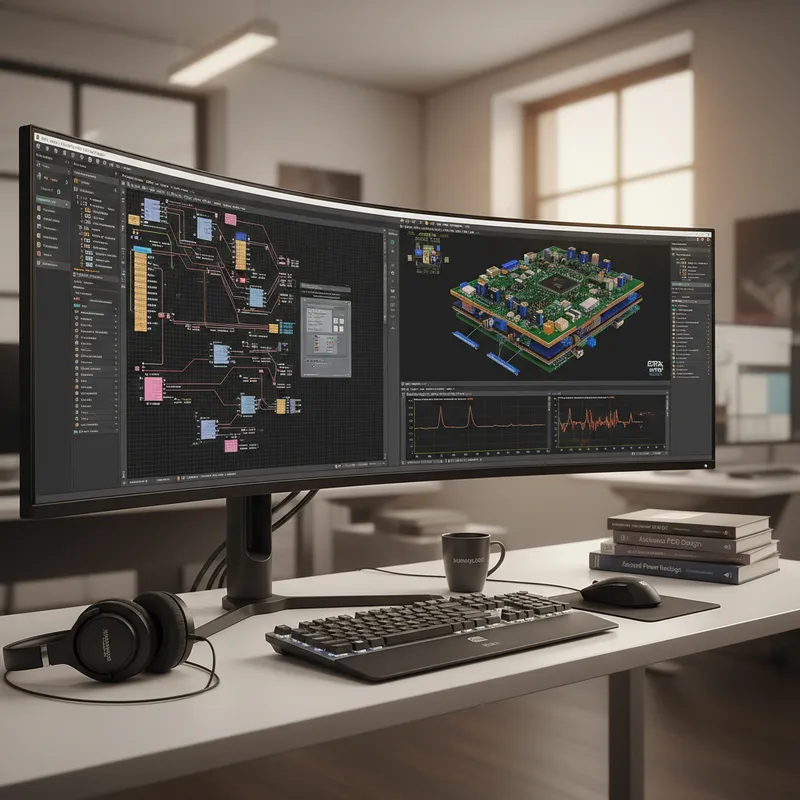
In this webinar, we will show you how easy and fast it is with Altium Designer 21 to create a prototype from scratch, automatically generate manufacturing files and standardized documentation – and all of this by only using the tools included in the unified design environment of Altium Designer 21.
WE WILL SHOWCASE THE FOLLOWING:
- Schematic entry and component selection
- Generating a bill of material with current supplier information from the field
- PCB-Design and board outline fitting in 3D
- Generating manufacturing files and documentation
Timing:
Friday, 17th September 2021 | 2:30 PM to 04:00 PM
LEARN MORE ABOUT ALTIUM SOFTWARE
Webinar Recording
Unified design environment vs modular best-of-breed
Altium Designer’s headline strength is the unified design environment: schematic capture, PCB layout, BOM management, supplier integration, and 3D ECAD/MCAD review under one roof, on one license, with one support contract. That story works well for individual engineers and small teams that own the entire design end-to-end and need fast time-to-prototype.
The trade-off shows up at scale: when a team needs deep signal integrity sign-off on every channel, manufacturing DFM analysis tied to a specific fabricator’s process capabilities, or multi-board / multi-site collaboration on a single design database, the all-in-one tool starts to compromise on each individual capability. Siemens Xpedition takes the opposite approach, best-of-breed modules (layout, routing, simulation, DFM) sharing one design database, and the toolchain that GSAS supports in India reflects that.
How GSAS recommends choosing between them
- Stay on the unified single-tool flow if your team is 1–3 designers, your boards top out at 8 layers and a few thousand nets, and your typical sign-off is “fab the prototype and hope.” That’s the Altium sweet spot, and the existing webinars and recordings here cover the workflow well.
- Move to Xpedition Standard when the team grows to 4+ designers, your boards push into 10+ layers, you need cloud DFM (Valor) catching fabricator issues before fab release, or you want AI-assisted command prediction and sketch routing in your day-to-day flow.
- Move to Xpedition Enterprise for multi-board systems, advanced rigid-flex, full HyperLynx SI/PI sign-off, and large geographically distributed teams.
For a topic-by-topic comparison, see our Altium Designer vs Siemens Xpedition Standard for Indian PCB teams guide.
About GSAS Workshop Series
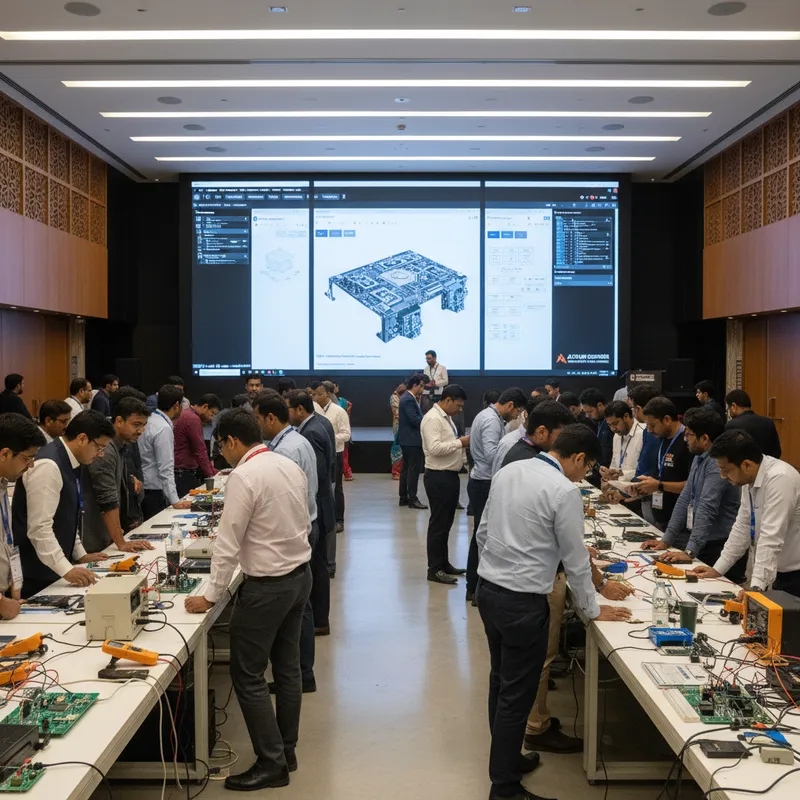
GSAS Micro Systems regularly hosts webinars, workshops, and technical seminars to help India’s embedded engineering community stay current with the latest tools, techniques, and industry standards. Our events feature hands-on demonstrations and expert guidance from our applications engineering team.
Request a private session for your engineering team, or browse our complete event archive.
Also appears in:
Need embedded development tools?
Talk to our application engineers for personalized tool recommendations.