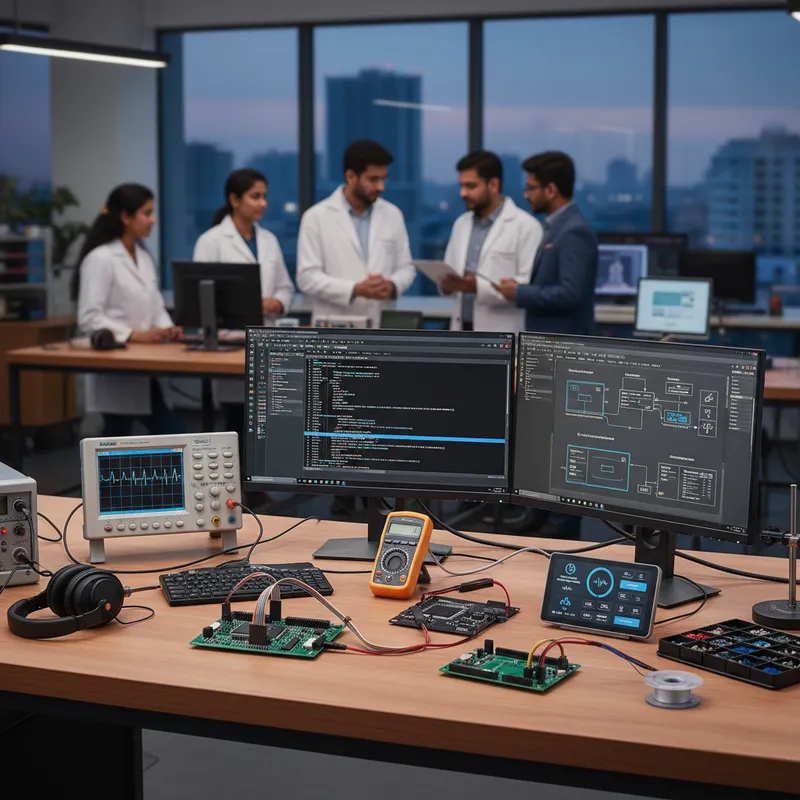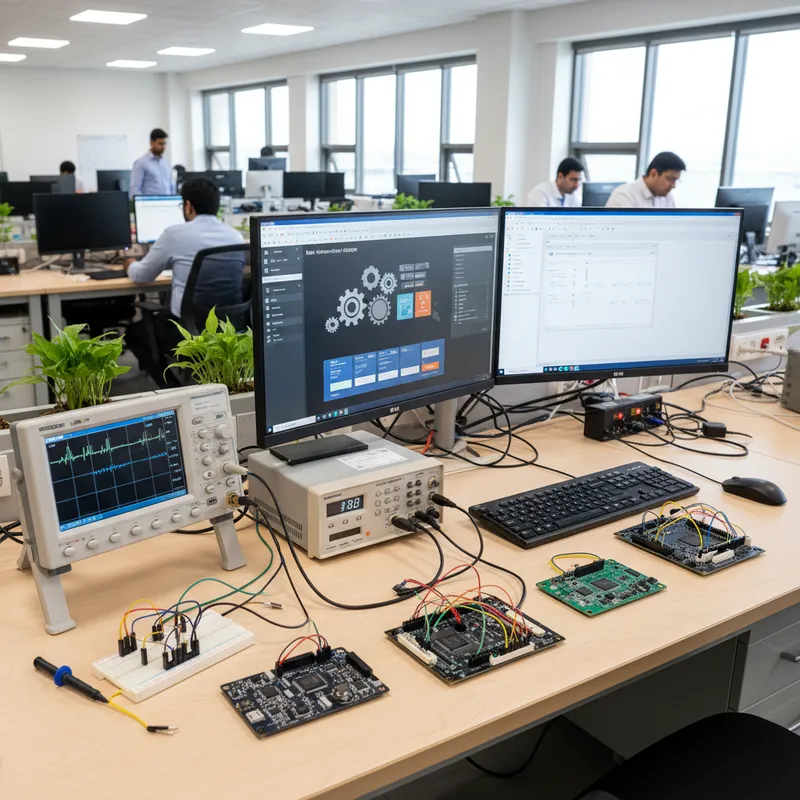
Every Indian product with a color display is a potential GUI project, and the volume of this work is quietly exploding across Bengaluru, Chennai, Hyderabad, Pune, Mumbai, and Delhi NCR. Industrial panel displays on factory-floor PLCs, medical-device UIs on infusion pumps and ventilators, smart-appliance control panels on washing machines and air conditioners, EV dashboards on two-wheelers and three-wheelers, kiosks at railway stations and airports, hospital bedside terminals, every one of these is a Cortex-M4/M7/M33 target with a capacitive touchscreen and a six-to-twelve month schedule that assumes the GUI gets built without the firmware engineer having to hand-write widget code from scratch. The stack Indian product teams have converged on for this work is SEGGER emWin paired with AppWizard, licensed through GSAS Micro Systems as an authorized engineering partner for SEGGER Microcontroller GmbH.
This post walks through the touchscreen integration story, capacitive and resistive controllers, multi-touch gestures, Unicode for Indian languages, and the AppWizard workflow that lets a product manager iterate on screen flows in parallel with the firmware engineer integrating them into the target. It is the “normal case” companion to our earlier custom widget post, which covered hand-coded widgets for specialized medical HMI applications.
Why emWin dominates Indian Cortex-M GUI work
The silicon-vendor economics of emWin are what drive its adoption in India:
- STMicroelectronics ships emWin free for STM32 under the STemWin licence. Any Indian team building on STM32F4, F7, H7, U5, or H5 gets emWin bundled into the STM32Cube ecosystem with no additional licence cost for that silicon.
- NXP ships emWin free for i.MX RT crossover MCUs. RT1060 and RT1170 projects get emWin bundled with the MCUXpresso SDK at no extra cost for that silicon.
- Renesas ships emWin free for specific RA and RZ silicon. Renesas RA6M4 and RA8 Indian programs get the bundled variant.
- For every other target, or for Indian OEMs who want full renderer source, commercial redistribution rights, and a unified licence across multiple silicon families, GSAS sells the commercial emWin source licence from SEGGER on a royalty-free per-product basis.
The combined result is that emWin is the default GUI library for roughly 80 percent of the Indian Cortex-M HMI work we see in 2026, and the AppWizard workflow below is what turns it from “a drawing library” into “a production HMI stack.”
The touchscreen integration story
emWin handles touchscreen input through its Pointer Input Device (PID) layer. The PID layer is a thin abstraction that takes raw touch events from the touch controller, X coordinate, Y coordinate, pressed / released, and feeds them into the widget system, which handles event routing, hit testing, and dispatch to the right widget callback.
Capacitive touch controllers
The common capacitive touch controllers Indian HMI designs pick up:
- Focaltech FT5x06 / FT6206 / FT5426. Ubiquitous on Chinese-made LCD modules that Indian product teams source for prototyping and early production.
- Goodix GT911 / GT928 / GT9271. Common on larger panels (7-inch, 10-inch) that industrial-HMI products use.
- Hynitron / Ilitek / Sitronix controllers. Found on specific panel vendors.
- STMPE811 for small resistive-plus-capacitive combined modules.
For each of these, the integration into emWin is the same pattern: the firmware initializes the I2C interface, reads the controller’s touch report on a timer or GPIO interrupt, converts the raw ADC coordinates to display coordinates via a calibration matrix, and calls GUI_TOUCH_StoreState(x, y) or the newer multi-touch GUI_PID_StoreState() API. emWin dispatches from there.
Resistive touch
Resistive touchscreens are still shipping on Indian industrial panels where glove operation is a requirement, think factory-floor HMIs where the operator wears heavy rubber gloves. The STM32 TSC peripheral, the ADS7843 / TSC2046 resistive controllers, and the STMPE811 all have straightforward emWin PID integrations. The calibration step is more involved than capacitive (a four-point calibration at first power-on) but the widget event path is identical.
Gesture recognition
emWin supports gesture recognition on top of the PID layer, tap, double-tap, long-press, swipe in four directions, flick velocity. For Indian consumer-appliance teams building touchscreen controls that compete with smartphone-style interactions, this is the difference between a product that feels modern and one that feels industrial. The gesture events arrive at the widget as standard messages that your screen logic routes through the same callback as any other touch event.
Multi-touch
emWin’s multi-touch layer supports up to ten simultaneous contact points on a capable controller, which is enough for pinch-to-zoom on a map view or a two-finger rotate on an image. Indian medical-imaging review stations and map-display HMIs use this directly. Critically, multi-touch works only if the underlying touch controller reports multi-touch, the FT5x06 family does, the STMPE811 does not, so the hardware choice has to come before the UX choice.
Glove and wet-finger input
Indian industrial-panel teams regularly ship into kitchens, dairies, washdown environments, and outdoor cabinets where the operator’s fingers are wet, gloved, or both. emWin itself does not solve the wet-finger problem, that lives in the touch controller’s sensitivity calibration, but it exposes every parameter the calibration needs (touch-pressure threshold, debounce interval, minimum hold time) so the firmware engineer can tune them for the target environment.
AppWizard: the drag-and-drop GUI designer
The single biggest productivity shift for Indian HMI teams is AppWizard, SEGGER’s visual GUI designer that generates emWin C source code directly from a drag-and-drop interface.
What AppWizard actually does
- Visual screen design. Drop buttons, images, text fields, progress bars, gauges, and backgrounds onto a canvas sized to your target display. See the result immediately in a simulator on your development machine.
- State machine modeling. Every screen is a state, and transitions between screens are edges on the state machine. The designer models which button on which screen takes the user to which next screen, what animation plays during the transition, and what variables get updated along the way.
- Resource management. Images, fonts, colors, translations, all managed through a central asset pane and packed into the generated code with the minimum footprint needed for the target.
- Code generation. Export as C source that compiles directly into an STM32Cube, MCUXpresso, or Renesas e² studio project. The generated code is readable and debuggable; it is not an opaque runtime interpreter.
The workflow for Indian product teams
The workflow pattern that matters: UX design and firmware integration happen in parallel. A product manager or industrial designer in Bengaluru opens AppWizard on a Mac or Windows machine, lays out the screens, picks the fonts, drops in the branding, wires up the state machine, and iterates with the product owner. When the design is frozen, AppWizard exports the C source, and the firmware engineer in Chennai integrates it into the target project, connecting the AppWizard-generated “button pressed” callback to the real firmware function that starts the pump, opens the valve, or kicks off the diagnostic sequence.
This is a far better collaboration model than the alternative, which is the firmware engineer writing BUTTON_Create() calls by hand in C based on a Figma mockup from the designer. The cycle time from “designer moves a button 10 pixels” to “firmware engineer sees the new layout on the target” drops from a half day to minutes.
Where AppWizard fits: and where custom widgets still matter
AppWizard covers the normal case: product-screen layouts built from the stock widget library (buttons, sliders, gauges, image views, text fields). When the product specification calls for something the stock widgets do not cover, a circular vitals dial, a segmented signal-strength indicator, a multi-ring temperature chart, the custom emWin widget pattern is what you fall back on. The two are complementary, not alternative: AppWizard handles the screens, a hand-coded custom widget slots in for the specialized visual element on one specific screen.
Internationalization: Indian languages on embedded displays
One of the harder asks on Indian consumer and healthcare products is multi-language UI. The product manager wants the UI string “Start diagnosis” available in English, Hindi, Tamil, Telugu, Kannada, Marathi, Bengali, Gujarati, Malayalam, and Punjabi, all legible on a 5-inch capacitive touchscreen, all switchable from a settings menu, all rendered correctly at the target’s frame rate.
emWin handles this through its Unicode text rendering and its built-in language-resource system:
- Unicode strings. emWin stores and renders UTF-8 / UTF-16 strings natively. Devanagari, Tamil, Telugu, Kannada, Bengali, and other Indic scripts render correctly if the right TrueType font is loaded.
- Font subsetting. You don’t need to ship a 6 MB Noto Sans Devanagari font; AppWizard’s font converter extracts only the glyphs the application’s strings actually use, which typically drops a comprehensive Indic font to 100-300 KB for a production HMI vocabulary.
- Right-to-left and complex-script layout. For scripts that need ligature shaping (Devanagari conjuncts, Tamil ligatures), emWin provides a text renderer that handles the most common cases; edge cases may need a pre-rendered bitmap font for the specific glyph set.
- Language switching at runtime. The UI state carries the current language, and the screen repaint picks up strings from the current language’s resource table. AppWizard exposes this as a first-class designer feature, define the language list once, type every string in every language into the resource table, and the runtime switch is automatic.
For an Indian appliance manufacturer selling washing machines across states, where the UI has to speak the local language of the customer, this is not a nice-to-have. It is a commercial requirement, and emWin is one of the few embedded GUI stacks that handles it without a separate shaping library.
Hardware 2D acceleration: where performance comes from
emWin uses the target silicon’s 2D graphics accelerator where available, which is what lets a 64-120 MHz Cortex-M4 drive a 480×272 or 800×480 capacitive touchscreen at a comfortable frame rate without dropping frames.
- STM32H7 DMA2D / Chrom-ART. The Chrom-ART accelerator on STM32H7 handles rectangle fills, image blits, color conversion, and alpha blending in hardware, freeing the Cortex-M7 for application logic. emWin uses it automatically when the emWin display driver is configured for the STM32H7 LTDC + DMA2D pipeline.
- NXP i.MX RT PXP. The Pixel Pipeline engine on i.MX RT1060 and RT1170 does image rotation, scaling, and color-space conversion in hardware. emWin’s i.MX RT driver dispatches appropriate operations to PXP.
- Renesas Drawing Engine (DRW2D). On RA6M4 and similar Renesas targets with the 2D drawing engine, emWin’s Renesas driver uses it for accelerated polygon and blit operations.
The practical consequence: an Indian HMI team building on an STM32H743 at 480 MHz can drive a 800×480 touchscreen with a 60 Hz frame rate and still have plenty of CPU budget left for the application’s control loop, the USB host stack, the Modbus slave, and whatever else the product specification demands. On software-only rendering (if you pick a part without 2D acceleration) the same workload can consume most of the CPU, and frame drops become visible during scrolling and animated transitions.
Performance debugging with SystemView and Ozone
When an emWin frame-rate budget is in trouble, scrolling stutters, transitions drop frames, touch response feels laggy, the diagnostic path Indian teams use is SEGGER SystemView over RTT (Real-Time Transfer) for the task-level timeline, plus SEGGER Ozone for code-level profiling of the paint functions. The SystemView v4 ELF integration post has the full workflow. For emWin specifically, the trick is to instrument the WM_Exec() call in the GUI task with user-event markers so you can see which widget’s repaint is taking how many microseconds on the real target, which is the information you need to decide whether to accelerate, cache, or restructure the offending screen.
Further reading
- SEGGER emWin product page at segger.com
- SEGGER AppWizard product page at segger.com
- GSAS, SEGGER emWin product page
- GSAS, SEGGER partner page
- GSAS, SEGGER SystemView
- GSAS, SEGGER Ozone
- GSAS blog, Custom emWin widgets for Indian medical HMI, companion post on hand-coded specialized widgets
- GSAS blog, SystemView v4 ELF integration in India
- GSAS blog, J-Link on NXP i.MX RT crossover MCUs in India
To scope an emWin + AppWizard HMI program for your Indian product, industrial panel, medical device, smart appliance, EV dashboard, or kiosk, contact GSAS Micro Systems in Bengaluru, Chennai, Hyderabad, Pune, Mumbai, or Delhi NCR and our engineering team will walk you through the touchscreen integration, the AppWizard workflow, the Indian-language resource strategy, and the commercial licensing path for your specific Cortex-M target.
Interested in SEGGER tools?
Talk to our application engineers for personalized tool recommendations.
More from SEGGER
View all →
Meet the GSAS Team at electronica India 2026, Stall H3.I45
15 Sept · 3 min
J-Link Is Now Validated by ST for StellarStudio
13 Sept · 2 min
An AI Agent That Drives the Debugger: SEGGER and Embedder Connect J-Link to the Loop
13 Sept · 6 min
SEGGER J-Link and J-Trace Now Support Andes Trace: Why This Matters for RISC-V
21 Jul · 6 min

Emulating Processor Power for Thermal Testing: Why Constant Power
7 Oct · 7 min

CRPS and Rack Power Supply Testing: The Six Tests That Matter
7 Oct · 7 min