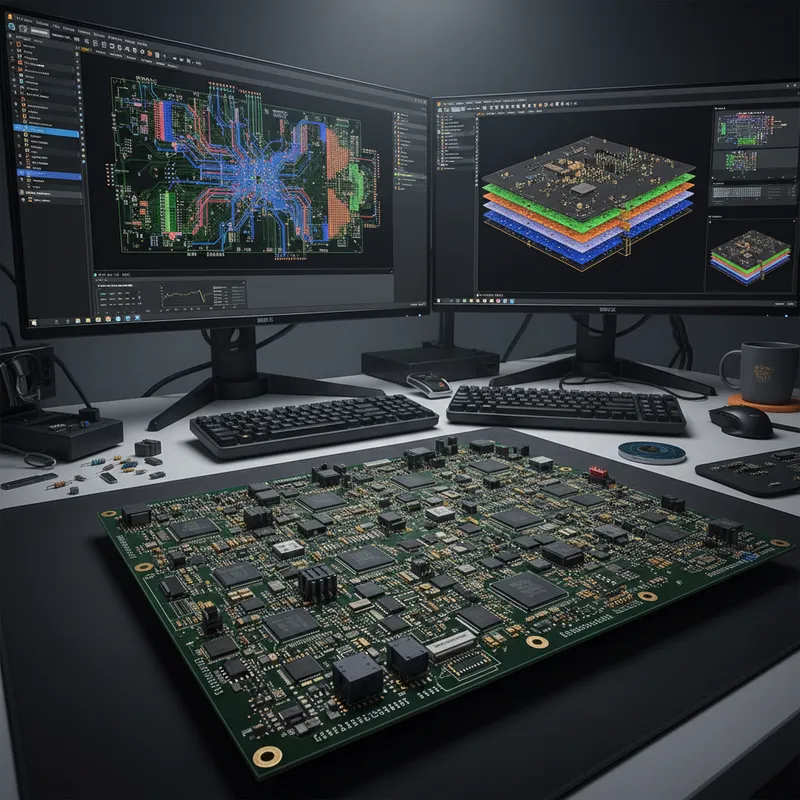
When you’re working through a complex PCB layout, it always helps to know the shortcuts you can use to stay productive. Altium Designer® keyboard shortcuts, and keyboard + mouse shortcuts, can help you easily walk through your PCB layout during design and as part of final checks during a design review. The other very useful set of features in Altium Designer are the view options, which help you focus on essential structures in the design.
**In this webinar, you’ll learn about:
**
– Schematic Shortcut Keys
– Net Highlighting
– Layer Cycle
– Keyboard Shortcuts for Placement and Navigation
Timing:
Friday, 21st May 2021 | 02:30 PM to 03:30 PM
Recorded webinar Session
Why shortcut productivity is a real metric for Indian PCB teams
A senior Indian PCB designer landing on a 12-layer 5G board, an automotive ECU motherboard, or an advanced packaging substrate spends most of their day in the layout editor, placing components, routing differential pairs, tuning skew, defining polygon priorities, cycling through layers to spot via-in-pad violations. The difference between a shortcut-fluent designer and someone clicking through menus is a real productivity multiplier across a full board layout. The same pattern shows up across every PCB design tool, not just Altium.
How Siemens Xpedition’s UX scales for shortcut-driven design
GSAS Micro Systems is an authorized engineering partner in India. Xpedition Standard and Xpedition Enterprise ship with a fully customizable shortcut framework, with two productivity surfaces beyond what Altium offers:
- AI command prediction: Xpedition Standard’s AI assistant suggests the next likely command based on the current cursor context, the active layer, and the design state. For a designer cycling through routing modes on a high-density region, this is meaningfully faster than memorizing 50+ hotkeys.
- Cross-tool consistency: for teams running HyperLynx for signal integrity, Valor NPI for DFM sign-off, and Xpedition for layout, the shortcut conventions stay consistent across the toolset rather than forcing context-switches.
For Indian teams evaluating workflow productivity end-to-end, the Altium Designer vs Siemens Xpedition Standard for Indian PCB teams comparison covers schematic capture, layout, constraint management, and the toolchain integration patterns that determine real day-to-day throughput.
Also appears in:
Need embedded development tools?
Talk to our application engineers for personalized tool recommendations.