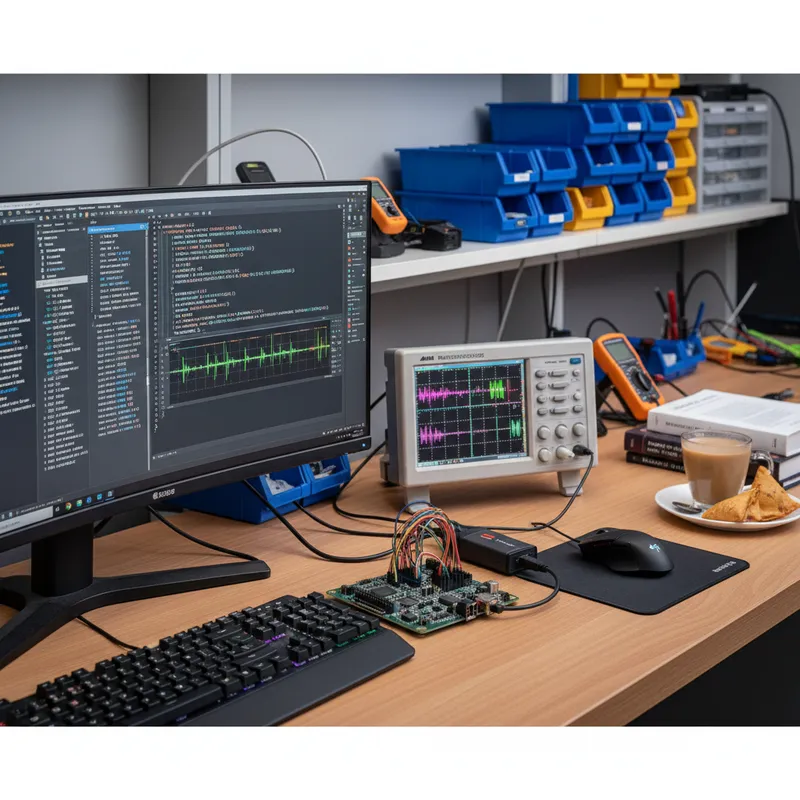
Indian engineering universities are transitioning their digital electronics and computer architecture laboratories from discrete logic IC experiments (7400-series gates on breadboards) and simulation-only approaches (HDL simulators without hardware) to FPGA-based lab courses where students design, synthesise, and test digital circuits on real hardware. This transition is overdue, the industry has moved to FPGA and ASIC design methodologies, and graduates need hands-on experience with HDL-to-hardware workflows.
Digilent FPGA boards, particularly the Basys 3 and Arty A7, have become the standard platforms for this transition at universities worldwide. This guide addresses the practical considerations for Indian universities planning to set up or upgrade their FPGA teaching laboratories.
Board Selection
For introductory digital logic courses (semesters 3-4): Basys 3.
The Basys 3’s 16 switches, 16 LEDs, 5 push buttons, 4-digit seven-segment display, and VGA output provide immediate visual feedback for every experiment, from basic gates through state machines to VGA display controllers. Students do not need external peripherals for the entire introductory course. The on-board USB-JTAG and USB-UART eliminate the need for external programmers.
For advanced courses (semesters 5-6 and electives): Arty A7.
The Arty A7 adds DDR3L memory, Ethernet, and Pmod expansion, enabling advanced projects: soft processors (MicroBlaze, RISC-V), memory controllers, networked systems, and custom signal processing architectures. The 100T variant provides headroom for complex multi-core designs.
Hybrid approach: Many universities equip introductory labs with Basys 3 boards and advanced labs with Arty A7 boards. Students progress from one platform to the other, and the common Xilinx Artix-7 architecture means skills transfer directly.
Software: Vivado for Education
AMD/Xilinx Vivado ML Standard edition is free for Artix-7 and Spartan-7 devices. No license server, no per-seat fee, no annual renewal. Students install Vivado on their personal laptops and work outside the scheduled lab time, a significant advantage for project-based courses.
For universities with computer labs, Vivado installs on Windows and Linux workstations. The installation requires 30-50 GB of disk space per workstation. Consider a network-accessible installation image to avoid downloading the installer on every machine.
Digilent’s WaveForms software (for Analog Discovery instruments used alongside FPGA boards) is also free, with no licensing constraints.
Lab Infrastructure
Workstations. Each lab position needs a PC or laptop capable of running Vivado. Minimum specifications: 8 GB RAM, 50 GB free disk, 4-core processor. Vivado synthesis time is CPU-bound, faster processors reduce the compile-synthesise-programme iteration cycle.
USB connectivity. Each Digilent board connects via USB. Ensure each workstation has available USB ports. USB hubs work but can occasionally cause JTAG detection issues, direct USB connections are more reliable.
Power. Digilent boards are USB-powered, no external power supplies needed for the boards. This simplifies the lab setup and eliminates power supply inventory management.
No network required. Vivado and WaveForms operate standalone. Internet connectivity is not required during lab sessions (only for initial software download and updates).
Curriculum Alignment
The Basys 3 aligns with standard digital design course objectives:
Digital Logic Fundamentals:
- Combinational circuits: gates, adders, multiplexers, decoders, ALU
- Sequential circuits: flip-flops, registers, counters, shift registers
- State machines: Moore and Mealy machines, traffic light controllers
- Memory: block RAM usage, ROM-based lookup tables
Computer Architecture:
- Datapath design: register file, ALU, instruction decoder
- Control unit: microprogrammed and hardwired control
- Simple processor: single-cycle and pipelined architectures
- Memory hierarchy: cache concepts (simulation), memory controller interface
Advanced Digital Design (Arty A7):
- Soft processor implementation (RISC-V)
- DDR3 memory controller interface
- Ethernet communication
- Digital signal processing on FPGA
Procurement Considerations for Indian Universities
GeM registration. Digilent products are available through GSAS on the Government e-Marketplace (GeM) for government-funded universities, simplifying the procurement process.
Volume pricing. GSAS provides educational volume pricing for lab quantities (typically 20-60 boards per lab). Contact us for institutional quotations.
INR invoicing. All procurement through GSAS is in Indian Rupees with GST-compliant invoicing, eliminating the currency conversion complexity of direct international purchase.
Warranty and support. GSAS provides local warranty support in India. Defective boards are handled through our Bengaluru, Hyderabad, Chennai, Pune, Mumbai, Delhi NCR, and Visakhapatnam offices, no international RMA needed.
Accessories. USB cables, Pmod modules, breadboard adapters, and carry cases are available as part of lab kit configurations.
Why Buy from GSAS
GSAS is an authorized partner in India, serving over 100 educational institutions with FPGA development boards, USB instruments, and Pmod peripherals. We provide lab setup consultation, educational volume pricing, GeM procurement support, and local warranty service.
Explore Digilent Products → | Contact for Educational Pricing →
Also appears in:
Interested in Digilent tools?
Talk to our application engineers for personalized tool recommendations.
More from Digilent
View all →
Real-World SDR Applications: 5G Research, Satellites, IoT and ADS-B
28 Aug · 6 min
What Is Software Defined Radio (SDR)? A Practical Explainer for Indian Engineering Teams
19 Aug · 9 min
ZedBoard FPGA-in-the-Loop: HDL Verifier vs HDL Coder
5 Aug · 9 min
AI Data Centers in India: Test, Measurement & Memory Boom
4 Jun · 14 min

Emulating Processor Power for Thermal Testing: Why Constant Power
7 Oct · 7 min

CRPS and Rack Power Supply Testing: The Six Tests That Matter
7 Oct · 7 min