# Migrating to Siemens Xpedition: A Practical Roadmap for Indian Design Teams
Migrating your PCB design toolchain is one of the most consequential decisions an engineering team makes. It affects every designer’s daily workflow, every project’s timeline, and every board’s data continuity. Teams that approach migration without a clear plan often experience an extended productivity dip that erodes the benefits they moved to capture.
This article provides a practical migration roadmap for Indian design teams moving to Siemens Xpedition, covering the triggers that make migration worthwhile, the data translation process, the phased adoption strategy that minimises disruption, and realistic timeline expectations.
When Migration Makes Sense
Not every team needs to migrate. If your current tools adequately serve your design complexity and team workflow, migration introduces risk without proportional benefit. Migration makes sense when your current tools create friction that limits your engineering capability:
Board Complexity Has Outgrown Your Tools: Your designs have moved to 8+ layers with DDR4/DDR5 memory interfaces, rigid-flex requirements, or multi-gigabit SerDes (PCIe Gen4/5, 25G Ethernet). When your current tool requires workarounds for these capabilities, the overhead becomes a drag on productivity. Team Size Has Exceeded Single-User Workflows: You have grown to five or more designers needing shared libraries, concurrent board access, or partition-based layout that your current tool does not support efficiently. Verification Gaps Are Causing Re-Spins: Re-spins caused by signal integrity violations, PDN inadequacy, or DFM violations that integrated in-design verification would have caught. Separate tools with manual data transfer mean verification happens too late. Manufacturing Integration Is Manual: Gerber-only fabrication handoff, DFM issues flagged by fabricators that your tools missed, and no ODB++ or IPC-2581 output for intelligent manufacturing data transfer.
If two or more of these triggers apply to your team, migration is worth serious evaluation.
The PADS to Xpedition Path
For teams currently using Siemens PADS products (PADS Pro or PADS Standard), the migration to Xpedition has a significant advantage: data format compatibility. PADS Pro and Xpedition share the same underlying data format, which means designs created in PADS Pro can be opened directly in Xpedition without translation.
This compatibility extends to:
- Schematic designs: PADS Pro schematics open in Xpedition’s schematic editor
- PCB layouts: PADS Pro layouts open in Xpedition’s layout editor
- Library data: component libraries are compatible across both platforms
- Constraint definitions: electrical constraints carry forward
The practical implication is that PADS-to-Xpedition migration is not really a “migration” in the traditional sense, it is an upgrade. Your existing data works. Your library investment is preserved. The transition is about learning the expanded capabilities of Xpedition, not about rebuilding your design environment from scratch.
Migrating from Other Platforms
For teams migrating from non-Siemens platforms, the process involves data translation. Siemens provides translation tools and a dedicated migration team with experience across hundreds of successful migrations globally. The key data categories that require translation:
Library Translation
Library translation is the foundation of a successful migration. It covers three types of data:
Schematic Symbols: Pin names, pin types (input, output, bidirectional, power, passive), and graphical elements mapped from the source format to Xpedition’s symbol format. PCB Footprints: Pad shapes and sizes, pad stacks, courtyard outlines, assembly outlines, and silkscreen graphics. Footprint accuracy is critical, a translated footprint with an incorrect pad stack definition can cause manufacturing issues. Pad Stacks: Layer-by-layer pad and via definitions including copper shapes, solder mask openings, paste mask openings, and drill sizes. Pad stack translation requires careful attention to layer mapping conventions.
Siemens’ translation tools automate the bulk of library translation, but engineering review is essential. A recommended practice is to identify your 50 most-used components (typically accounting for 80%+ of placements) and manually verify their translated data. Remaining components can be verified progressively as they are used in new designs.
Design Translation
For teams that need to bring existing in-progress or archived designs into Xpedition:
Schematic Translation: Netlist, component references, pin connections, and hierarchical structure are translated. Graphical arrangement may require manual adjustment due to differing conventions between tools. Layout Translation: Board outline, component placement, routing, copper pours, drill data, and stackup are translated accurately. Constraint data (impedance targets, spacing rules, length matching) may need re-entry, as constraint representation varies between tools. Design Rule Translation: This requires the most engineering attention. Xpedition’s constraint-driven methodology requires well-defined constraints, so migration is an opportunity to formalise rules that may have been informally managed previously.
Workflow Adaptation: Constraint-Driven Design
For teams migrating from tools that do not enforce constraint-driven methodology, the most significant workflow change in Xpedition is the shift to defining constraints before routing rather than checking rules after routing.
This is not just a tool difference, it is a methodology difference. In a check-after workflow, the designer routes based on experience and intuition, then runs DRC to find violations. In a constraint-driven workflow, the designer defines the electrical requirements first, and the tool ensures compliance throughout routing.
The adaptation process typically involves:
Week 1-2: Constraint Framework Setup. Define constraint classes, net classes, and design rules for your most common design types, typical signal types for industrial boards, or DDR/PCIe/USB templates for high-speed designs. Week 2-4: Guided First Design. Take a new design through the constraint-driven workflow with GSAS support. This establishes workflow habits and surfaces methodology differences. Week 4-8: Independent Design with Support. The team executes a second design independently, with GSAS available for optimisation questions. Month 3+: Full Proficiency. Independent operation with advanced capabilities (SI/PI, rigid-flex, concurrent layout) adopted progressively as projects require.
Minimising the Productivity Dip
Every tool migration involves a temporary productivity reduction while the team learns the new workflow. The key to minimising this dip is phased adoption:
Start with New Designs: Do not attempt to migrate an in-progress design to Xpedition. Complete in-progress designs using your current tool. Begin new designs in Xpedition. This avoids the compounded difficulty of learning a new tool while simultaneously translating an incomplete design. Maintain Parallel Capability: Keep your current tool available for the first three to six months after beginning Xpedition adoption. This provides a fallback for urgent projects where the schedule cannot accommodate the learning curve. As proficiency in Xpedition builds, the fallback becomes unnecessary. Focus on Core Workflow First: Master schematic capture, constraint definition, interactive routing, and manufacturing output before tackling advanced capabilities like SI/PI analysis, concurrent design, or ECAD-MCAD co-design. Adding complexity to the learning process before the fundamentals are solid extends the productivity dip. Designate a Power User: Identify one engineer on the team to invest deeply in Xpedition proficiency. This person goes through training first, works through the first design with intensive support, and then becomes the internal resource for the rest of the team. For Indian teams of three to eight engineers, this power user model is more effective than training everyone simultaneously.
GSAS Support for Indian Teams
GSAS Micro Systems provides migration support tailored to Indian design teams across all 11 offices in India. The support model covers:
Migration Assessment: GSAS engineers evaluate your current environment, library complexity, and team workflow, producing a migration plan with realistic timelines. Library Translation and Verification: Automated translation, manual verification of critical components, and library structure setup. For Indian teams with large legacy libraries (1000+ components is common), the effort benefits from experienced guidance. On-Site Training: Available at your facility or at GSAS offices in Bengaluru, Delhi NCR, Pune, Hyderabad, Chennai, and Vadodara. Training is hands-on, using your actual designs and libraries. Post-Migration Support: Responsive support during the critical first three months, via phone, email, remote session, and on-site visit.
Timeline Expectations
Based on experience with Indian design teams, here are realistic timeline expectations for migration to Xpedition:
| Phase | Duration | Activities |
|---|---|---|
| Assessment | 1-2 weeks | Current environment audit, migration plan, timeline agreement |
| Library setup | 2-4 weeks | Translation, verification, library structure configuration |
| Tool installation and configuration | 1 week | Installation, licensing, workspace setup, constraint templates |
| Training | 1-2 weeks | On-site or office-based hands-on training |
| First design (guided) | 4-6 weeks | New design through full workflow with GSAS support |
| Second design (independent) | 3-4 weeks | Independent design with available support |
| Full proficiency | 3 months from start | Team operating independently at full productivity |
These timelines assume a team of three to eight engineers migrating from a non-Siemens platform. PADS-to-Xpedition upgrades are faster because the data format is compatible and the workflow concepts are similar.
For larger teams (10+ engineers) or organisations with complex library and PLM requirements, the timeline extends, particularly the library setup and training phases, which scale with team size and library complexity.
The Decision Framework
Migration is a significant investment. The decision should be based on a clear-eyed assessment of:
1. Current pain points: Document concretely, re-spin rates, manual verification time, workflow bottlenecks, library management overhead.
2. Growth trajectory: Where will your board complexity and team size be in two to three years? Migrating to meet anticipated needs is strategic.
3. Total cost of ownership: Include migration effort, training time, and temporary productivity reduction alongside tool licensing. Compare against the ongoing cost of workarounds and re-spins.
4. Timeline alignment: Identify a window between major project milestones or financial years where the learning curve will not jeopardise critical deadlines.
Start the Conversation
GSAS Micro Systems has guided Indian design teams through migrations to Siemens Xpedition across defence, telecom, automotive, industrial, and consumer electronics domains. Whether you are a three-person startup considering your first professional PCB tool or a 20-person design centre evaluating a platform change, the migration assessment is the right starting point.
Contact GSAS to schedule a migration assessment. We will evaluate your current environment, identify the migration scope, and provide a realistic plan with timeline and support requirements. Reach us through gsasindia.com or visit any of our offices in Bengaluru, Hyderabad, Chennai, Coimbatore, Pune, and Delhi NCR for an in-person discussion.
Also appears in:
Interested in Siemens EDA tools?
Talk to our application engineers for personalized tool recommendations.
More from Siemens EDA
View all →
India's EDA Moment: Why Design Tool Demand Is Growing, and the Engineering Careers It Creates
21 Sept · 9 min

AI and Complexity Are Redrawing EDA: Siemens on the Trillion-Transistor Era
13 Sept · 6 min
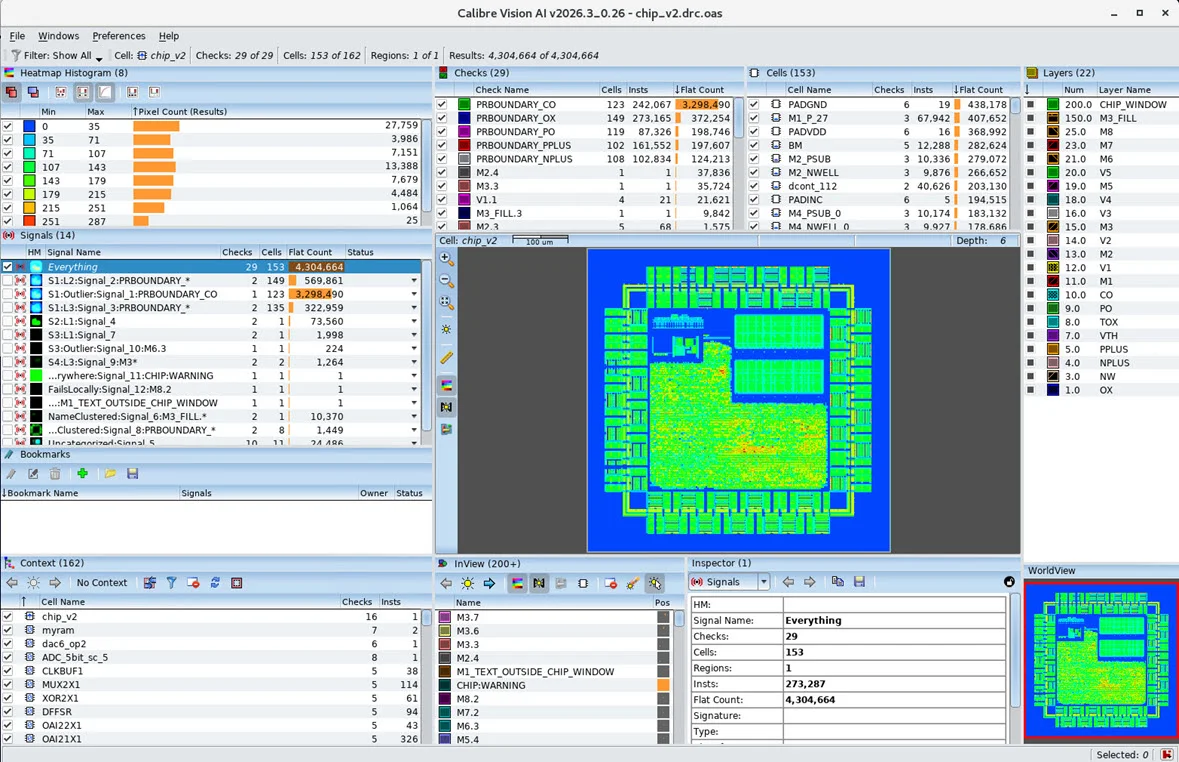
Calibre Vision AI: Bringing Order to DRC Debug at Advanced Nodes
24 Aug · 4 min
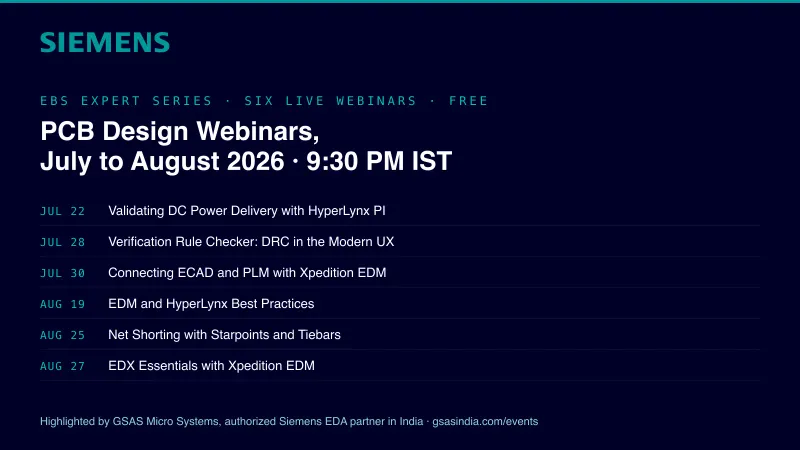
Siemens EDA EBS Expert Series: 6 Free PCB Design Webinars (Jul-Aug 2026)
20 Jul · 8 min

Emulating Processor Power for Thermal Testing: Why Constant Power
7 Oct · 7 min

CRPS and Rack Power Supply Testing: The Six Tests That Matter
7 Oct · 7 min