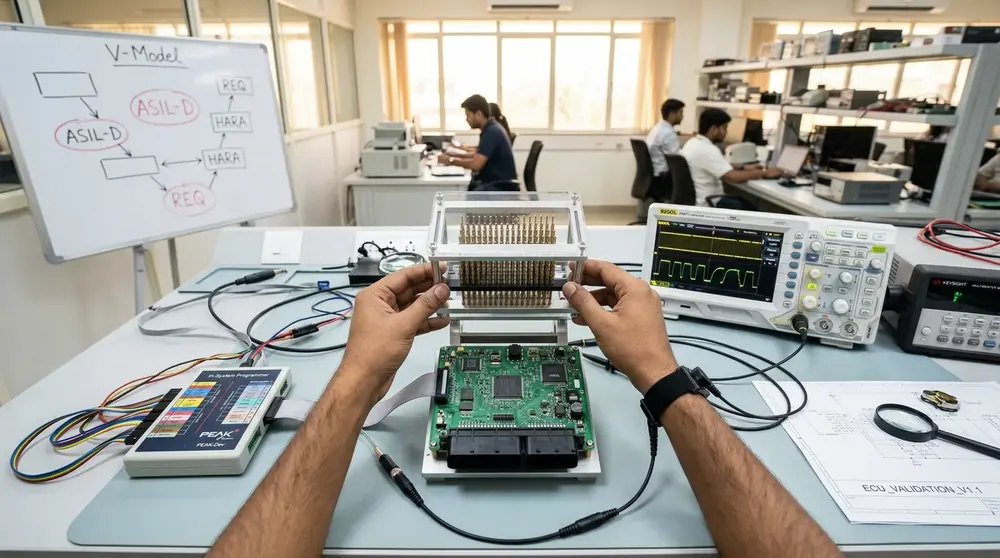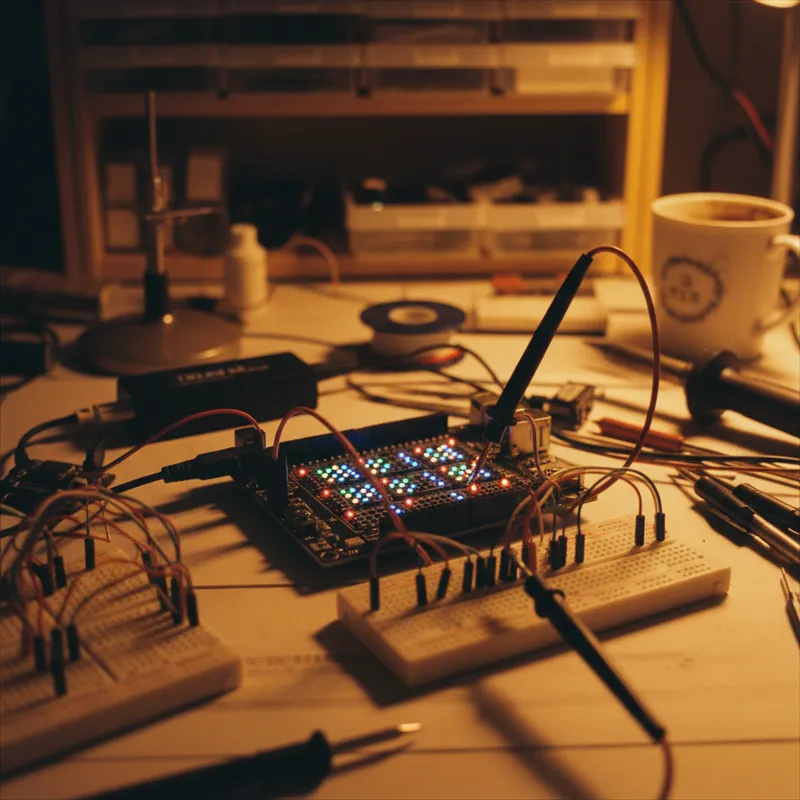
The traditional electronics lab, oscilloscope, logic analyzer, function generator, power supply, multimeter, protocol analyzer, each a separate benchtop instrument, serves teams well when everyone works in the same physical location. But the realities of modern engineering in India challenge this model.
Engineers work from home. Field service teams diagnose problems at customer sites. Startup teams share a single lab bench. University students need practice time outside scheduled lab hours. Remote offices lack the instrument budget of headquarters. In all these scenarios, the bottleneck is the same: the instruments are in one place and the engineer is in another.
Digilent’s USB instrument family addresses this directly. A portable lab built from Digilent instruments fits in a laptop bag, connects to any laptop, and provides the measurement and stimulus capability needed for most embedded systems development and debugging work.
The Portable Lab Kit
Analog Discovery 3: the core instrument. Provides:
- 2-channel oscilloscope (125 MS/s, 14-bit)
- 2-channel waveform generator (25 MHz)
- 16-channel logic analyzer (100 MS/s)
- 16-channel pattern generator
- 2-channel programmable power supply (0-5V)
- Spectrum analyzer, network analyzer, voltmeter, data logger
This single device replaces six or seven separate benchtop instruments for signals within its bandwidth and voltage range.
Digital Discovery: for high-speed digital debugging when more channels or higher sampling rate is needed. 32 channels at up to 800 MS/s. Complements the Analog Discovery 3 when the project involves fast SPI/QSPI interfaces, parallel buses, or dense digital systems.
Pmod peripherals: extend the lab’s capability to specific measurement domains. A PmodAD1 (ADC) enables custom sensor measurements. A PmodDA2 (DAC) generates precision analog signals. A PmodBT2 (Bluetooth) adds wireless connectivity for remote monitoring. These modules connect to FPGA boards for processing or can be used standalone with the Analog Discovery’s digital I/O.
Breadboard adapter: Digilent’s breadboard adapter connects the Analog Discovery 3’s signal pins to a standard breadboard, enabling quick circuit prototyping and measurement.
What This Lab Can Do
Circuit prototyping and debugging. Build a prototype circuit on a breadboard, power it from the Analog Discovery’s power supply, inject test signals from the waveform generator, and measure the response with the oscilloscope. The complete develop-measure-iterate cycle happens at the engineer’s desk.
Embedded firmware debugging. Monitor SPI, I2C, UART, and CAN buses while the microcontroller executes firmware. Correlate bus transactions with firmware execution to identify timing bugs, protocol errors, and peripheral configuration problems.
Filter and amplifier characterisation. The network analyzer mode sweeps a frequency range and plots the gain and phase response, a Bode plot, of the circuit under test. Essential for verifying filter designs, amplifier frequency response, and feedback loop stability.
Power supply measurement. The oscilloscope captures power supply ripple, load transient response, and startup sequencing. The programmable power supply provides clean, adjustable supply voltages for the device under test.
Signal integrity assessment. For low-to-moderate speed signals (up to 30 MHz), the oscilloscope measures rise times, overshoot, ringing, and eye diagrams. While not a substitute for high-bandwidth scopes for multi-GHz signals, it covers the signal integrity needs of most embedded systems.
Cost Comparison
The traditional equivalent of this portable lab in benchtop instruments:
| Instrument | Benchtop Equivalent | Portable (Digilent) |
|---|---|---|
| Oscilloscope (2-ch, 100 MHz) | INR 50,000 - 2,00,000 | Included in AD3 |
| Logic Analyzer (16-ch) | INR 30,000 - 1,50,000 | Included in AD3 |
| Function Generator (25 MHz) | INR 25,000 - 80,000 | Included in AD3 |
| Power Supply (2-ch) | INR 10,000 - 40,000 | Included in AD3 |
| Protocol Analyzer | INR 20,000 - 1,00,000 | Included in AD3 |
The Analog Discovery 3 consolidates five-plus instrument functions at a fraction of the combined benchtop cost. The trade-off is bandwidth and voltage range, if your work involves signals above 30 MHz or voltages above 25V, benchtop instruments are still needed for those specific measurements.
Deployment Scenarios in India
Hardware startups. Indian hardware startups in Bengaluru, Pune, and Hyderabad equip every engineer with a Digilent portable lab, reserving benchtop instruments for high-bandwidth characterisation tasks.
Field service. Teams commissioning equipment at customer sites, industrial installations, telecom base stations, automation systems, carry a Digilent kit for on-site diagnostics.
University labs. Indian universities distribute Analog Discovery units to students for take-home use, enabling practice and project work outside the scheduled lab time slot.
Remote engineering. Engineers working from home or from satellite offices maintain full measurement capability without duplicating the headquarters lab.
Why Buy from GSAS
GSAS is an authorized partner in India, providing the Analog Discovery 3, Digital Discovery, and the full Pmod and accessory ecosystem with INR invoicing, GST-compliant billing, and local stock. We serve engineers and institutions across Bengaluru, Hyderabad, Chennai, Pune, Mumbai, Delhi NCR, and Visakhapatnam.
Also appears in:
Interested in Digilent tools?
Talk to our application engineers for personalized tool recommendations.
More from Digilent
View all →
Real-World SDR Applications: 5G Research, Satellites, IoT and ADS-B
28 Aug · 6 min
What Is Software Defined Radio (SDR)? A Practical Explainer for Indian Engineering Teams
19 Aug · 9 min
ZedBoard FPGA-in-the-Loop: HDL Verifier vs HDL Coder
5 Aug · 9 min
AI Data Centers in India: Test, Measurement & Memory Boom
4 Jun · 14 min

Emulating Processor Power for Thermal Testing: Why Constant Power
7 Oct · 7 min

CRPS and Rack Power Supply Testing: The Six Tests That Matter
7 Oct · 7 min