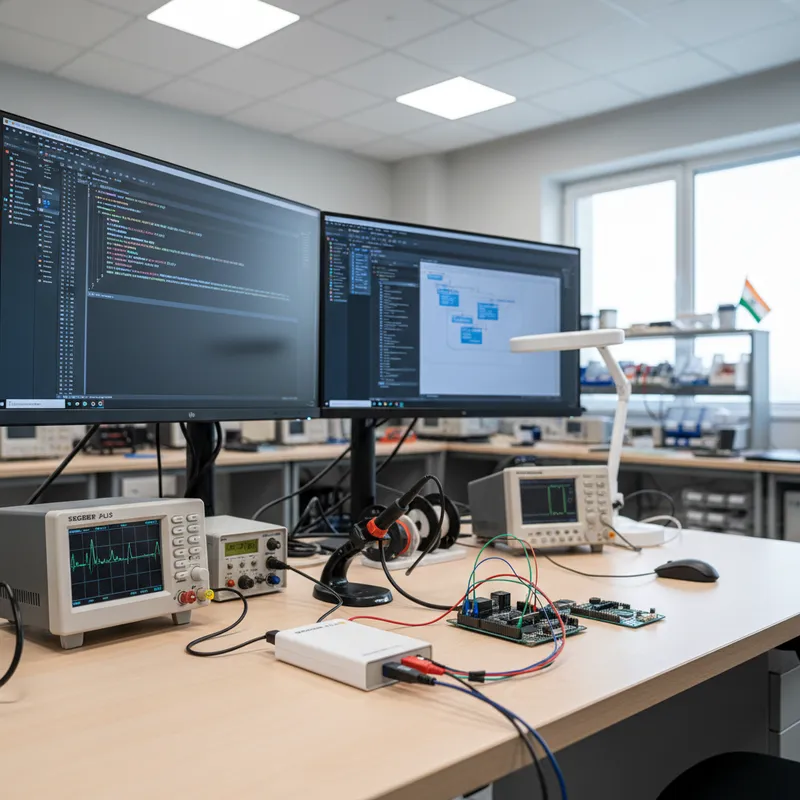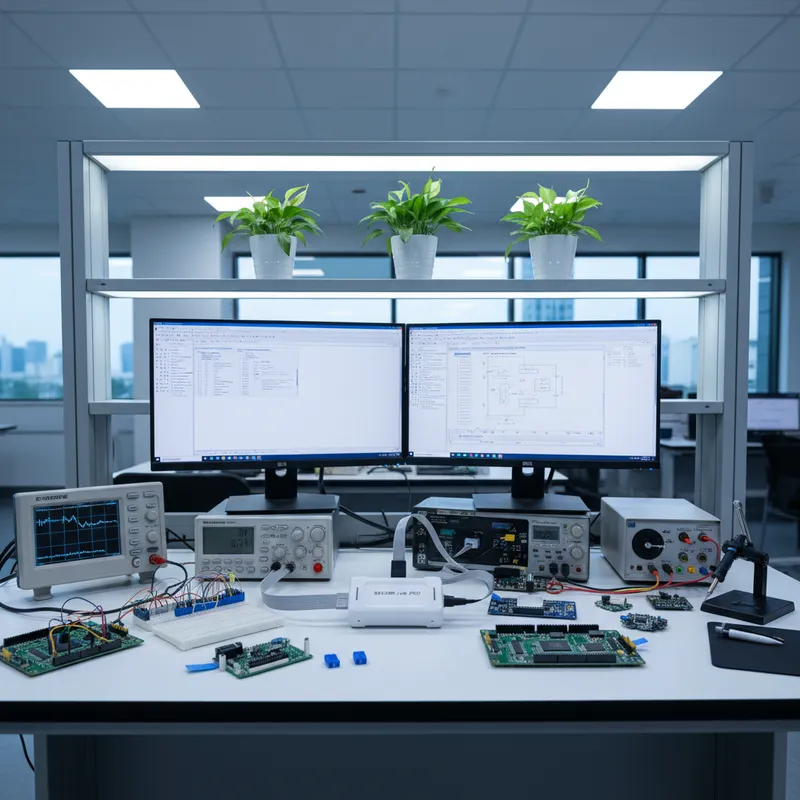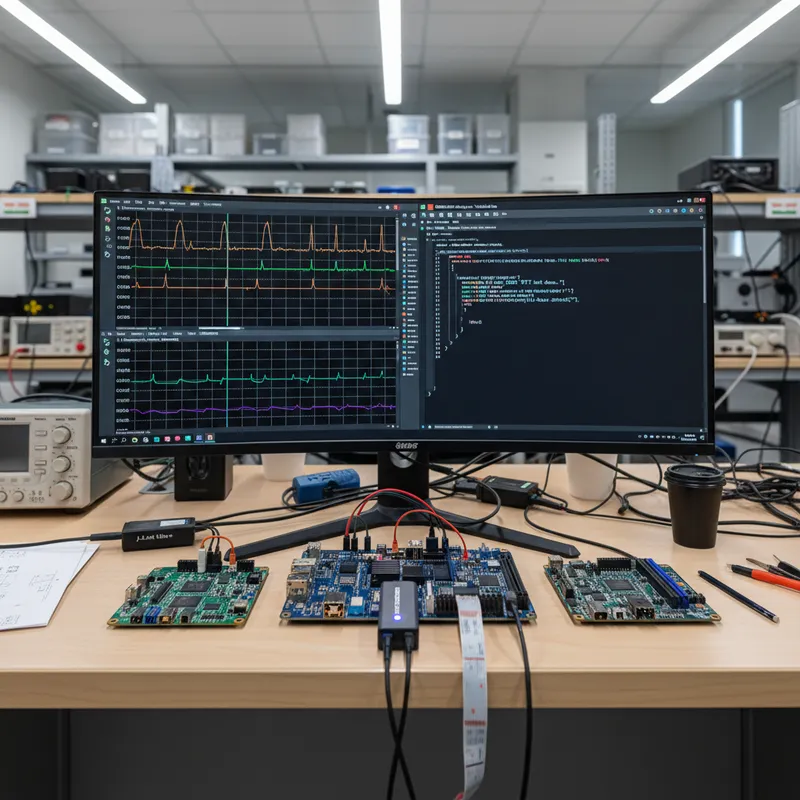
Every Indian team shipping Linux on Arm eventually hits the same wall. The board boots, U-Boot flies past, the kernel comes up, the init scripts run, and somewhere in that sequence a driver hangs, a device tree probe returns -EPROBE_DEFER, or a userspace daemon spins the CPU without ever emitting a printk. The default debug tool is printk over a UART console, but that UART is shared with agetty, it serializes inside the kernel log ring, and on a production-bring-up board it is usually the only spare pin you have. On a multi-core AMP part like NXP i.MX8 or Renesas RZ/G, it cannot even see what the Cortex-M co-processor is doing.
SEGGER’s Real-Time Transfer (RTT) solves this on Cortex-M and has been the default logging channel for Indian Cortex-M teams for years. The less well-known fact is that RTT also works on Cortex-A and Cortex-R, and SEGGER documents the whole workflow in Application Note AN08005, Using RTT on Cortex-A/R based devices. This post is the Indian engineering-context version of that note, aimed at teams building i.MX6/7/8, TI Sitara AM62/AM64, and Renesas RZ/A Linux products out of Bengaluru, Pune, Hyderabad, Chennai, Delhi NCR, and Mumbai.
GSAS Micro Systems is an authorized SEGGER Microcontroller GmbH partner. J-Link hardware, licensing and local technical support are available from all 11 offices across India, and the RTT workflow below is one we walk Indian customers through on bring-ups every month.
Why printf-over-UART falls apart on Cortex-A/R Linux
A typical Indian i.MX8-based industrial gateway or two-wheeler telematics unit has one debug UART on the carrier board and a second UART consumed by the cellular modem. The single debug UART is claimed by U-Boot, then by earlycon, then by the kernel console, then by a getty login shell. That gives you exactly one serial FIFO to multiplex the following traffic:
- U-Boot’s own logs
- The kernel’s
printkring - An interactive root shell for the bring-up engineer
printffrom any userspace daemon the engineer is debugging- On AMP parts, the Cortex-M co-processor’s
printfviarpmsg_ttyor a vendor equivalent
Under real load this UART tops out somewhere around 115 200 baud in practice (higher on paper but the cable quality on an Indian lab bench rarely supports it). The kernel log ring itself serializes inside a spinlock, printk from an interrupt path blocks preemption. And any time a driver logs too aggressively, the whole system slows down enough to mask the very timing bug you were trying to find. Heisenbugs in kernel drivers almost always have printk as a silent participant.
RTT replaces this with an in-memory ring buffer that J-Link reads directly out of DDR over the SWD or JTAG link. No kernel log ring involvement, no UART contention, no interrupts disabled, sub-microsecond cost per log entry, and, importantly for the Indian remote-lab case, fully captured by a J-Link sitting in a customer facility in Chennai while the engineer is in Bengaluru.
The Cortex-A/R twist: the RTT control block can live anywhere
On Cortex-M, the RTT control block is at a fixed SRAM address the linker places it at, and J-Link finds it instantly. On Cortex-A and Cortex-R the situation is different. You are running Linux in multi-gigabyte DDR, and the control block is wherever __attribute__((section(".rtt"))) or an explicit kernel allocator put it, which usually means “somewhere in the lowmem arena that varies boot to boot”.
J-Link’s response is to search for the RTT control block signature ("SEGGER RTT") across a configurable memory range at attach time. The search range has to be something the J-Link can actually read, a DDR region that is mapped and initialized by the time the search runs. Two knobs matter:
- Search range start and length. AN08005 documents how to set these via
JLinkGDBServercommand line (-rtttelnetport,-rttsearchranges) or inside aJLinkScriptfile’sSetupTarget()hook. A typical i.MX8MM setup searches the first 128 MB of DDR starting at0x40000000. - Search trigger. On a Cortex-A Linux target you usually do not want the search to run at reset, DDR is not initialized yet. Instead, arm it to run after U-Boot’s DDR init completes, or after the kernel has remapped its text and data segments. The AN08005 scripting examples show both patterns.
If the search range is wrong, J-Link will say the RTT control block is not found and the RTT Viewer will sit empty. This is by far the most common first-time mistake on Cortex-A. Fix: widen the range, and make sure the trigger fires after DDR is live.
Setting up RTT on the common Indian silicon families
The three Cortex-A/R Linux part families Indian teams use most often, and the RTT configuration each needs:
- NXP i.MX6/7/8 (i.MX8MM, i.MX8MN, i.MX8MP, i.MX8QXP): DDR starts at
0x40000000on 8M-series parts. On Indian industrial-gateway designs the control block usually lives in the first 256 MB. Use aJLinkScriptFilethat configures a search range of0x40000000to0x50000000and triggers it after U-Boot’s SPL has handed off to the main U-Boot binary. The NXP MFGTool flow does not need changing. - TI Sitara AM62/AM64: AM62 ships a dual/quad Cortex-A53 cluster plus a Cortex-R5F safety-oriented MCU cluster. RTT can run on both. Use AM62-specific J-Link connect scripts (
Cortex-A53.JLinkScript) and set a search range covering the DDR bank you configured in k3-ddr.dts. - Renesas RZ/A (RZ/A1, RZ/A2M, RZ/A3UL): RZ/A2M is the interesting case: a Cortex-A9 with on-chip 10 MB SRAM, commonly used in India for vision-light HMI products. Because the SRAM range is fixed and small, you can place the RTT control block in SRAM at a known address and skip the search entirely. This gives you Cortex-M-class attach speed on a Cortex-A core.
In every case, connect with a J-Link BASE, J-Link PLUS, J-Link ULTRA, or J-Link PRO. The PRO is the one we recommend for Indian teams doing remote bring-up across sites, it has a gigabit Ethernet uplink and PoE option that makes it the cleanest choice when a Bengaluru engineering team is debugging a board sitting in a customer lab in Chennai or Pune.
New in September 2026: RZ/G3L and RZ/G3SE, and what “supported” means on a split-core MPU
On 21 September 2026 SEGGER announced that J-Link, J-Trace and Flasher support the newly released Renesas RZ/G3L and RZ/G3SE microprocessors. These are the AMP parts this page’s argument is really about. SEGGER describes them as combining up to four Arm Cortex-A55 cores running at up to 1.2 GHz with a Cortex-M33 core, aimed at HMI and IoT edge applications, with PCIe and TSN-capable Gigabit Ethernet. That specification is SEGGER’s wording in the announcement, not a Renesas source we have checked separately.
Read SEGGER’s wording on the support carefully, because it is doing real work:
Current support includes debugging the integrated Arm Cortex-M33 core and programming external QSPI flash, enabling developers to begin working with these parts of the new devices right away.
That is partial support, stated honestly, and it is the normal shape of day-one enablement on a new MPU rather than a defect. What you can do today is debug the M33 and program QSPI flash. What SEGGER does not yet claim is Cortex-A55 debug. Our advice: if your RZ/G3 bring-up plan assumes A55 attach on day one, check that assumption against the current J-Link release notes before it goes into a schedule, not after.
For a team planning an RZ/G3L or RZ/G3SE design out of Bengaluru, Pune or Chennai, that shapes the sequence rather than blocking it:
- The M33 side is workable now. SEGGER states the M33 core is debuggable, and the M33 is usually where the real-time and power-management firmware lives on these designs. The control-block placement technique described above should apply as it does on other Cortex-M targets, though we have not yet had an RZ/G3 board on the bench to confirm the memory map, and SEGGER’s announcement covers debug rather than RTT specifically.
- QSPI programming is available, so production-side planning with the Flasher family can proceed in parallel with software bring-up instead of waiting behind it. SEGGER’s announcement says “Flasher” without naming a model, and device support is per-tool, so confirm the specific Flasher you intend to buy before committing a line to it.
- A55-side Linux debug is the piece to confirm, and it is the piece this page’s control-block search technique exists for. Check the J-Link release notes for the version you are standardising on, and if the timing matters to a programme date, ask us and we will check it with SEGGER rather than guess.
The broader point is the one the i.MX8 and AM62 entries above make: on a split-core MPU, “J-Link supports this device” is never a single yes or no. It is a per-core, per-interface answer, and the useful question on a procurement form is which cores and which flash interfaces, not whether the part appears on a list.
The use cases RTT unlocks on Linux-on-Arm
Four Cortex-A/R scenarios RTT makes practical that printk-over-UART does not:
1. U-Boot debug before the kernel exists. U-Boot on i.MX and Sitara can be built with an RTT logging channel that runs in SPL. You get a narrative of DDR calibration, eFuse reads, and boot-mode decisions before earlycon is even a thing. Invaluable when a new board revision refuses to clock up DDR3L at 1600 MT/s on the first prototype.
2. Kernel-module RTT logging as a printk replacement in performance-sensitive paths. A kernel module can export an RTT channel by calling SEGGER’s RTT API from module init. Your ISR or tasklet logs to RTT instead of printk, so the log calls do not serialize inside the printk spinlock and do not impact the timing of the very code you are debugging. This is the workflow Indian real-time motor-control teams use on AM64 when they need to log every PWM cycle without distorting the cycle.
3. The kernel-boot-to-application-start gap where dmesg gives nothing. There is a window between init launching and your application daemon opening /dev/kmsg where log output is effectively invisible unless you are watching the console UART. RTT is live from the moment U-Boot or the kernel writes to the control block, and it keeps streaming through every phase, the gap disappears.
4. Cortex-M AMP payloads running alongside Linux. On i.MX8MP, i.MX8MN, AM64 and the RZ/G parts whose A-cluster J-Link already attaches to, you have a Cortex-M core running an RTOS or bare-metal payload while Linux runs on the Cortex-A cluster. (On the newest RZ/G3L and RZ/G3SE that A-side attach is not yet claimed, so the dual-channel view below is not available there today; see the September 2026 section above.) Both cores can write to their own RTT control blocks, and J-Link can multiplex them on the same debug session. You see the Linux-side driver log and the Cortex-M4 embOS task log side by side, on the same timeline, on the same RTT Viewer window. We walked through the broader multi-core debug story in our multi-core debug post covering i.MX RT1170, nRF5340 and RP2350. The AMP variant on i.MX8 is a direct extension of that pattern.
A worked i.MX8MM AMP example
On an Indian industrial-gateway reference design with an i.MX8MM (quad Cortex-A53 running Linux, plus a Cortex-M4 running embOS for deterministic I/O), the RTT setup looks like this:
- The Linux side exports a kernel-module RTT channel called
linux-drv. It logs every MDIO transaction on the Ethernet PHY driver being brought up. - The Cortex-M4 side uses standard embOS RTT output via
SEGGER_RTT_printf. It logs every CAN frame the M4 forwards to the A53 via the shared-memory ring buffer. - A J-Link PRO on the bench connects to both cores. A single
JLinkScriptFileconfigures two separate search ranges, one in A53 DDR space, one in M4 TCM space, and registers both RTT channels. - The engineer runs
JLinkRTTVieweron a laptop in Bengaluru, connects to the J-Link PRO’s Ethernet IP at the customer site in Pune, and sees both channels simultaneously, timestamped and interleaved.
When the Ethernet PHY refuses to auto-negotiate and the CAN frames start backing up, the two RTT streams make the cause obvious in one session instead of three.
Why Indian teams should standardize on this
Indian embedded teams are increasingly shipping Linux-on-Arm products, telematics gateways, industrial edge nodes, medical HMI, two-wheeler clusters, rail-grade controllers. Every one of those products has a bring-up phase where the engineer needs more visibility than printk can give them without distorting the system they are measuring. RTT on Cortex-A/R is the cheapest way to get that visibility, and once the JLinkScriptFile is written for a given SoC it gets reused across every board revision and every product variant for the life of the platform.
For volume programming of the same products, GSAS also supports the Flasher ATE2 and Flasher Hub-12 for Indian EMS lines, the same J-Link infrastructure that gives you RTT debug also drives your production programmer, which means one tool family covers development in Bengaluru and manufacturing in Chennai.
Further reading
- SEGGER AN08005, Using RTT on Cortex-A/R based devices
- SEGGER, About Real-Time Transfer
- GSAS, SEGGER partner page
- GSAS, J-Link PRO product page
- GSAS, J-Link BASE product page
- GSAS blog, Multi-core debug on i.MX RT1170, nRF5340 and RP2350 in India
- GSAS blog, emNet + emSSL TLS to AWS IoT Mumbai and Azure India
- GSAS blog, Cortex-M HardFault debug with RTT in India
To evaluate J-Link PRO or J-Link ULTRA for a Cortex-A Linux bring-up on your own silicon, contact GSAS Micro Systems in Bengaluru, Chennai, Hyderabad, Pune, Mumbai, or Delhi NCR and our engineering team will walk you through the JLinkScript setup for your exact SoC.
Also appears in:
Interested in SEGGER tools?
Talk to our application engineers for personalized tool recommendations.
More from SEGGER
View all →
Meet the GSAS Team at electronica India 2026, Stall H3.I45
15 Sept · 3 min
J-Link Is Now Validated by ST for StellarStudio
13 Sept · 2 min
An AI Agent That Drives the Debugger: SEGGER and Embedder Connect J-Link to the Loop
13 Sept · 6 min
SEGGER J-Link and J-Trace Now Support Andes Trace: Why This Matters for RISC-V
21 Jul · 6 min

Emulating Processor Power for Thermal Testing: Why Constant Power
7 Oct · 7 min

CRPS and Rack Power Supply Testing: The Six Tests That Matter
7 Oct · 7 min