Tutorial: Your First I3C Transaction with the Binho Supernova
MIPI I3C is a newer bus protocol that can feel intimidating compared to I2C. Dynamic address assignment, Common Command Codes, in-band interrupts, HDR modes, the specification is dense. But the first practical step is simple: initialize the bus, assign an address to a target device, and perform a basic read transaction. Once you have done that, everything else builds incrementally.
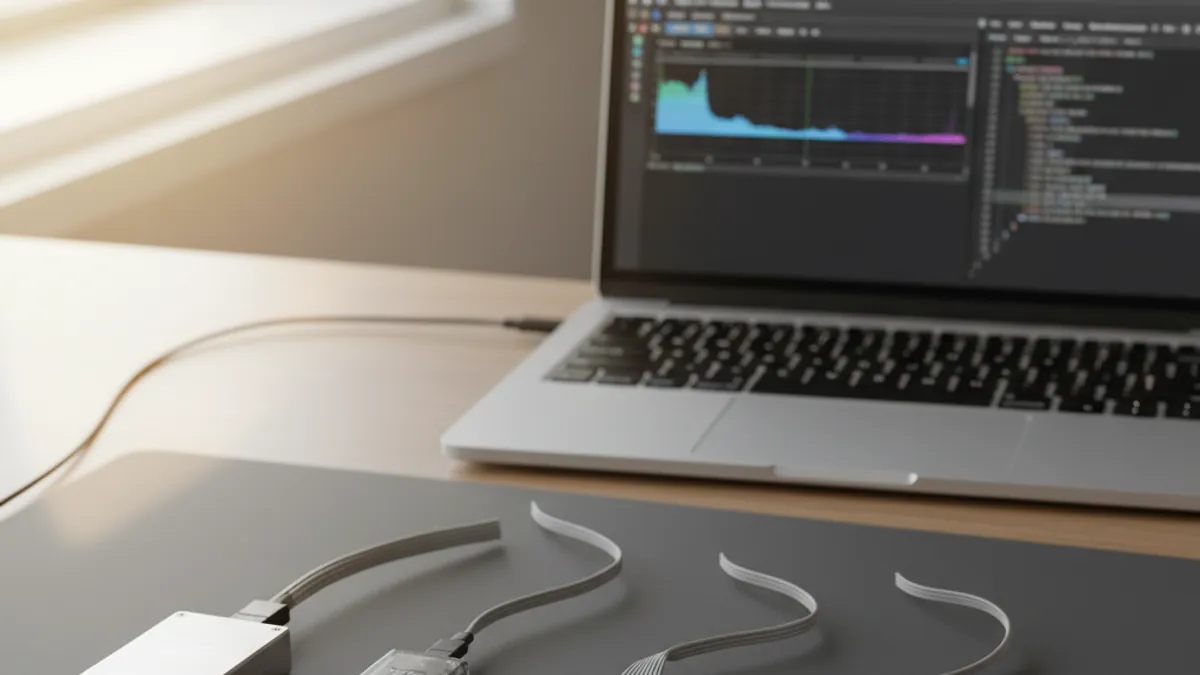
This tutorial uses the Binho Supernova as an I3C controller to perform a first I3C transaction with a target device. We will use the Python SDK and assume you have the Supernova connected, a target I3C device (sensor, PMIC, or evaluation board), and Python 3.8+ installed.
I3C Basics You Need to Know
Before touching hardware, here are the four I3C concepts that matter for this tutorial:
Static vs Dynamic Addresses. I3C devices can have a static address (assigned by hardware, like I2C) or a dynamic address (assigned by the controller during bus initialization). Dynamic addressing is the I3C-native approach and is what we will use here.
ENTDAA (Enter Dynamic Address Assignment). This is the Common Command Code that the I3C controller broadcasts to discover target devices on the bus and assign each one a dynamic address. It is the I3C equivalent of an I2C bus scan, but it also assigns addresses in the process.
Provisioned ID (PID). Each I3C target device has a 48-bit Provisioned ID that uniquely identifies its manufacturer and part number. During ENTDAA, each target reports its PID, and the controller uses this to assign dynamic addresses.
SDR (Single Data Rate). The standard I3C communication mode, running at up to 12.5 MHz on a push-pull clock. This is the mode we will use for our first transaction.
Wiring
Connect the Supernova to your I3C target device:
| Supernova Pin | Target Pin | Function |
|---|---|---|
| SDA | SDA | I3C data (bidirectional) |
| SCL | SCL | I3C clock |
| GND | GND | Common ground |
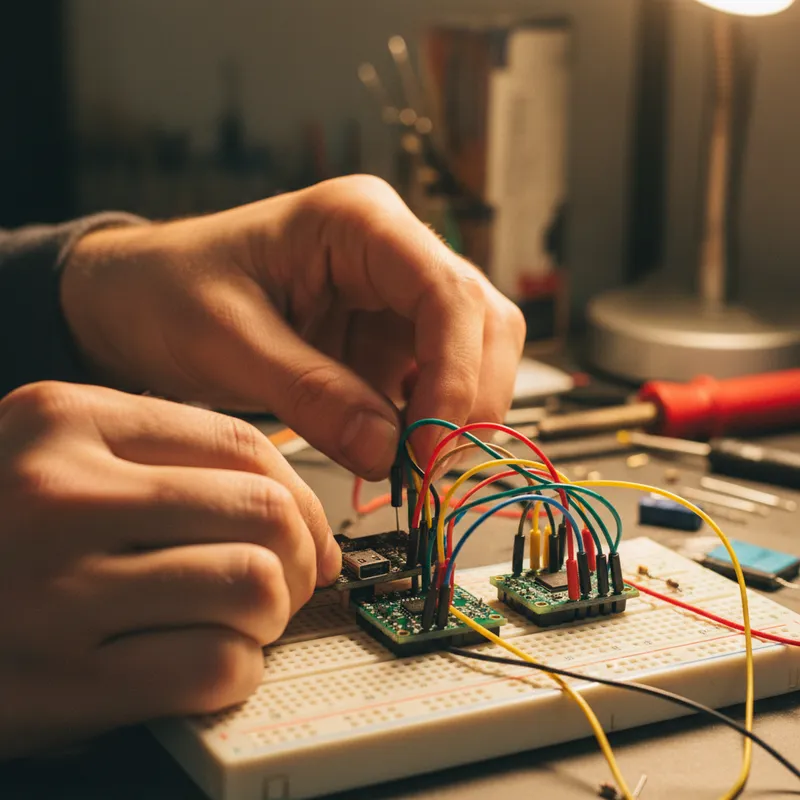
The I3C bus requires pull-up resistors on SDA (typically 2 kOhm to VDD). SCL does not need a pull-up in I3C mode (it uses push-pull drive). Many I3C evaluation boards include the required pull-ups. If using a bare device, add a 2 kOhm pull-up on SDA to the target’s VDD supply.
Power the target device from its own supply for this tutorial, so that the bus and the rail are independent variables while you are still establishing whether communication works at all.
Step 1: Install Dependencies
pip install binhosupernovaStep 2: Initialize the Supernova as I3C Controller
The Supernova SDK installs as binhosupernova and is imported as BinhoSupernova. The I3C controller is brought up through the SDK’s controller initialisation call, which sets the push-pull and open-drain bus rates before any transfer runs:
import BinhoSupernovaThe Supernova initialises its I3C controller engine, which manages bus timing, address tables, and protocol state.
Step 3: Run Dynamic Address Assignment (ENTDAA)
ENTDAA is how an I3C controller discovers target devices and assigns them dynamic addresses. Each responding target reports its Provisioned ID, Bus Characteristics Register and Device Characteristics Register, and receives a dynamic address. An empty result points at wiring, power, or signalling levels, in that order of likelihood.
The SDK exposes controller initialisation, ENTDAA and CCC transfers with their own argument types (bus-rate enums, transfer descriptors, CCC identifiers), and those signatures change between SDK releases: the package is on a 4.x line and its changelog records changes to the I3C command surface. Rather than reproduce a call sequence here that would drift against the version you install, take the exact method names and arguments from Binho’s own reference for your installed version:
- Binho Supernova Python SDK on PyPI, which carries the current API and its release history
- Binho support documentation, which lists the Supernova and Nova SDKs separately, they are different packages with different APIs
GSAS application engineers in Bengaluru, Hyderabad, Chennai, Pune, Mumbai and Delhi NCR work through first-transaction bring-up with teams evaluating the Supernova, including the ENTDAA and CCC sequence against your own target hardware.
Steps 4 and 5: Private transfers and Common Command Codes
Once targets hold dynamic addresses, the two things a first bring-up needs are a private read or write against a target register, and a Common Command Code. CCCs are the broadcast or directed commands that manage the I3C bus itself: GETPID reads a target’s 48-bit Provisioned ID, and GETBCR, GETDCR and GETSTATUS read the Bus Characteristics Register, Device Characteristics Register and target status respectively.
Both surfaces are exposed by the SDK with version-specific signatures, and the package changelog records changes to the I3C command surface across the 4.x line, including the addition of HDR-DDR support for broadcast and direct CCCs. Take the exact call shapes from the SDK reference for your installed version rather than from a tutorial snapshot.
Troubleshooting
No targets found during ENTDAA. Check that the target device is powered and that SDA and SCL are connected correctly. Verify the SDA pull-up resistor is present. Some I3C devices require a specific power-on reset sequence before they respond to ENTDAA.
ENTDAA finds a device but reads return errors. Confirm the target device supports the I3C version your transaction assumes. Some early I3C devices have limited CCC support or require specific initialization sequences before data transfers work.
Intermittent communication errors. Check bus signal integrity. I3C’s push-pull SCL and open-drain SDA have specific impedance requirements. Long wires or breadboard connections can cause signal reflections that corrupt transactions.
What Comes Next
With a basic I3C transaction working, you can explore more advanced I3C features:
- In-Band Interrupts: Configure the Supernova to monitor and handle IBIs from target devices
- HDR-DDR mode: Transfer data at higher speeds using Double Data Rate encoding
- Multi-target buses: Discover and communicate with multiple I3C targets on the same bus
- Target mode: Binho specifies the Supernova’s I3C role as Controller or Target, so the same adapter can emulate a target device against somebody else’s controller. See running the Binho Supernova as an I3C target
For engineering teams in Bengaluru, Hyderabad, and Pune evaluating I3C for next-generation sensor platforms, this tutorial provides the foundation. The Supernova’s combination of I3C exerciser capability and the Python SDK makes it practical to explore I3C bus behavior interactively before committing to silicon or firmware architecture decisions.
Why Buy from GSAS
GSAS Micro Systems is an authorized Binho engineering partner in India. We provide the Supernova with INR invoicing and I3C-specific technical support. Our applications engineers in Bengaluru, Hyderabad, Chennai, Pune, Mumbai, and Delhi NCR assist with I3C bus architecture review, device bring-up, and integration into existing development workflows. Contact us for evaluation units or a hands-on I3C tutorial session.
Also appears in:
Interested in Binho tools?
Talk to our application engineers for personalized tool recommendations.
More from Binho
View all →
I3C FAQ for Firmware Teams: What the Bus Is, What Changes, and What You Need on the Bench
31 Jul · 8 min
Running the Binho Supernova as an I3C Target: Emulating a Device Against Your Own Controller
31 Jul · 7 min
Binho Mission Control 3 (Public Preview): Point-and-Click I2C, SPI, I3C, and GPIO
20 Jul · 5 min
Binho Mission Control: Point-and-Click I2C, SPI, and UART Without Writing Code
7 Apr · 5 min

Emulating Processor Power for Thermal Testing: Why Constant Power
7 Oct · 7 min

CRPS and Rack Power Supply Testing: The Six Tests That Matter
7 Oct · 7 min