Binho’s I3C Basic Protocol Analyzer Plugin for Saleae Logic
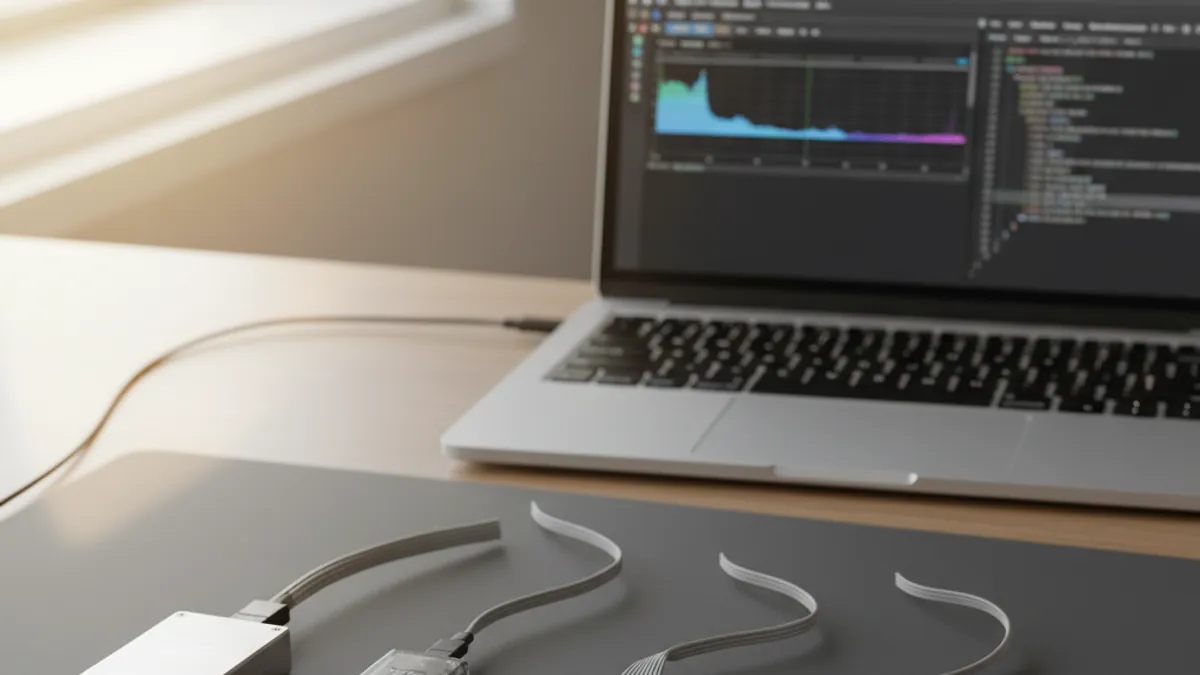
Saleae Logic analyzers are on a great many embedded benches, and their protocol decoder library covers most of what an engineer meets day to day. MIPI I3C is one of the gaps. As I3C adoption grows in sensor hubs, camera interfaces and power management ICs, teams need to see I3C traffic inside the tool they already use.
Binho fills that gap with a dedicated plugin. It is worth being precise about what it is, because it is frequently described loosely: this is a licensed Binho software plugin that decodes I3C from a Saleae Logic capture. It is not the same product as the Binho Supernova, and it is not free.
What Binho Publishes About It
Binho introduces the plugin as “the first I3C Basic℠ Protocol Analyzer for firmware development and embedded systems testing”. That is Binho’s own claim, correctly scoped to the analyzer plugin.
Binho lists the following capabilities:
- Spec coverage: I3C Basic℠ spec v1.0, v1.1, v1.1.1 and v1.2
- Speed and modes: 12.5 MHz, SDR and HDR-DDR
- CCCs: direct and broadcast Common Command Code decoding
- Bus events: In-Band Interrupts and Hot-Join requests
- Transfers: private read and private write
- Granularity: byte-level and transaction-level decoding
- Workflow: real-time decoding with HLA support
- Hardware: compatible with Saleae Logic Pro 8, Logic Pro 16 and Logic 8
Licensing: Flex or Node-Locked, Not Free
This is the detail most worth stating plainly, because it is the one most often got wrong. Saleae’s own Logic software is free. Binho’s I3C Basic Protocol Analyzer plugin is licensed software, and Binho offers two models:
Flex Licensing is shared among team members, requires an internet connection, and needs no license server setup. It suits a team where several engineers touch I3C occasionally and none of them needs it every day.
Node-Locked Licensing is locked to specific computers, requires no internet, and works in secure environments. It suits air-gapped labs, defence and aerospace programmes, and any bench that sits behind a network boundary, which describes a fair number of Indian design centres.
Which model fits is a workflow question rather than a technical one, and it is worth deciding before procurement rather than after. GSAS can walk through that with you.
Why I3C Needs Protocol-Level Visibility
I3C is a protocol where bus visibility is not a luxury. I2C failure modes are few and well understood. I3C introduces dynamic address assignment, in-band interrupts, multiple speed modes and controller-target negotiation, and the resulting failures look alike from the application layer: the device is simply not there, or answers with something implausible.
Decoded traffic collapses that ambiguity. Which CCCs actually went out. Whether each target responded to ENTDAA and what Provisioned ID, BCR and DCR it reported. Whether an IBI was asserted and acknowledged. Whether a Hot-Join request arrived and was handled. Whether an HDR-DDR transfer completed cleanly. Each of those is a specific, checkable fact rather than a guess, and the difference in debug time is measured in days.
For design teams in Bengaluru and Hyderabad building next-generation sensor platforms and mobile silicon on I3C, that visibility is what turns an opaque bus failure into a diagnosable event.
Analyzer and Exerciser Are Different Jobs
The plugin is the passive half of I3C work: it decodes traffic that other devices put on the bus. The Binho Supernova is the active half: Binho specifies it as an I3C Controller or Target at up to 12.5 MHz with SDR and HDR-DDR, In-Band Interrupts, Hot-Join and all CCCs, so it generates the traffic in the first place.
The two answer different questions.
- Analyzer: “What actually happened on this bus?” Use it when a real system misbehaves and you need ground truth about a controller and targets you do not control.
- Exerciser: “What does this target do if I send it X?” Use it during bring-up, when there is no working controller yet, or when you need to provoke an edge case that the real controller never produces.
In practice a team doing serious I3C work wants both, and the Supernova’s Controller-or-Target role means the exerciser side can also stand in as the device under test. We cover that direction in running the Binho Supernova as an I3C target, and the controller-side procedure in the I3C sensor bring-up guide.
Binho’s Standing in the I3C Ecosystem
One credibility point worth recording, in Binho’s own framing: Binho states that it does not simply follow the I3C specification but helps develop it, citing participation in MIPI I3C Plugfests since 2022 and membership of the MIPI Alliance as a Contributor Member. Binho also runs a public I3C resource hub, the I3C Cafe, with a device database, a tools guide, and technical articles.
For a protocol still settling into production silicon, a vendor that shows up to interoperability events is a meaningfully different proposition from one that only reads the document.
Why Buy from GSAS
GSAS Micro Systems is an authorized engineering partner in India for both Binho and Saleae. We provide the Supernova with INR invoicing and local support, including guidance on setting up I3C decoding alongside your existing Saleae Logic workflow and choosing between Flex and Node-Locked licensing for your lab’s network posture. Our applications engineers in Bengaluru, Hyderabad, Chennai, Pune, Mumbai, and Delhi NCR can assist with I3C bus architecture review, Supernova configuration, and integration into existing debug workflows. Contact us for evaluation units or a technical consultation.
Also appears in:
Interested in Binho tools?
Talk to our application engineers for personalized tool recommendations.
More from Binho
View all →
I3C FAQ for Firmware Teams: What the Bus Is, What Changes, and What You Need on the Bench
31 Jul · 8 min
Running the Binho Supernova as an I3C Target: Emulating a Device Against Your Own Controller
31 Jul · 7 min
Binho Mission Control 3 (Public Preview): Point-and-Click I2C, SPI, I3C, and GPIO
20 Jul · 5 min
Binho Mission Control: Point-and-Click I2C, SPI, and UART Without Writing Code
7 Apr · 5 min

Emulating Processor Power for Thermal Testing: Why Constant Power
7 Oct · 7 min

CRPS and Rack Power Supply Testing: The Six Tests That Matter
7 Oct · 7 min