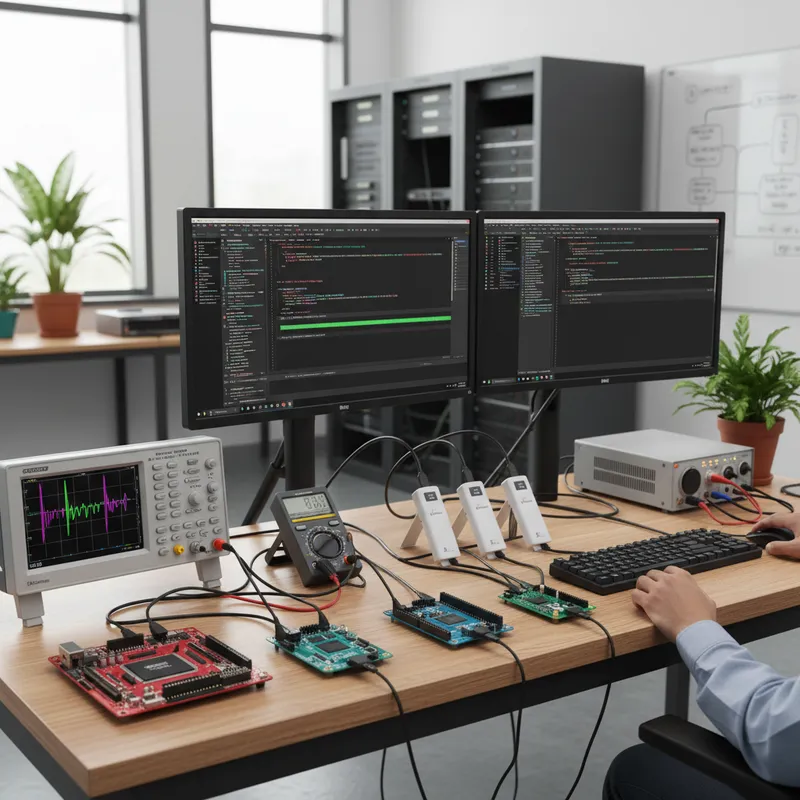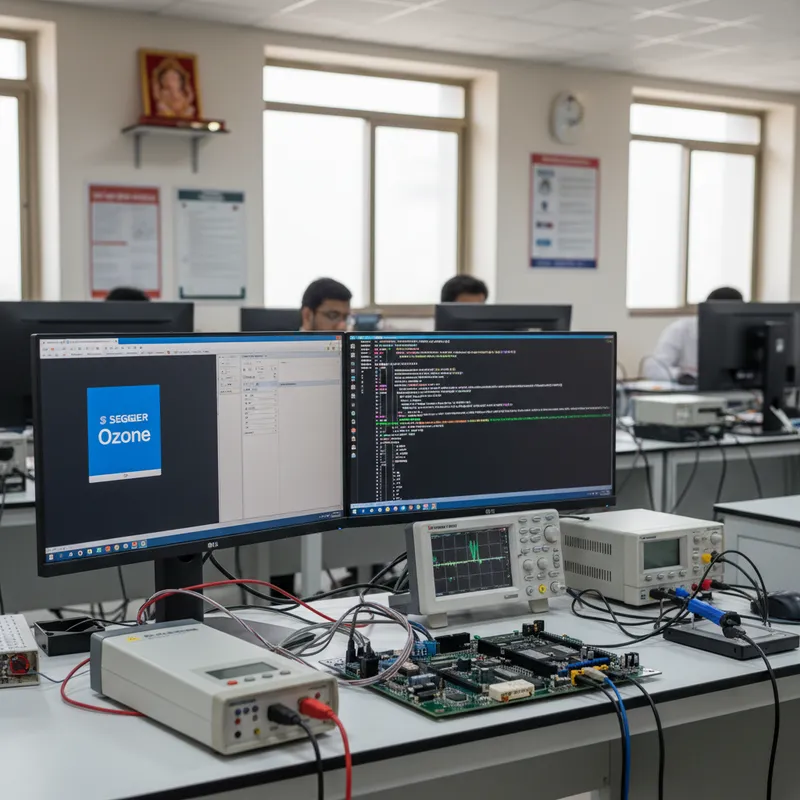
Indian firmware teams already use SEGGER Ozone from SEGGER Microcontroller GmbH for day-to-day breakpoint-and-step debugging against J-Link and J-Trace probes. What many teams do not realise is that Ozone has a built-in Lua scripting engine and an event hook system that turns the standalone graphical debugger into a genuine test automation platform. Every action you can perform through the Ozone GUI is scriptable, and Ozone exposes documented hooks for project load, target connect, image download, breakpoint hit, and step events. That opens up a long list of advanced workflows, automated bring-up checks, conditional memory dumps on fault handlers, long-duration soak-test trace capture, CI-integrated functional tests, and IEC 62304 evidence logging. GSAS Micro Systems is an authorized Indian engineering partner for SEGGER Microcontroller GmbH and helps Indian teams build these Ozone-driven workflows against real hardware.
This post walks through the Lua API surface that Ozone exposes, the practical Indian use cases where Lua scripting matters, and how to wire Ozone into a Jenkins or GitLab CI pipeline for hardware-in-the-loop regression.
Why Ozone scripting matters for Indian teams
Indian firmware teams run into the same problems that teams everywhere do, with one local twist: Indian engineering organisations are usually running on tighter bench-equipment budgets and leaner test headcounts than their European or US counterparts. A Lua script that automates a repeatable bring-up sequence can replace a manual procedure that consumed one engineer-day per new board spin. A Lua script that captures a CSV of variable state every time a specific function is entered can catch an intermittent fault during a 168-hour soak test that no human observer would ever notice.
Four pressures push Indian teams toward Ozone scripting:
1. Bring-up efficiency. A typical Bengaluru-area consumer IoT team typically spins 3-5 new PCB revisions during a product development cycle. The “Day 1 bring-up” procedure, verify peripheral access, verify NVM erase/program/verify, verify basic sensor reads, is identical across revisions. Scripting it once and running the script against every new board saves hours per spin.
2. Intermittent fault capture. Some failures only show up after 100+ hours of running. Indian industrial controls teams running equipment validation do not have the bench time to sit next to a board for a week hoping a fault will repeat on demand. A Lua script that wakes on a fault-handler breakpoint, dumps RAM to a file, logs the timestamp, and continues execution lets the unit keep running unattended while building a record of every fault.
3. CI-driven HiL regression. Indian teams on modern DevOps pipelines (see our Embedded Studio CI/CD post) want every pull request to trigger a build followed by a functional test on real hardware. Ozone running headless from a Lua script is one way to drive that HiL step.
4. Regulatory evidence. Hyderabad medical device teams working under IEC 62304 need repeatable, auditable test sequences with captured variable state. A Lua script that runs the unit through a defined sequence and logs every breakpoint hit plus variable values to a CSV becomes part of the design history file.
The Ozone Lua API surface
Ozone’s Lua API is documented in the SEGGER Ozone wiki. The categories to know:
Memory access. Ozone exposes functions for reading and writing target memory at arbitrary widths. The canonical functions are Target.ReadU8(addr), Target.ReadU16(addr), Target.ReadU32(addr), and Target.ReadU64(addr) for reads, with matching Target.WriteU8 / U16 / U32 / U64 for writes. For bulk operations, there are variants for reading and writing memory ranges into and out of Lua tables.
Symbol access. Symbol.Address("name") looks up the address of a linker symbol by name. Symbol.Size("name") returns its size. This is how a Lua script avoids hard-coding memory addresses, look up the symbol at script startup and work with the symbolic name throughout. Combined with a stable C API in the firmware (e.g. a g_test_result struct at a known symbolic name), this gives the Lua script a clean contract with the firmware.
Register access. Target.ReadReg("R0"), Target.ReadReg("SP"), and similar calls read core registers. Writing to registers uses the matching Target.WriteReg call. For Cortex-M fault analysis, a Lua script that reads SP, LR, PSR, and the exception frame from the stack is usually the first thing you write.
Execution control. Target.Halt() stops the CPU. Target.Run() resumes. Target.Step() single-steps. Target.SetBreakpoint(addr) adds a breakpoint; the matching remove call clears it. For software-defined stop conditions, the combination of setting a breakpoint, running to it, reading state, and continuing is the bread-and-butter of Ozone scripting.
Output and file I/O. Util.Log(...) prints to the Ozone console. Standard Lua file I/O (io.open, file:write, file:close) writes to disk, this is how CSV dumps, fault logs, and trace captures get persisted from a script.
Event hooks. The hook functions Ozone calls at defined points in the session are:
OnProjectLoad(), called once when the Ozone project is opened. This is where you typically configure the J-Link connection (Project.SetDevice,Project.SetHostIF,Project.SetTargetIF,Project.SetTIFSpeed) and declare the image file to download.BeforeTargetConnect(), runs just before Ozone talks to the target over the J-Link. Useful for setting interface-specific options.AfterTargetConnect(), runs immediately after target connection. Useful for reading device ID, printing firmware version, or setting pre-download state.BeforeTargetDownload(), runs before the image download begins. Useful for erasing external flash, setting boot mode pins, or otherwise preparing the target.AfterTargetDownload(), runs after the image is in flash. Useful for running post-download verification, setting up breakpoints that persist across the session, or configuring RTT.BeforeTargetReset()andAfterTargetReset(), runs around the reset operation. Useful for re-initialising test state after a reset.
These hooks are how a Lua script gets control at every meaningful point in the debug session without the user touching the GUI.
Cross-check: every function name above is from the published SEGGER Ozone User Guide. If you are writing a script and cannot find a function, the authoritative source is the Ozone User Guide PDF that ships with the Ozone installer, or the SEGGER wiki page for Ozone. Do not guess at function names, SEGGER maintains the API, and the wiki is the source of truth.
Use case 1: automated bring-up sanity check
Scenarios in this article are illustrative, common patterns Indian engineering teams encounter, not specific named customers.
A typical Bengaluru-area consumer IoT team spins a new PCB revision of their nRF5340-based wearable. The board needs a standard Day 1 sanity check: does SWD connect, does flash erase/program/verify, does the on-board EEPROM answer I2C, does the accelerometer return a plausible reading, does RTT come up.
The Ozone Lua script for this looks like:
OnProjectLoad, configure the target device, J-Link interface, and image pathAfterTargetConnect, read the nRF5340 device ID and log itAfterTargetDownload, run to a knownsystem_init_completesymbol, halt, read state- Call a Lua function that reads the I2C status register (via a symbol lookup), asserts the expected value
- Call a Lua function that reads the accelerometer register through a firmware helper
- Read RTT output through the Ozone RTT plugin and assert that the expected “init OK” string appears
- Log pass/fail to a CSV keyed by board serial number
- Disconnect cleanly
Running this script against every new board takes under a minute and replaces a 15-20 minute manual procedure. Over 10 board spins per product cycle, that compounds into real engineering time.
Use case 2: memory dump on HardFault
A typical Chennai-area industrial controller team runs a 168-hour soak test on a production-candidate unit. The firmware occasionally faults with a HardFault during overnight runs but the operators cannot reproduce it on demand. Without Ozone scripting, they are stuck watching for the fault to recur during bench hours.
With Ozone scripting, the solution is:
- Set a breakpoint on the
HardFault_Handlersymbol address atAfterTargetDownload - When the breakpoint hits, Ozone’s breakpoint-hit event fires
- The Lua script reads the stacked exception frame (R0-R3, R12, LR, PC, PSR) from the stack pointer
- The script reads the CFSR, HFSR, MMFAR, and BFAR fault status registers using
Target.ReadU32at the fixed Cortex-M addresses - The script writes a timestamped fault record, stack frame, fault status, full RAM region dump, to a CSV and a binary dump file on the host
- The script resets the target and resumes the test
Pair this with the existing Cortex-M HardFault debug with RTT post for the decoding reference.
Use case 3: CI-integrated functional test
A typical Pune-area Tier-1 automotive team wants every pull request to trigger a HiL functional test on a real ECU. The build is driven by the team’s Embedded Studio CI pipeline. After emBuild produces the image, the Jenkins pipeline calls Ozone in headless mode with a Lua test script.
The Lua script:
- Downloads the freshly built image to the HiL rig ECU
- Halts at the scheduler-start symbol
- Releases the CPU and runs for a fixed duration
- Reads a
g_test_resultsstruct from the firmware viaSymbol.Addresslookup - Asserts that every field in the struct matches the expected value
- Writes a JUnit-format XML result file
- Exits with a return code that Jenkins interprets as pass/fail
Pair Ozone with SystemView on the same Jenkins job for full RTOS timing capture alongside the functional assertions.
Use case 4: IEC 62304 evidence logging
A typical Hyderabad-area medical device team building a Class B infusion-pump controller needs repeatable evidence that the firmware’s state machine transitions correctly through every defined state during each test run. The test evidence becomes part of the design history file and supports the IEC 62304 software verification argument.
The Ozone Lua script sets breakpoints on the state-transition function entry, logs each transition with a timestamp, source state, target state, and the contents of the relevant condition variables. The log becomes a CSV file that the regulatory team imports into their verification record. The same script runs identically on every test cycle, which gives the team the “repeatable and auditable” property the standard requires.
Pair with SystemView for IEC 62304 evidence capture for the parallel RTOS timing argument.
Multi-target test rig automation
For Indian teams running small-batch production validation, a Hyderabad defence electronics house with a 50-unit run, for example, Ozone Lua can script a sequence that programmes the same image to N targets in turn and runs a sanity check on each. The script walks through the USB serial numbers of the attached J-Link probes, connects to each in sequence, programmes, tests, logs the result, and disconnects. For batches larger than ~10 units, the right answer shifts to Flasher ATE2, but for low volumes, Ozone scripting is the pragmatic choice.
Further reading
- SEGGER Ozone product page at segger.com, authoritative product documentation
- SEGGER Ozone User Guide at segger.com, PDF reference for the Lua API surface
- SEGGER Ozone at GSAS
- SEGGER Cortex-M HardFault debug with RTT, the fault decoding companion
- SEGGER SystemView for IEC 62304 evidence, parallel RTOS timing evidence
- SEGGER multi-core debug for i.MX RT1170 and nRF5340, multi-core bring-up with Ozone
- SEGGER Embedded Studio CI/CD pipelines, the CI pipeline Ozone slots into
- SEGGER at GSAS
Buy SEGGER Ozone in India from GSAS
GSAS Micro Systems is an authorized Indian engineering partner for SEGGER Microcontroller GmbH and helps Indian teams build Ozone-driven automation for bring-up, soak testing, HiL regression, and regulatory evidence capture. Whether you are a Bengaluru IoT team scripting a Day 1 sanity check, a Chennai industrial controls team capturing fault traces during a 168-hour soak, a Pune Tier-1 wiring Ozone into a Jenkins HiL pipeline, or a Hyderabad medical device team logging IEC 62304 evidence, we can arrange a workshop with a SEGGER application engineer and supply commercial Ozone licences with INR invoicing and GST compliance. Contact us at any of our Bengaluru, Chennai, Hyderabad, Delhi NCR, Mumbai, or Pune offices, or visit our SEGGER India partner page for the full portfolio.
Interested in SEGGER tools?
Talk to our application engineers for personalized tool recommendations.
More from SEGGER
View all →
Meet the GSAS Team at electronica India 2026, Stall H3.I45
15 Sept · 3 min
J-Link Is Now Validated by ST for StellarStudio
13 Sept · 2 min
An AI Agent That Drives the Debugger: SEGGER and Embedder Connect J-Link to the Loop
13 Sept · 6 min
SEGGER J-Link and J-Trace Now Support Andes Trace: Why This Matters for RISC-V
21 Jul · 6 min

Emulating Processor Power for Thermal Testing: Why Constant Power
7 Oct · 7 min

CRPS and Rack Power Supply Testing: The Six Tests That Matter
7 Oct · 7 min