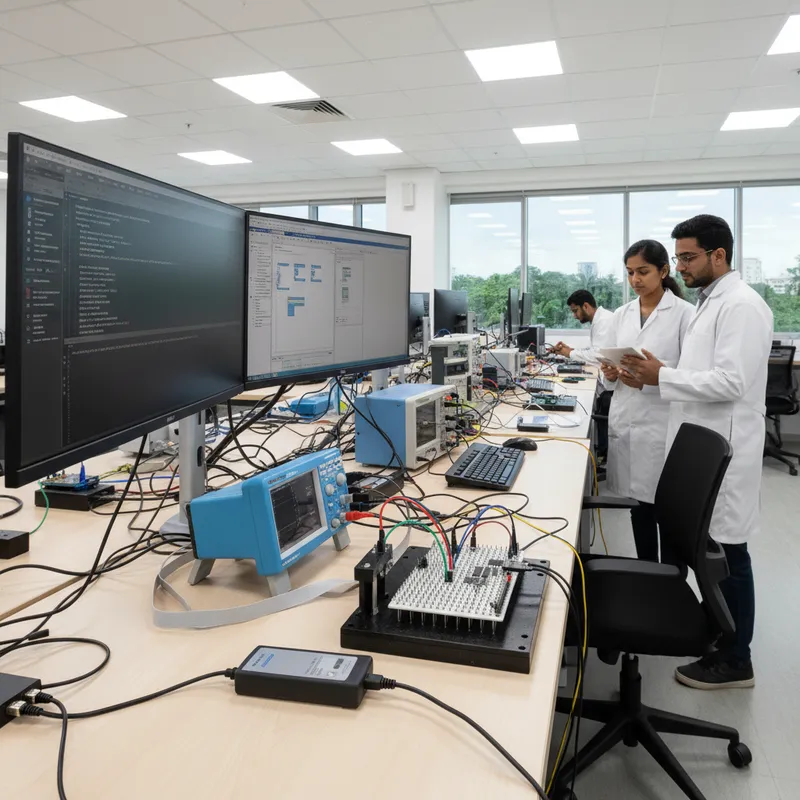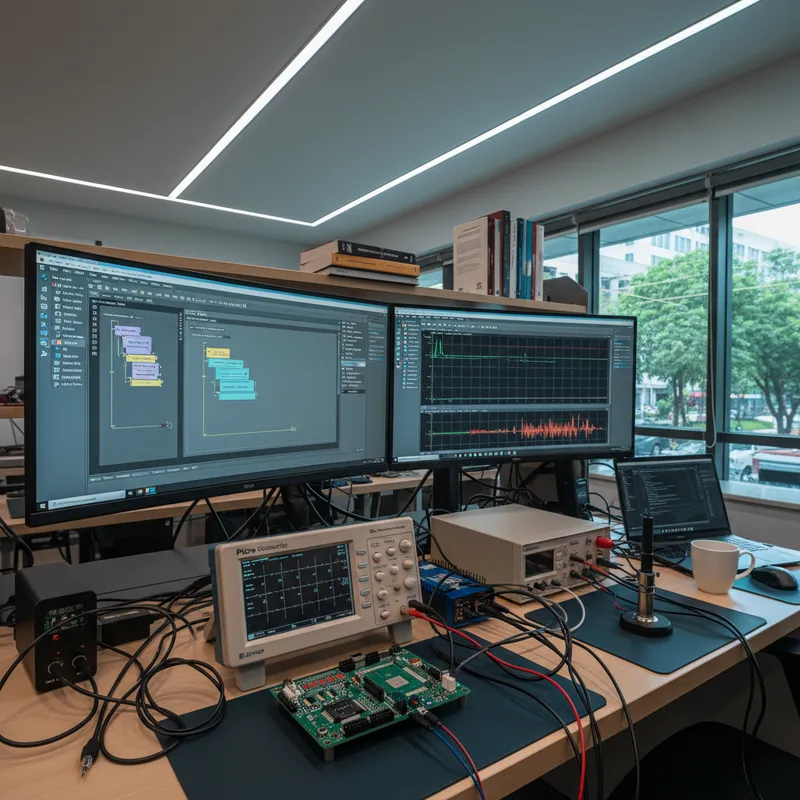
Walk into almost any instrumentation lab, power electronics research group, or signal processing laboratory at an Indian engineering college and you will find MATLAB running on every workstation. Site licences at IITs, NITs, IIITs, BITS, and accredited engineering colleges across the country make MATLAB the default data-analysis environment for MTech projects, PhD research, faculty-led investigations, and undergraduate instrumentation labs. The same pattern holds at Indian R&D labs in Tier-1 automotive, aerospace, and research institutions, if there is a measurement, the analysis runs in MATLAB. This post walks through how PicoSDK bridges that world, the two integration paths Indian researchers pick between, and the Simulink hardware-in-the-loop patterns that make a PicoScope a genuinely useful research instrument beyond bench-side waveform viewing.
GSAS Micro Systems is an authorized Indian engineering partner for Pico Technology, supplying PicoScope and PicoLog hardware to Indian engineering colleges, research institutes, and industrial R&D labs across Bengaluru, Hyderabad, Chennai, Pune, Mumbai, and Delhi NCR. The MATLAB integration story matters because research buying decisions in Indian academia are driven by “does it work with the software my lab already standardizes on”, and the answer for PicoScope is yes, directly and with reasonable polish.
Why MATLAB matters for Indian academic instrumentation
MATLAB is not a popularity contest in Indian academia, it is genuinely the right tool for most research signal analysis. The Signal Processing Toolbox covers filtering, spectral estimation, windowing, and time-frequency analysis. The Control System Toolbox models plants and controllers, runs stability margins, and identifies systems from measured input-output data. The Communications Toolbox handles modulation, equalization, and channel modelling. The RF Toolbox works in S-parameters. The Phased Array System Toolbox covers beamforming and radar signal processing. The Image Processing Toolbox is the standard for optical and thermal imaging research. Simulink brings model-based design into the loop.
An Indian research lab with a MATLAB site licence already has all of that tooling available. What the lab usually does not have is a clean path from a real-world signal, captured off an actual circuit, motor, sensor, or antenna, into those toolboxes. The traditional path is an expensive benchtop oscilloscope with a SCPI TCP/IP interface and a layer of MATLAB glue code to pull samples in over Ethernet. That works but is slow, brittle, and depends on the lab having the budget for a benchtop scope in the first place.
PicoScope changes the economics. A PicoScope 5000D Series FlexRes with up to 16-bit hardware resolution, a PicoScope 4444 differential for power electronics research, or a PicoScope 4000 Series including the PicoScope 4262 16-bit for audio and bio-signal work delivers benchtop-grade acquisition at a fraction of the research budget, and PicoSDK exposes a MATLAB integration path that lands captured samples directly in the MATLAB workspace.
The two integration paths: Instrument Control Toolbox vs direct MEX
PicoSDK supports two ways into MATLAB for researchers who need a choice.
Path one, Instrument Control Toolbox with the MATLAB-supported PicoSDK wrapper. This is the cleanest option for researchers already comfortable with MATLAB tooling. Pico ships MATLAB instrument driver examples for the major PicoScope and PicoLog families; the driver uses the MATLAB Instrument Control Toolbox conventions to open the device, configure channels, run captures, and return samples as ordinary MATLAB arrays. A typical session looks like:
% Open the PicoScope 5000D and configure for a single block capture
ps5000aDeviceObj = icdevice('picotech_ps5000a_generic.mdd');
connect(ps5000aDeviceObj);

% Configure Channel A: +/- 5 V range, DC coupled, 14-bit resolution
invoke(ps5000aDeviceObj, 'ps5000aSetChannel', 0, 1, 1, 8, 0);
invoke(ps5000aDeviceObj, 'ps5000aSetDeviceResolution', 3); % 14-bit

% Set up a simple rising-edge trigger on Channel A at 1 V
invoke(ps5000aDeviceObj, 'ps5000aSetSimpleTrigger', 1, 0, 16384, 2, 0, 0);

% Run a 10,000-sample block capture and pull the samples into MATLAB
[status, chA] = invoke(ps5000aDeviceObj, 'runBlock', 0);

disconnect(ps5000aDeviceObj);

% chA is a MATLAB double vector, feed it directly into Signal Processing Toolbox
[pxx, f] = pwelch(chA, hamming(1024), 512, 2048, Fs);
plot(f, 10*log10(pxx));
For a researcher who already thinks in the MATLAB way, this is a small, comfortable amount of code to move a real-world waveform into a Welch power spectral density plot. The Instrument Control Toolbox approach works for block mode, streaming mode, and rapid-block mode across all the major PicoScope families, with the same icdevice / invoke pattern in each case.
Path two, direct MEX wrapper calls to the PicoSDK C API. For research workloads that need maximum performance, very long streaming captures, tight acquisition-to-analysis loops for hardware-in-the-loop control, or custom callback handling, MATLAB’s MEX function interface lets a researcher call PicoSDK C functions from MATLAB with the C-level overhead. This requires a C compiler configured in MATLAB (mex -setup), a small MEX wrapper file that binds the specific PicoSDK calls the research workflow needs, and familiarity with MATLAB’s MX array manipulation API. The result is faster and more flexible than the Instrument Control Toolbox path, at the cost of more setup and maintenance. Most Indian research labs start with the Instrument Control Toolbox path and only move to MEX if performance profiling shows the instrument driver layer is the bottleneck, which is rarely the case for typical research measurement tasks.
Simulink hardware-in-the-loop: where PicoScope meets model-based research
The most interesting MATLAB integration story for Indian research labs is not plain signal capture, it is Simulink hardware-in-the-loop. An Indian PhD researcher building a model-based controller for a power electronics converter, a motor drive, a sensor fusion algorithm, or a communications demodulator can use Simulink to build the controller model, run the model on the host PC, and use a PicoScope as the real-world analog input stage that feeds the Simulink model with live plant measurements.
The pattern is straightforward. A Simulink model contains an “acquisition” block at the start of the signal chain, wired into a PicoSDK-backed custom S-function or Level-2 MATLAB S-function. The S-function calls the PicoSDK streaming mode on the host PC, pulls samples from the PicoScope as the model steps forward in simulation time, and feeds those samples into the rest of the model, filters, controllers, state estimators, whatever the research topic requires.
For moderately slow control loops (up to a few kHz), this runs comfortably on a host PC with a PicoScope 5000D or a PicoScope 4444 on USB 3.0. For faster loops the pattern does not replace a real-time target like Speedgoat, but for MTech and PhD research where the primary question is “does my algorithm work on real signals”, the host-in-the-loop PicoScope approach is often enough and is dramatically more accessible than a real-time target.
Research use cases where MATLAB + PicoSDK is the right combination
PhD research on power electronics at an Indian engineering college. A PhD student characterizing a new motor drive topology captures three-phase inverter waveforms, phase voltage, phase current, gate drive signal, using a PicoScope 4444 differential paired with PicoConnect 442 probes rated up to 1000 V CAT III. The samples land in MATLAB and feed total harmonic distortion analysis from the Signal Processing Toolbox, power factor calculation, instantaneous power computation, and validation of the motor model the student built in Simulink. The PicoScope 4444 is the right instrument because its 14-bit resolution preserves the small current ripple detail on top of the large fundamental.
Faculty research on adaptive signal processing at an Indian NIT. A faculty research project on adaptive filter algorithms captures radar intermediate-frequency signals with a PicoScope 5000D Series running in higher-resolution FlexRes modes. The captured signals feed the project’s own Least Mean Squares, Recursive Least Squares, and Kalman filter implementations in MATLAB. FlexRes matters because adaptive filter convergence depends on the input signal’s noise floor, 8-bit capture would dominate the algorithm’s achievable performance and confound the research result. FlexRes lets the team trade bandwidth for resolution: 8-bit mode at the full 200 MHz when wideband capture is needed, and higher resolution modes (up to 16-bit) at reduced sample rate and reduced bandwidth when noise floor dominates, the researcher picks the operating point that suits each experiment.
MTech project on biomedical instrumentation. An MTech student building a low-amplitude bio-signal amplifier needs to validate the instrument noise floor and frequency response against a reference. A PicoScope 4262 with 16-bit hardware resolution and 5 MHz bandwidth captures the amplifier output at rest (to characterize noise) and under a known test signal (to characterize frequency response). MATLAB’s Signal Processing Toolbox computes the input-referred noise density, frequency response magnitude and phase, and total harmonic distortion. The 16-bit PicoScope 4262 is genuinely the right instrument for this, an 8-bit scope cannot resolve the tens of microvolts of expected signal, and a dedicated audio analyzer is outside a student project budget.
Research lab capturing radar pulse envelopes. An Indian research institution working on radar signal analysis captures pulse envelopes with a PicoScope 9400A SXRTO, up to 33 GHz bandwidth on the 9404A-33, 4 channels, 12-bit resolution. The captured pulses feed MATLAB Phased Array System Toolbox routines for pulse compression, matched filtering, and Doppler analysis. The sampler gate width and equivalent-time sampling architecture of the 9400A give pulse-edge resolution that is otherwise only available on instruments an order of magnitude more expensive.
Hardware selection for MATLAB research workflows
Four PicoScope families cover most Indian research lab requirements that pair with MATLAB.
PicoScope 5000D Series FlexRes, 60 / 100 / 200 MHz, switchable hardware resolution from 8-bit up to 16-bit (higher resolution modes run at reduced sample rate and reduced bandwidth, per the Pico datasheet), up to 512 MS buffer. The generalist choice for most signal processing research. FlexRes lets the same scope cover everything from high-speed digital edges (8-bit at full bandwidth) to low-noise analog (16-bit at reduced bandwidth) without the lab buying two instruments.
PicoScope 4444 with PicoConnect 442, 4 differential inputs, 20 MHz analog bandwidth, 14-bit resolution. Paired with the PicoConnect 442 probe accessory, the input is rated up to 1000 V CAT III, making this the right instrument for power electronics research on grid-tied inverters, three-phase motor drives, and power converter topologies.
PicoScope 4000 Series including the 4262, 20 MHz, 12-bit for the 4000A; 5 MHz, 16-bit hardware for the 4262. The 4262 is the high-resolution choice for audio, vibration, and bio-signal research where noise floor matters more than bandwidth.
PicoScope 9400A SXRTO, up to 33 GHz bandwidth on the 9404A-33, 4 channels, 12-bit, 8 SKUs across the range. The specialist choice for radar, high-speed serial link, and microwave research where equivalent-time sampling is acceptable because the signal is repetitive.
Further reading
- PicoSDK MATLAB wrappers on picotech.com, official MATLAB instrument driver downloads
- PicoSDK MATLAB examples on GitHub, reference MATLAB code for every supported PicoScope family
- Pico Technology partner page, full PicoScope range available in India from GSAS
- PicoSDK product page, SDK support details including MATLAB
- PicoScope 5000D FlexRes deep dive, 16-bit research workflow context
- PicoScope 4262 for audio and bio-signal research, 16-bit audio and sensor workflow
- Pico Technology in Indian engineering education, companion post on lab kit adoption
- PicoConnect 442 high-voltage differential probe, power electronics research pairing
The takeaway for Indian academic labs
Indian academic research runs on MATLAB. PicoScope meets that environment directly, through the Instrument Control Toolbox for researchers who want a clean, maintainable integration, and through MEX wrappers for the small set of workloads where performance matters more than simplicity. The resulting stack gives an Indian PhD researcher, MTech student, or faculty investigator benchtop-grade signal capture with a 5-year warranty at a budget that fits real research grants, and drops the captured samples into the MATLAB toolbox that already does most of the analysis work.
GSAS Micro Systems supports Indian academic and research buyers through PicoScope hardware selection, MATLAB integration guidance, and on-site bring-up. Our engineering offices in Bengaluru, Hyderabad, Chennai, Pune, Mumbai, and Delhi NCR serve engineering colleges, research institutes, and industrial R&D labs across India with Pico Technology hardware and the SDK orientation that makes it useful in a MATLAB-first research environment.
Also appears in:
Interested in Pico Technology tools?
Talk to our application engineers for personalized tool recommendations.
More from Pico Technology
View all →
How to Buy an Oscilloscope in India (2026): USB vs Benchtop, Bit Depth, Bandwidth: A Buying Guide
5 Jun · 11 min
PicoScope 5000D vs 5000E: Native 16-Bit or FlexRes? A Buyer's Guide for Indian Labs
4 Jun · 11 min
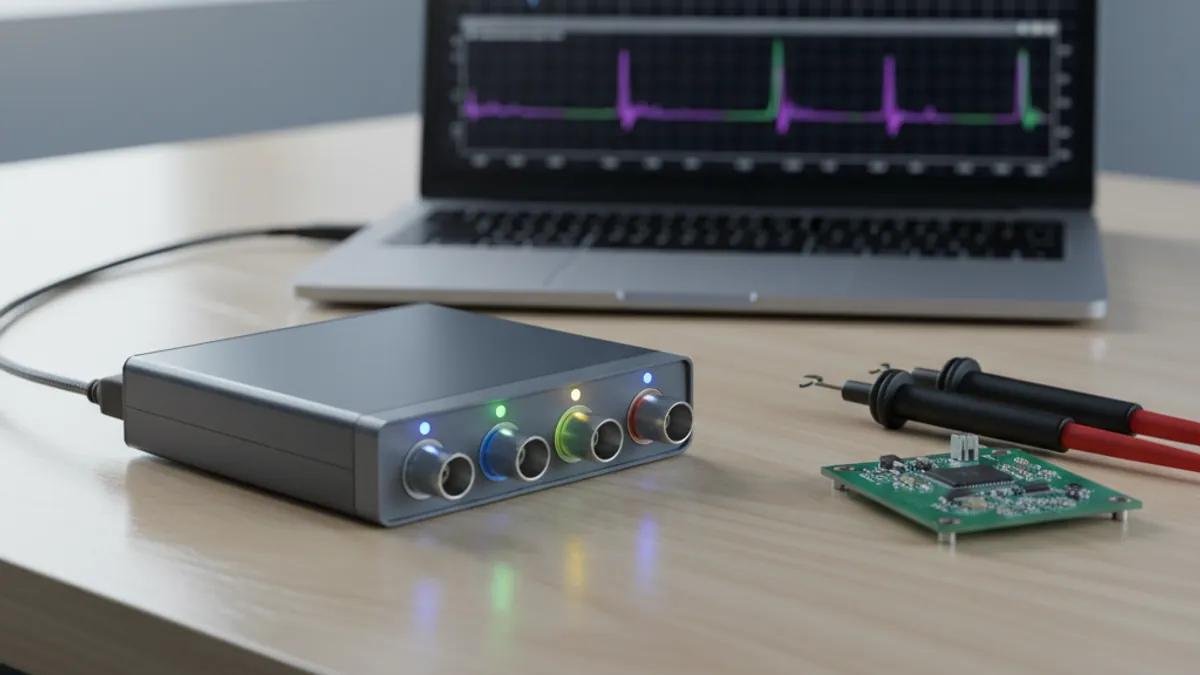
PicoScope 5000E in India: The World's First 4-Channel 16-Bit USB Oscilloscope, Explained
4 Jun · 11 min
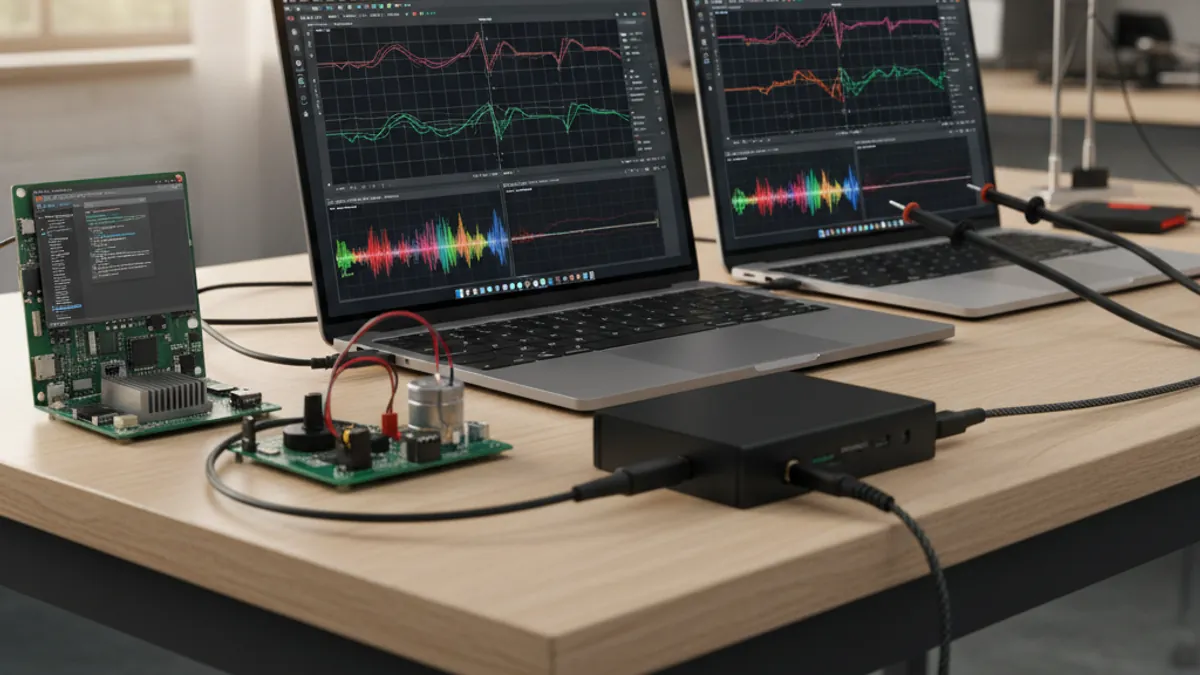
PicoScope 7 Goes Native Arm64: Apple Silicon, Snapdragon Windows and Arm Linux Test Benches in India
4 Jun · 11 min

Emulating Processor Power for Thermal Testing: Why Constant Power
7 Oct · 7 min

CRPS and Rack Power Supply Testing: The Six Tests That Matter
7 Oct · 7 min