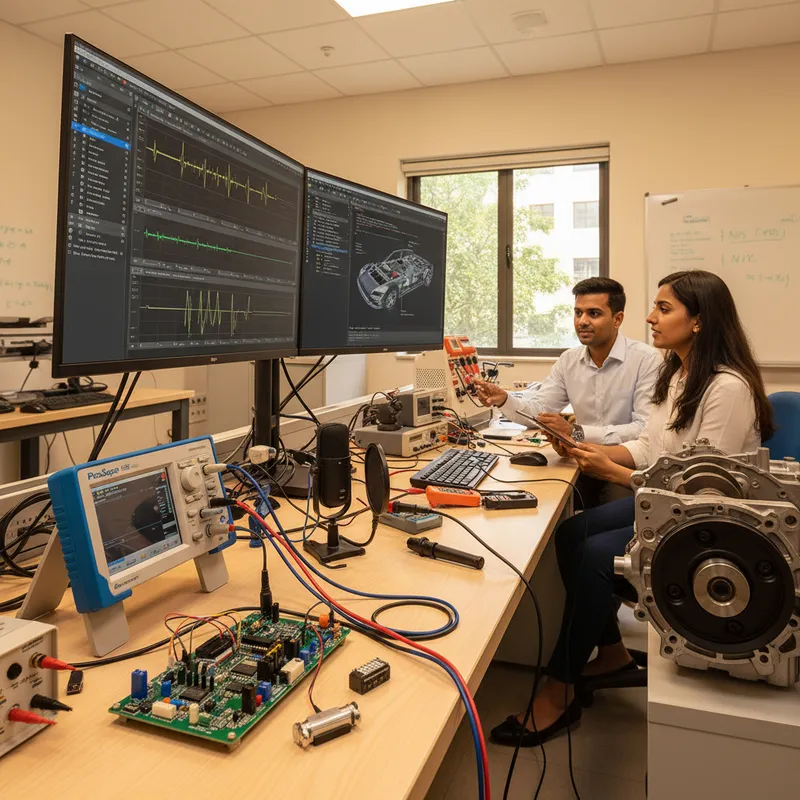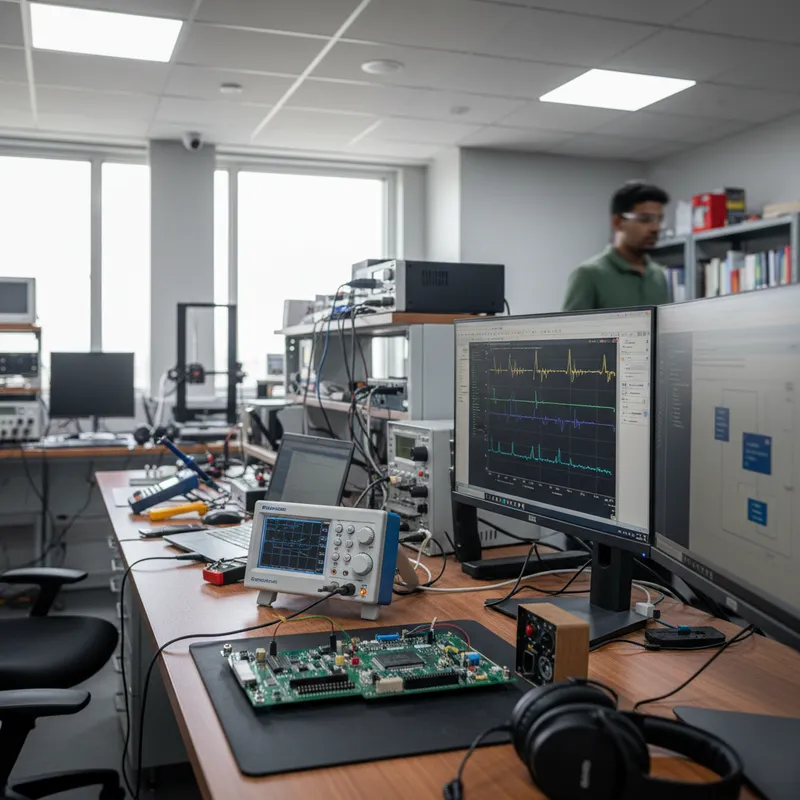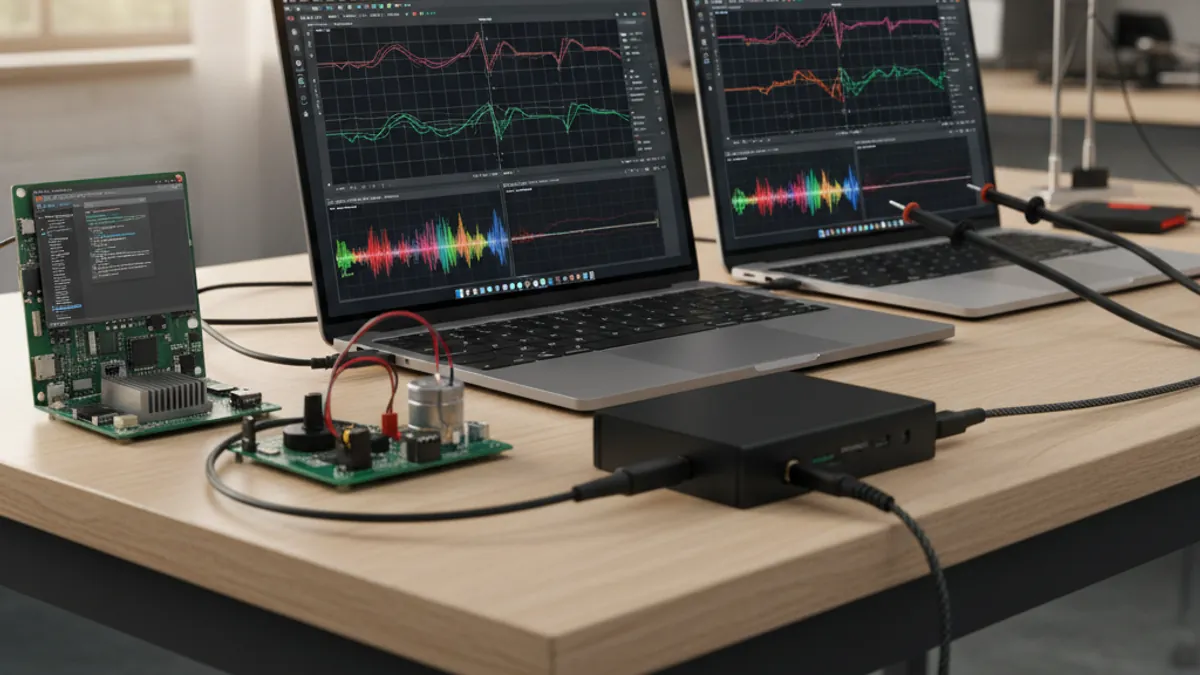
The Bench Quietly Moved to Arm: And Now PicoScope Did Too
Look at the laptops on an Indian engineering bench in 2026 and the shift is unmistakable. The MacBooks are Apple Silicon, M-series, not Intel. The Windows ultrabooks turning up in procurement are increasingly Snapdragon-powered Copilot+ machines. The single-board computers wired into the corner of every embedded lab are Arm, Raspberry Pi and its cousins. The CPU under the test engineer’s hands has been Arm64 for a while now.
The instrumentation software, however, often had not caught up. Until recently, running PicoScope 7 on one of these Arm64 machines meant running it through a translation layer, Apple’s Rosetta 2 on macOS, or Microsoft’s built-in x86 compatibility translation on Windows on Arm. It worked, but emulation is never free. Every x86 instruction had to be translated before it reached the Arm core, and on a real-time application that renders waveforms, decodes serial protocols, and computes maths channels continuously, that overhead showed up as slower rendering, higher latency, and a battery that drained faster than it should.
On 28 April 2026, Pico Technology closed that gap. PicoScope 7.2.19 is a stable release that compiles natively for Arm64. On an Apple Silicon Mac, a Snapdragon Windows laptop, or an Arm64 Linux box, PicoScope 7 now talks directly to the processor, no Rosetta 2, no compatibility translation, no x86-to-Arm layer in between. This post explains what that means for Indian test-and-measurement and embedded teams, walks through the platforms it enables, and covers the new Atan2 maths function that ships in the same release for encoder and resolver angular-position work.
This is a distinct release from the features covered in our earlier PicoScope 7 software deep dive on math, masks and DeepMeasure. That post was about what the software does; this one is about the architecture it now runs on natively.
What “Native Arm64” Actually Means
A native Arm64 build is software compiled directly to the Arm 64-bit instruction set so it runs on the processor with no translation layer. The distinction matters because the alternative, emulation, is a measurable tax.
When a desktop application is compiled only for x86-64 (Intel/AMD) and you run it on an Arm64 machine, the operating system inserts a translator:
- On Apple Silicon Macs, that translator is Rosetta 2. It converts x86-64 instructions to Arm64 either ahead of time or on the fly.
- On Windows on Arm machines, including the Snapdragon-based Copilot+ PCs, Microsoft’s built-in compatibility translation does the same job for x86 binaries.
Translation is impressively good, but it is still extra work the CPU has to do before it can execute the program’s real instructions. For an interactive instrument like an oscilloscope front end, that extra work lands precisely where you notice it: in the responsiveness of the waveform display and the latency of measurements.
Pico Technology states the native Arm64 build of PicoScope 7 delivers “faster waveform processing, lower latency measurements and improved battery life on portable devices” by removing that translation layer. Those are not abstract wins, they are the three things an engineer running a long capture session on a portable bench actually cares about.
The Three Arm64 Platforms PicoScope 7 Now Runs On Natively
1. Apple Silicon Macs (no more Rosetta 2)
This is the headline for a large slice of the Indian embedded and product-design community. Apple Silicon Macs are everywhere in startup hardware teams, in product companies in Bengaluru and Pune, and on the desks of consultants who do firmware and signal-integrity work. Before 7.2.19, those engineers ran PicoScope 7 under Rosetta 2. Now PicoScope 7 is an Arm64-native macOS application, so waveform rendering and serial decoding execute directly on the M-series cores.
The “does PicoScope run on Apple Silicon?” question, one of the most common pre-sales queries we field at GSAS, now has a clean answer: yes, natively, no emulation. For a team that standardised on MacBooks, that removes a real objection to choosing a USB PicoScope over a benchtop instrument.
2. Snapdragon-powered Windows on Arm laptops (Copilot+ PCs)
The Snapdragon-based Windows on Arm category, Microsoft’s Copilot+ PCs and similar machines, is the fastest-growing thin-and-light segment, and it is arriving in Indian corporate procurement now. Historically, x86 Windows software ran on these machines only through compatibility translation. PicoScope 7.2.19 ships a native Arm64 Windows build, so a field engineer carrying a Snapdragon laptop to a customer site gets full-speed waveform capture and the battery life that made the laptop attractive in the first place.
For automotive, industrial, and field-service work where the laptop is unplugged for hours, the battery-life improvement from dropping the translation layer is a genuine operational benefit, not a benchmark curiosity.
3. Arm64 Linux (Raspberry Pi and Arm single-board computers)
PicoScope 7’s Linux build now targets Arm64 natively as well. This is the platform that matters most for permanent, embedded, headless-adjacent test rigs. An Arm Linux single-board computer, a Raspberry Pi or an industrial Arm SBC, running a native PicoScope 7 build becomes a low-cost, low-power, always-on measurement node.
Pair that with the automation story below and you have a compelling architecture for Indian production lines and long-running monitoring rigs: a cheap Arm board, a USB PicoScope, and native software, sitting on the bench 24/7 without a power-hungry x86 PC.
A Quick Compatibility Note Worth Reading Before You Buy
Native Arm64 support in PicoScope 7.2.19 is delivered through updated device drivers, and Pico Technology is clear that not every oscilloscope model’s driver family has Arm64 support yet across the PS2000, PS3000, PS4000, PS5000, and PS6000 families. The software application is Arm64-native. The per-device driver coverage is being rolled out.
The practical implication: if your team is standardising on Apple Silicon, Snapdragon Windows, or Arm Linux benches and Arm64-native operation is a hard requirement, confirm that the specific scope model you intend to buy has an Arm64 driver before you commit. This is exactly the kind of check the GSAS applications team runs as part of a pre-sales evaluation, match the model to the host architecture so there are no surprises on day one. The current download status for each model lives on the official PicoScope 7 downloads page.
Atan2: The New Maths Function for Encoder and Resolver Angular Position
The 7.2.19 release is not only an architecture update. It also adds a maths function that quietly solves a real motion-and-drives problem: Atan2.
PicoScope 7’s maths-channel engine lets you compute new traces from your captured channels. The new Atan2 function takes two channels, typically the sine and cosine outputs of a resolver, or two quadrature components, and computes the four-quadrant arctangent, which is the angular position. In other words, you feed it the raw analog position-sensor signals and it gives you angle directly inside PicoScope 7, with no export to a script or spreadsheet for post-processing.
Why this matters for Indian teams:
- Resolver-based motor control. Resolvers are the rugged angular-position sensors of choice in EV traction motors, industrial servo drives, and aerospace actuation. Capture the sine and cosine windings on two channels of a scope and apply Atan2, and you can see the recovered rotor angle as a live trace, useful for debugging resolver-to-digital conversion, checking for excitation problems, or validating angle accuracy across a sweep.
- Quadrature encoder analysis. For incremental and absolute encoders that present sine/cosine analog tracks, the same Atan2 channel reconstructs angular position from the raw quadrature signals.
- EV and two-wheeler drivetrain work. A Pune or Chennai traction team characterising a motor under load can correlate phase-current waveforms with the Atan2-derived rotor angle on the same screen, exactly the kind of cross-channel insight that previously required exporting to MATLAB.
This ties directly into Pico’s broader position-and-power measurement story and complements the PicoScope 4444 differential and high-channel-count PicoScope 4824A instruments that suit motor and drives benches.
Other Improvements in 7.2.19
Pico Technology lists several additional refinements in the same stable release, all of which are quality-of-life upgrades for daily bench use:
- Capture Playback in the Waveform Navigator: replay captured frames forward and backward.
- User Offset correction for PicoScope 3000E devices: correct offset drift accumulated since the last full calibration.
- Time at Channel Level measurement: timing relative to a voltage threshold.
- NMEA 2000 serial protocol decoder: useful for marine and field instrumentation.
- Reduced auto-trigger timeout for more responsive triggering.
- SHIFT-key fine adjustment in numeric entry fields.
- Transparency controls for zoom and ruler windows.
- Improved file-loading progress indication.
As with every PicoScope feature, none of these is a paid add-on. PicoScope 7 is free, with lifetime updates, for every supported real-time PicoScope.
Where Native Arm64 Pays Off: Indian Bench Scenarios
A Bengaluru SoC and firmware team standardised on Apple Silicon MacBooks can now run PicoScope 7 natively for everyday debug, serial decode of an I2C or SPI bus, FFT on a power rail, a quick maths channel, at full M-series speed, with the laptop staying cool and the battery lasting through a debug session that runs past lunch.
A field-service engineer carrying a Snapdragon Windows on Arm laptop to a customer site in Hyderabad gets native-speed waveform capture without the emulation tax, and the long battery life that justified buying the lightweight machine survives a full day of unplugged measurements.
A Chennai or Pune production line can stand up a permanent test node from an Arm Linux single-board computer plus a USB PicoScope, running native PicoScope 7 and a pyPicoSDK automation script, a low-power, low-cost, always-on go/no-go bench that does not need an x86 PC humming next to it.
A drives and motion team anywhere from Delhi NCR to Mumbai can apply the new Atan2 maths function to a resolver’s sine and cosine outputs to see rotor angle live on the scope, correlating angular position with phase current during a dynamometer run, no export, no offline script.
How This Fits the GSAS PicoScope Automation Stack
The native Arm64 release strengthens an automation story GSAS already helps Indian teams build. PicoScope is not only a desktop application, it is a programmable measurement platform:
- PicoScope 7 at the bench for interactive debug, now native on whatever Arm64 host your team has standardised on.
- PicoSDK and pyPicoSDK for automation, drive captures from Python (with full NumPy buffers), C/C++, MATLAB, or LabVIEW, and integrate measurement into CI/CD and production test flows. See our pyPicoSDK launch coverage for the Python automation path.
Run that SDK on a native Arm Linux SBC and you have an end-to-end Arm64 measurement pipeline: Arm host, Arm-native software, USB scope, Python automation, a genuinely modern, power-efficient bench architecture for Indian labs and lines.
Frequently Asked Questions
Does PicoScope run natively on Apple Silicon?
Yes. As of PicoScope 7.2.19 (released 28 April 2026), PicoScope 7 is compiled natively for Arm64 and runs on Apple Silicon Macs without Rosetta 2 emulation, delivering faster waveform processing, lower latency, and better battery life. Confirm that your specific scope model has an Arm64 driver before purchase.
Does PicoScope 7 run on Snapdragon Windows on Arm laptops?
Yes. PicoScope 7.2.19 includes a native Arm64 Windows build, so Snapdragon-powered Copilot+ PCs run PicoScope 7 directly rather than through Microsoft’s x86 compatibility translation.
Is there a native Arm Linux build of PicoScope?
Yes. PicoScope 7.2.19 supports Arm64 Linux natively, which makes Arm single-board computers such as the Raspberry Pi practical hosts for low-power, always-on PicoScope test nodes.
What is the difference between native Arm64 and running PicoScope under emulation?
Native Arm64 means the application runs directly on the Arm processor with no translation layer. Emulation (Rosetta 2 on macOS, compatibility translation on Windows) converts x86 instructions to Arm at runtime, adding overhead that slows waveform rendering, increases measurement latency, and reduces battery life. Removing it is the core benefit of 7.2.19.
Do all PicoScope models support native Arm64?
Not yet. The PicoScope 7 application is Arm64-native, but per-device Arm64 driver coverage is being rolled out across the PS2000–PS6000 families. Verify Arm64 driver availability for your intended model on the PicoScope 7 downloads page or ask the GSAS applications team before buying.
What is the new Atan2 maths function used for?
Atan2 computes the four-quadrant arctangent of two channels, typically the sine and cosine outputs of a resolver or quadrature encoder, giving angular position directly inside PicoScope 7. It is aimed at motor-control, EV traction, and servo-drive work where rotor or shaft angle must be recovered from analog position-sensor signals without offline post-processing.
Is PicoScope 7 still free?
Yes. PicoScope 7, including all features in 7.2.19, the serial protocol decoders, and lifetime updates, is free for every supported real-time PicoScope. There are no per-feature or per-protocol licences.
Further Reading
- Pico Technology, PicoScope 7 brings native Arm64 support
- Pico Technology, PicoScope 7 Early Access 7.2.19
- Pico Technology, PicoScope 7 software
- Pico Technology, PicoScope 7 downloads
- Pico Technology, Oscilloscope maths channels
- GSAS, PicoScope 7 software product page
- GSAS, PicoSDK and automation
- GSAS, PicoScope 7 deep dive: math, masks, DeepMeasure
- GSAS, pyPicoSDK, Python for PicoScope automation
- GSAS, Pico Technology partner page
Talk to GSAS: Your Authorized Pico Technology Engineering Partner in India
GSAS Micro Systems is an authorized Pico Technology engineering partner in India. If your team is moving its test-and-measurement benches to Apple Silicon Macs, Snapdragon Windows on Arm laptops, or Arm64 Linux single-board computers, we will help you confirm Arm64 driver coverage for the exact PicoScope model you need, scope the right instrument for your bandwidth and channel-count requirements, and stand up PicoScope 7 plus PicoSDK automation for your bench and production lines. PicoScope hardware supply, native Arm64 setup guidance, Atan2 and maths-channel walkthroughs, and applications-engineering support are available from our offices in Bengaluru, Hyderabad, Chennai, Pune, Mumbai, and Delhi NCR. Request a quote or a technical consultation and put a native Arm64 PicoScope on your bench.
Also appears in:
Interested in Pico Technology tools?
Talk to our application engineers for personalized tool recommendations.
More from Pico Technology
View all →
How to Buy an Oscilloscope in India (2026): USB vs Benchtop, Bit Depth, Bandwidth: A Buying Guide
5 Jun · 11 min
PicoScope 5000D vs 5000E: Native 16-Bit or FlexRes? A Buyer's Guide for Indian Labs
4 Jun · 11 min
PicoScope 5000E in India: The World's First 4-Channel 16-Bit USB Oscilloscope, Explained
4 Jun · 11 min
Pico Technology for Indian Engineering Education: Lab Kits, Curriculum, IIT/NIT Programs
15 Apr · 9 min

Emulating Processor Power for Thermal Testing: Why Constant Power
7 Oct · 7 min

CRPS and Rack Power Supply Testing: The Six Tests That Matter
7 Oct · 7 min