In short
Xpedition Advanced differs from Xpedition Standard on ten of the 54 rows in Siemens' edition checklist. It adds extended constraints, extended automated routing, sketch planning, table-based design, panelization and concurrent schematic design for up to two schematic users, and it includes rigid-flex design, basic signal integrity simulation and advanced ECAD-MCAD co-design, which are token add-ons in Standard.
Siemens introduced Xpedition Advanced with the Xpedition 2610 release, announced on 26 October 2026. Siemens’ public edition checklist has 54 rows, and Xpedition Standard and Xpedition Advanced show different entries on ten of them. Advanced adds concurrent schematic design for up to two schematic users, extended constraints and routing automation, sketch planning, table-based design and panelization. It also includes three capabilities that Standard offers as token add-ons: rigid-flex design, basic signal integrity simulation and advanced ECAD-MCAD co-design.
Every product statement below comes from Siemens’ edition checklist, its Xpedition Advanced page and fact sheet, its buyer’s guide, its token add-ons material and its Getting Started guide, all linked under References. The full checklist is on our Xpedition family page, and each edition has its own page: Xpedition Standard and Xpedition Advanced. This post adds the decision those pages leave to you: when Standard is enough, and when the extra tier is justified.
The ten checklist rows that differ
The table lists every row where the Standard and Advanced columns of Siemens’ checklist differ, in Siemens’ order and with Siemens’ row names. Core, Extended and Add-on are Siemens’ words. “Included” stands for a tick or the word “included” in Siemens’ table. “Not listed” stands for an empty cell.
| Capability (Siemens’ checklist row) | Xpedition Standard | Xpedition Advanced |
|---|---|---|
| Design constraints - schematic environment | Core | Extended |
| Concurrent team design - schematic | Not listed | Included |
| Table-based design | Not listed | Included |
| Design constraints - layout environment | Core | Extended |
| Automated routing | Core | Extended |
| Sketch planning | Not listed | Included |
| Rigid-flex design | Add-on | Included |
| ECAD-MCAD co-design - advanced | Add-on | Included |
| Panelization | Not listed | Included |
| Signal integrity simulation - basic | Add-on | Included |
No checklist row is in Standard and missing from Advanced. Two row names need a gloss:
- Table-based design. The checklist does not define it. Siemens’ Getting Started guide for Advanced documents the Inter Connectivity Table (ICT), which lets users “connect signals and buses directly in a tabular format” in place of drawn wiring. We read the row as referring to the ICT. The Advanced fact sheet also lists “ICT schematic design” among Advanced’s schematic capabilities.
- Sketch planning. The Advanced fact sheet says sketch routing and sketch planning “help engineers define and communicate routing intent before completing detailed implementation”.
What does not change
The other 44 rows carry the same entry for both editions. Both have hierarchical block design, variant management, schematic/layout co-design, 3D design, circuit reuse within a design and basic ECAD-MCAD co-design. Library management, design version management, and design review, compare and markup are Core in both. Manufacturing output automation is Core in both, core DFM checks (DFF, DFA) are included in both, and PLM integration is an option in both.
Three points are easy to get wrong:
- Concurrent layout. “Concurrent team design - layout” is empty for both. Siemens lists it for Xpedition Enterprise only.
- Deeper analysis. Full signal integrity simulation, power integrity simulation, electrical rule checks and schematic analysis are options in both editions. Advanced does not bundle them.
- Analog/mixed-signal simulation. The Advanced fact sheet ticks “Analog / mixed-signal simulation (enabled by PartQuest Explore)” for Standard and for Advanced. That is cloud-based circuit simulation through PartQuest Explore. The checklist’s HyperLynx row of the same name shows “none” for both and “option” for Enterprise.
When Xpedition Standard is enough
Siemens’ Advanced fact sheet says Standard “provides strong professional capabilities for independent engineers and small teams”. In our reading of the checklist, Standard seats are the right purchase when these four statements hold:
- One engineer owns the schematic at a time. Standard already supports what Siemens calls flow concurrency: two users in the same project, one on the schematic and one on the layout.
- Signal integrity, rigid-flex and advanced ECAD-MCAD work is occasional. Token add-ons exist for that case. Siemens describes the 25-token pack as “best for individual engineers with occasional advanced feature needs”.
- Core constraints and core automated routing close your boards. Siemens’ buyer’s guide describes the typical Standard situation as “1-5 hybrid engineers; sequential or single-user workflow”, on boards of typically 10 layers or fewer with some differential pairs, limited high-speed content and occasional pre-layout checks. The guide calls these fit guidelines. Siemens does not present them as product limits.
- Your fabricator or assembler designs the panel. Then the panelization row does not affect you.
Four situations where Advanced earns its place
Siemens positions Advanced for growing engineering teams and individual engineers working on high-speed, high-density or rigid-flex boards who do not need full enterprise infrastructure.
1. Two engineers need to work on one schematic
Per Siemens, Xpedition Advanced supports real-time concurrent schematic design for up to two schematic users, each on different sheets (and constraints) of the same schematic. A third user can open the design in Layout while those two work, through flow concurrency. Standard has the flow concurrency part only.
The second schematic engineer does not need a full Advanced seat. Siemens offers Xpedition Advanced DS, a schematic-only seat with the same two-user limit, for that role. If your schedule regularly waits on one person to finish the schematic, this row alone can justify the tier. See concurrent schematic design in Xpedition Advanced.
2. Signal integrity, rigid-flex or advanced ECAD-MCAD is routine work
In Standard these are token add-ons. Tokens come in packs of 25 or 50 floating tokens, and Siemens’ add-ons flyer says users “check out tokens for specific workflows and return them to the pool when finished”. Siemens’ token page counts four add-on capabilities, because it splits signal integrity into pre-layout and post-layout. It publishes token counts for three: pre-layout signal integrity 15 tokens, post-layout signal integrity 25 and rigid-flex design 10. It publishes none for the fourth, advanced ECAD-MCAD co-design.
In Advanced the same capabilities are part of the subscription. The buyer’s guide says the capabilities Standard reaches through tokens “are included in the Xpedition Advanced subscription tier”.
Tokens suit occasional use. On Siemens’ counts, one post-layout signal integrity checkout takes all of a single 25-token pack until the tokens are returned. That arithmetic is ours. When simulation or rigid-flex is part of every project, or several engineers need it in the same week, an included capability takes the token pool out of your planning.
Per Siemens’ checklist and buyer’s guide, what Advanced includes is basic signal integrity simulation, pre- and post-layout, powered by HyperLynx. The deeper analysis options named earlier stay options, and the fact sheet adds DDRx Wizard to that list. Our tokens versus Advanced post works through this choice.
3. Your interfaces need high-speed constraints
Siemens states that Advanced provides extended electrical and physical constraints “for requirements such as time-of-flight delay, parallelism, crosstalk and topology”. The fact sheet says of Advanced that its auto-router supports differential pairs, HDI vias and tuning.
The Getting Started guide explains why these rule types exist. Signal propagation speed varies with the stack-up, so two traces of equal length on different layers can arrive at different times, and time-of-flight matching accounts for that. Parallelism rules cap how far a pair of nets may run in parallel at a given separation. Crosstalk rules set a noise budget in millivolts.
The Siemens sources under References do not say, constraint by constraint or router feature by router feature, what Core covers in Standard. So judge by your interfaces. The buyer’s guide associates Advanced with teams that have more high-speed interfaces (DDR, PCIe, SerDes), constraint-driven design and HDI. If that describes your boards and you check delay and coupling by hand today, book a demo and bring your constraint list. Our high-speed design post goes further.
4. You build panels and release packages in-house
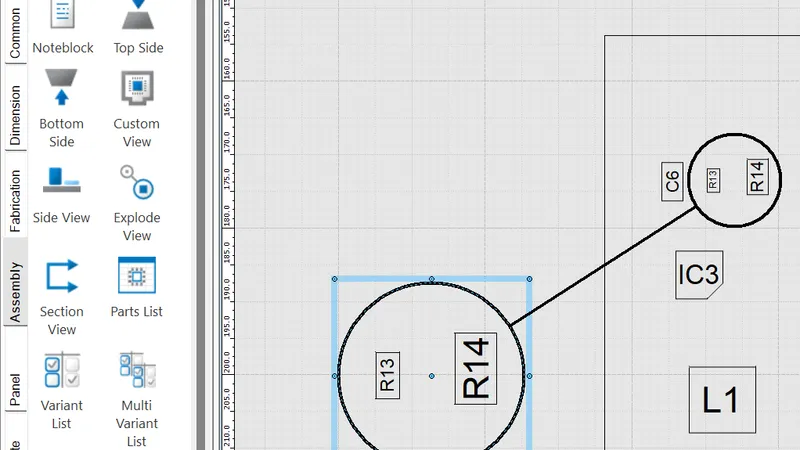
Beyond the panelization row, Siemens’ Advanced page names “additional BluePrint capabilities such as pack and release and assembly panel design”. The other rows in the checklist’s manufacturing group are identical for the two editions. Advanced is the choice when your own team produces the assembly panel drawing and the release package. More in design to manufacturing with Xpedition Advanced.
Mixing seats and moving up
You do not have to pick one edition for the whole team. Both are named-user subscriptions, which Siemens defines as software access assigned “to individuals rather than shared machines”. The buyer’s guide says: “We expect seats of Xpedition Standard, Xpedition Advanced, and Xpedition Advanced DS to co-exist within an organization. As a result, they are fully compatible forward and back.” The Advanced page says the two are “fully compatible in both directions for libraries and designs”, so moving a seat up needs no design translation.
The fact sheet adds one caveat: Advanced-specific capabilities “may be read-only or unavailable when opened in Standard”. In a mixed team, decide who edits extended constraints or builds panels, and give those people Advanced seats.
So size by role. A layout engineer on high-speed boards and a hardware lead who shares the schematic are Advanced candidates. An engineer who works alone on simpler boards can stay on Standard and open the same libraries and designs.
Buying in India
GSAS Micro Systems is an authorized Siemens EDA partner in India. We supply Xpedition Standard with token-based add-ons, Xpedition Advanced, Xpedition Advanced DS and Xpedition Enterprise. This post makes no cost comparison. Siemens can change its India list price without notice and a GSAS quotation may differ from it, so we quote rather than publish a figure.
Ask us to quote both configurations in INR with a GST invoice. Then choose by how your team works: who shares the schematic, how often you simulate, and who builds the panel. GSAS has offices in cities including Bengaluru, Hyderabad, Chennai, Pune, Mumbai and Delhi NCR. Request a quote or book a demo. If you are still choosing across the whole family, start with our four-edition chooser.
References
- Siemens: Xpedition product family, section “Choose the right PCB design solution for you” (the 54-row edition checklist)
- Siemens: Xpedition Advanced (product page and FAQ)
- Siemens: Xpedition Advanced fact sheet (comparison with Xpedition Standard, compatibility caveat)
- Siemens: Xpedition buyer’s guide (licensing, purchase options, fit guidelines)
- Siemens: Token-based add-ons for Xpedition (token packs and token counts)
- Siemens: Scale design capabilities with adaptable add-ons (flyer: shared token pool)
- Siemens: Xpedition Advanced DS (schematic-only seat)
- Siemens: Getting Started guide for Xpedition Advanced, product introduction “Advanced Logical Design” (Inter Connectivity Table, time-of-flight, parallelism and crosstalk rules)
- Siemens EDA, Electronic Systems Design blog: What’s new in Xpedition 2610 (26 October 2026)
Also appears in:
Interested in Siemens EDA tools?
Talk to our application engineers for personalized tool recommendations.
More from Siemens EDA
View all →
PADS Pro Essentials vs Xpedition Standard: Which One to Start With
18 Nov · 8 min
Concurrent Schematic Design in Xpedition Advanced and Advanced DS
18 Nov · 7 min
From Layout to Fabrication in Xpedition Advanced: BluePrint, Panels, DFM
18 Nov · 10 min
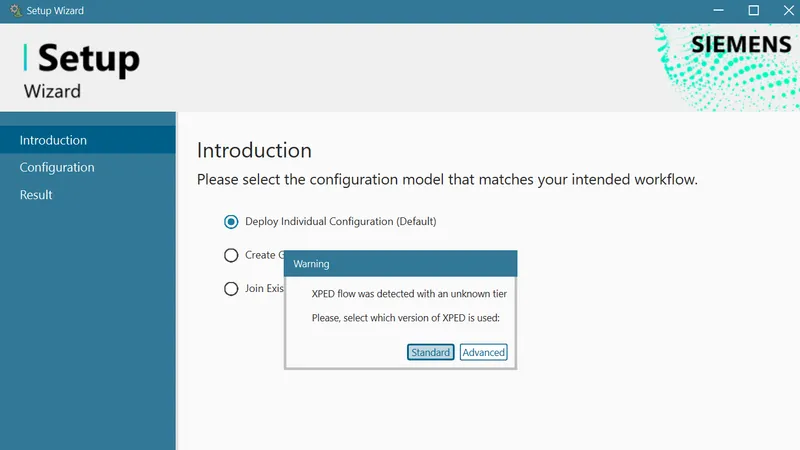
Getting Started with Xpedition Advanced: An Onboarding Checklist
18 Nov · 8 min
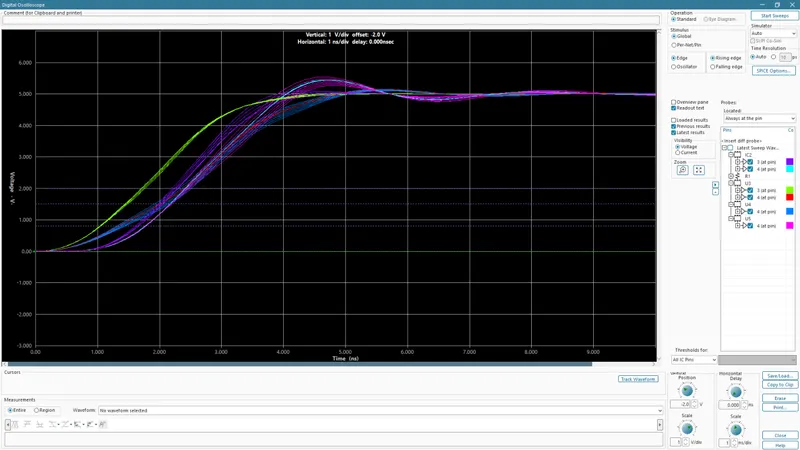
High-Speed PCB Design in Xpedition Advanced: Constraints, Routing and SI
18 Nov · 9 min
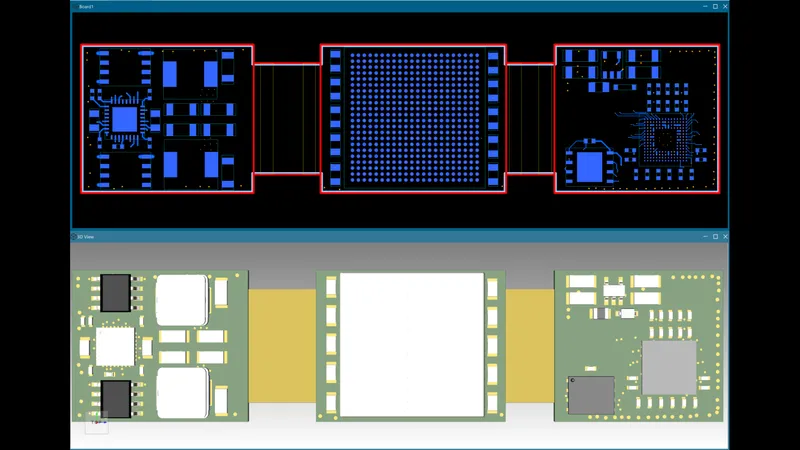
Rigid-Flex PCB Design in Xpedition Advanced: Stackups, Bend Areas and 3D
18 Nov · 8 min