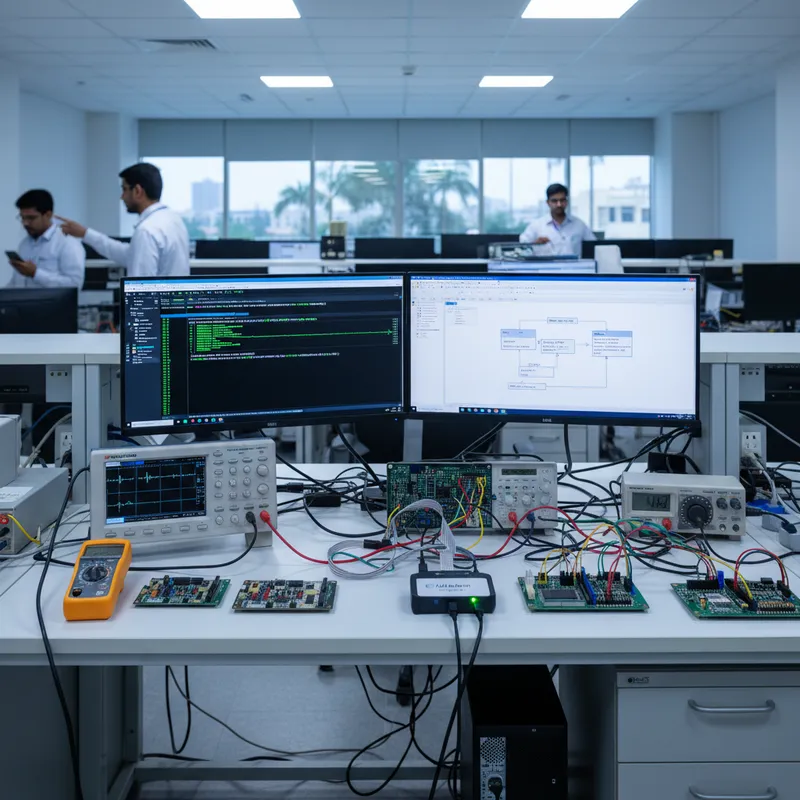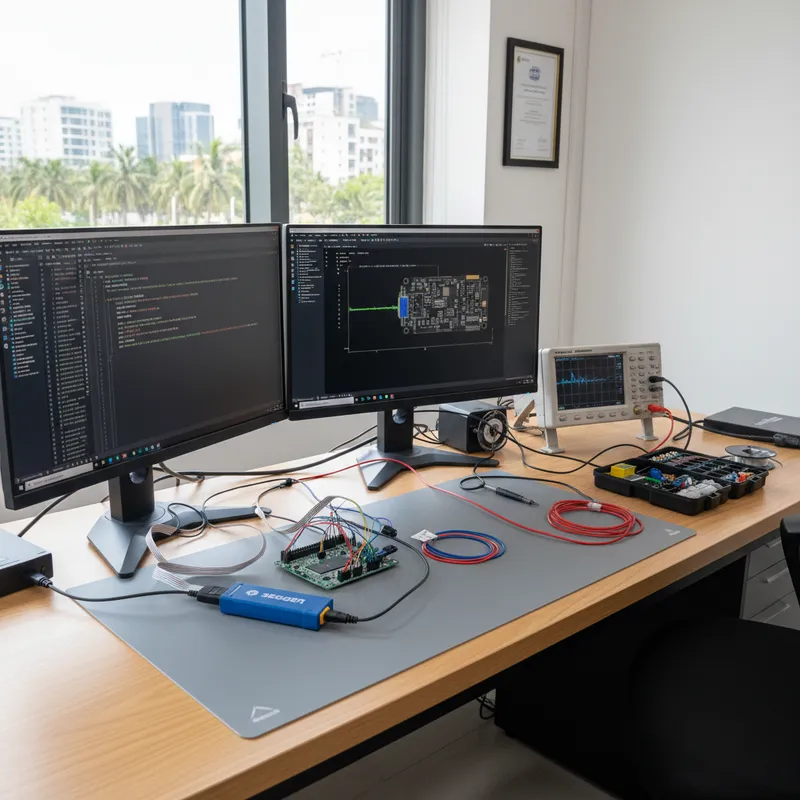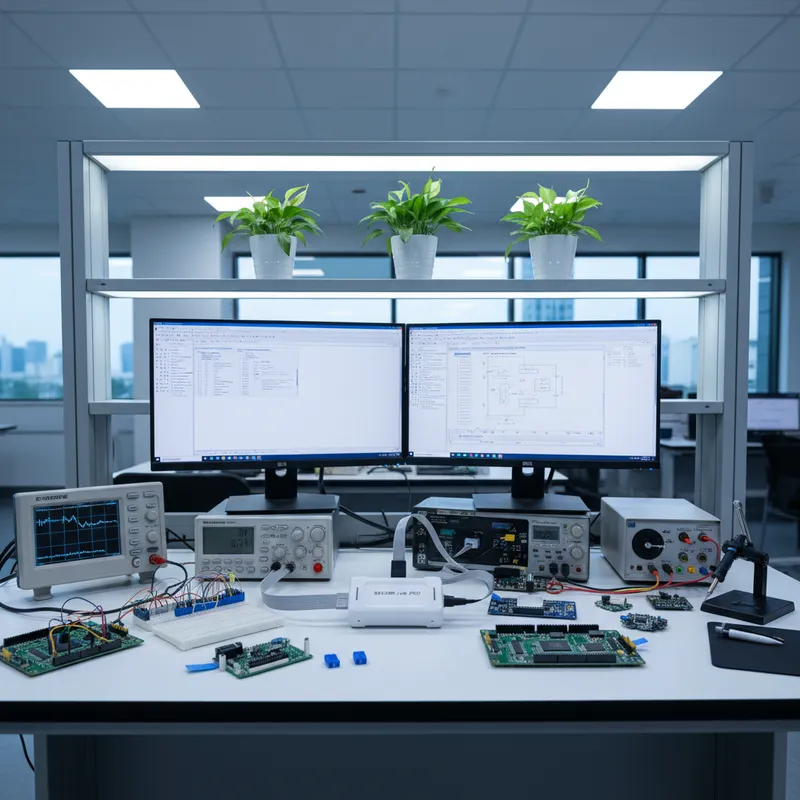
Silicon Labs has quietly become one of the most important wireless silicon suppliers into Indian IoT product engineering. Walk through the engineering floor of an Indian consumer-IoT startup building a Matter-enabled smart-home device, a Zigbee industrial sensor, a Bluetooth Low Energy wearable, or an asset tracker, and there is a very good chance an EFR32 SoC is on the board. Silicon Labs’ strongest foothold in India is in teams building for the Amazon Alexa, Google Home, and other major smart-home ecosystems, where the EFR32xG24 Matter SoC and the EFR32MG series Zigbee parts have become the reference silicon for cost-sensitive, certification-friendly designs.
Silicon Labs’ default toolchain is Simplicity Studio, an Eclipse-based IDE, and every Silicon Labs development kit ships with an on-board J-Link OB debugger, a reduced-feature J-Link variant that Silicon Labs licenses directly from SEGGER. J-Link OB is genuinely useful and is the reason Simplicity Studio feels so natural out of the box, but it is not the same thing as a full SEGGER J-Link. For serious Indian wireless product development, commissioning, stack debug, field diagnostics, production provisioning, a standalone J-Link PLUS or ULTRA is the upgrade that earns itself back within the first bring-up cycle.
This guide walks Indian EFR32 teams through exactly that upgrade: which J-Link model to choose for which wireless workload, how RTT and SystemView change the way Matter / Thread / Zigbee / BLE bugs get diagnosed, and how SEGGER Flasher Secure pairs with EFR32 for Matter device attestation on Indian EMS lines.
GSAS Micro Systems is an authorized SEGGER engineering partner in India. Every product in this guide is in local stock with INR invoicing and engineering support from our Bengaluru, Chennai, Hyderabad, Delhi NCR, Mumbai, and Pune offices.
The Silicon Labs EFR32 and EFM32 catalogue
EFR32 is Silicon Labs’ wireless SoC line. EFM32 is the general-purpose Cortex-M MCU line. Both sit cleanly in the SEGGER J-Link device database:
- EFR32xG21: Cortex-M33, low-cost Zigbee and Thread SoC.
- EFR32xG22: Cortex-M33, the volume BLE / Zigbee / Thread workhorse in many Indian consumer wearables and sensor products.
- EFR32xG23: Cortex-M33, sub-GHz proprietary wireless for industrial and metering.
- EFR32xG24: Cortex-M33 with integrated AI/ML accelerator and Matter-class performance. This is the Matter reference part Indian smart-home teams standardize on.
- EFR32xG27: Cortex-M33 compact BLE / Matter SoC for wearable and accessory designs where PCB area is tight.
- EFR32xG28: Cortex-M33 dual-band (2.4 GHz plus sub-GHz) for hybrid industrial wireless.
- EFR32MG / EFR32BG / EFR32FG: the protocol-specific product-line suffixes: MG for Zigbee/Thread, BG for Bluetooth, FG for proprietary / Flex.
- EFM32 Zero Gecko, Tiny Gecko, Happy Gecko, Giant Gecko, Wonder Gecko: the general-purpose Cortex-M0+ through Cortex-M4 MCU lines. EFM32 is what Indian low-power industrial designs pick when they do not need a wireless radio.
All EFR32 parts are Cortex-M33 based (some older EFR32 parts use Cortex-M4 or Cortex-M0+, but the current active catalogue is M33). Several EFR32 variants expose a secondary low-power radio subsystem core that handles the wireless MAC and PHY independently of the main application core, the debug implications of that architecture are worth understanding, and we will come to them below.
Where EFR32 shows up in Indian wireless product work
A few patterns we see consistently:
- Matter-enabled smart-home products: Indian consumer-IoT startups building for Alexa, Google Home, and SmartThings pick EFR32xG24 as the Matter reference silicon. Certification cycles on this part are understood, and Silicon Labs’ Matter stack is mature.
- Zigbee industrial sensors: Indian smart-building and industrial sensing products lean on EFR32MG series parts for mesh-network reliability and certified Zigbee stacks.
- BLE wearables and asset trackers: EFR32BG22 competes strongly with Nordic nRF52 in Indian wearable designs, particularly where the price-per-device matters more than peak radio performance.
- Sub-GHz Indian metering and industrial telemetry: EFR32xG23 sub-GHz parts are common in Indian smart-metering and long-range industrial wireless designs.
- EFM32 general-purpose low-power: Indian battery-powered sensor and wearable designs that do not need a wireless radio use EFM32 Gecko family parts for the Silicon Labs energy-profiling ecosystem.
Across all of these, the interesting bugs are almost never in the application layer. They are in the wireless stack, commissioning flows, network formation, connection parameters, scan response timing, beacon handling, mesh routing. Those are the bugs that are very hard to see with a simple debugger and easy to see with RTT and SystemView.
Why upgrade from J-Link OB to a full J-Link
Every Silicon Labs development kit ships with an on-board J-Link OB that Silicon Labs licenses from SEGGER. J-Link OB is a real J-Link, not a clone, and it works with Simplicity Studio. For evaluation work it is perfectly fine. Three things push serious Indian EFR32 teams to upgrade to a standalone J-Link:
- RTT bandwidth on J-Link OB is limited. J-Link OB exposes RTT, but the host connection is USB 2.0 at a restricted throughput class. For Matter commissioning logs, Thread network formation traces, or BLE connection-event telemetry, where the log volume is measured in tens of kilobytes per second sustained, a standalone J-Link PLUS or J-Link ULTRA with its higher sustained RTT throughput is the difference between capturing the whole bring-up and losing the crucial seconds where the bug happened.
- J-Link OB is tied to the dev kit. Once you move to custom hardware, you need a standalone probe on a Cortex-M 10-pin or 20-pin connector. J-Link PLUS, ULTRA, and PRO all ship with that.
- J-Link OB is not a production programming tool. Indian EMS production lines need Flasher, and the bench-to-line software flow is cleanest when the bench already runs on SEGGER’s stack.
Separately, the full J-Link adds features that J-Link OB does not: unlimited flash breakpoints (included with J-Link PLUS and above), full Ozone support, and the broader SEGGER ecosystem around Embedded Studio, SystemView, and the SEGGER RTOS debug views.
Which J-Link model for EFR32 work
- J-Link BASE Compact: the minimum for commercial EFR32 work. Fine for EFM32 low-power MCU development and small EFR32 footprints where download volume is low. See J-Link BASE Compact.
- J-Link PLUS / PLUS Compact: the everyday workhorse for EFR32xG22 BLE, EFR32MG Zigbee, and EFR32xG21 Thread projects. Up to 1 MB/s download speed, USB 2.0 Hi-Speed, commercial licensing. Most Indian EFR32 teams start here. See J-Link PLUS.
- J-Link ULTRA: USB 2.0 Hi-Speed with download speeds up to 4 MB/s and high-speed RTT. This is the model we recommend for EFR32xG24 Matter work. The RTT volume during Matter commissioning, Thread network formation, or extended BLE stress testing is high enough that the extra throughput matters. Indian Matter product teams who try to save on the probe almost always end up upgrading to ULTRA within the first sprint. See J-Link ULTRA.
- J-Link PRO: Ethernet interface. Important for Indian consumer electronics CI labs that run automated regression tests on EFR32 boards overnight, and for environments where the developer PC and the target sit on different benches. For benches that need galvanic isolation, pair the probe with the separate SEGGER J-Link Isolator. See J-Link PRO and the PoE variant.
- J-Trace PRO Cortex-M: add this for ETM instruction trace on EFR32 Cortex-M33 parts. Useful for the hardest class of Matter commissioning bugs where you need to know exactly what the application core was doing when the radio stack rejected a packet. See J-Trace PRO Cortex-M.
The practical Indian EFR32 team configuration we recommend: J-Link ULTRA on the senior bench, J-Link PLUS on each developer bench, one J-Link PRO in the CI rack, and a shared J-Trace PRO Cortex-M for hard-bug weeks.
RTT on EFR32 wireless debug
RTT earns its place on EFR32 faster than on almost any other silicon family, because wireless debug is inherently log-heavy. A Matter commissioning run produces:
- Fabric join events and certificate exchange traces
- Thread network discovery and mesh-link establishment logs
- BLE advertisement and connection-event records
- Matter cluster commissioning transactions
- Application-level sensor-cluster setup
All of that happens in tens of seconds and generates far more text than a UART at 115200 or 921600 baud can carry without dropping lines. UART also costs pins that production EFR32 designs do not always expose. RTT uses the SWD pins J-Link already owns, runs at high speed over J-Link ULTRA, and never stops the CPU.
Indian EFR32 teams typically integrate RTT into their Simplicity Studio project by dropping SEGGER_RTT.c into the sources, routing the Silicon Labs logging macro through SEGGER_RTT_printf, and opening the RTT viewer in Ozone. A Python wrapper around JLinkRTTClient captures the log into a CSV so a BLE sniffer capture and the device-side log can be time-aligned for root-cause analysis.
For a detailed treatment of Cortex-M fault capture over RTT, equally applicable to EFR32xG24 Cortex-M33, see our Cortex-M hard-fault debug with RTT guide.
SystemView for Matter, Thread, Zigbee, and BLE stack profiling
SEGGER SystemView is where most of the interesting Indian EFR32 wireless bugs get found. The Silicon Labs wireless stacks (Matter, Thread, Zigbee, Bluetooth) run on top of a FreeRTOS (for Matter and Zephyr configurations) or a cooperative scheduler. SystemView ships adapters for FreeRTOS and for bare scheduler configurations, and drops into an EFR32 Simplicity Studio project with minimal code changes.
What SystemView reveals on EFR32 wireless work:
- Radio ISR timing: whether a radio interrupt is being serviced inside its deadline, which is the root cause of a large fraction of Thread and Zigbee link-quality bugs.
- Stack task scheduling: whether the Matter or Thread stack task is being starved by an application-layer task that is running too long.
- Mutex inversion: a classic Matter commissioning bug where the application thread holds a lock longer than the stack thread can tolerate.
- Interrupt load: sustained ISR load from the radio subsystem, which is an early indicator of a link-layer issue.
The SystemView recording runs over RTT, so no additional probe hardware is needed beyond the J-Link you already have. For Indian Matter teams, SystemView on an EFR32xG24 is typically where a two-week-old commissioning bug becomes a one-hour root-cause exercise. For the v4 workflow specifically, see our SystemView v4 ELF integration guide.
EFR32 dual-core architecture and the debug implications
Several EFR32 parts include a secondary radio subsystem core that handles the wireless MAC and PHY independently of the main Cortex-M33 application core. From the application developer’s perspective, that radio core is a fixed-function block behind the Silicon Labs stack API, and most Indian teams debug only the application-side Cortex-M33. J-Link handles that main core as a first-class debug target exactly as it would any other Cortex-M33 part.
For teams who need visibility into what the radio subsystem is doing, the right tools are Silicon Labs’ own Network Analyzer sniffer and Simplicity Studio radio profiling views, those use the Silicon Labs stack’s instrumentation rather than the debug probe. J-Link + SystemView on the application core, plus Network Analyzer on the radio side, is the combination Indian EFR32 product teams converge on.
Production programming EFR32 with Flasher and Matter attestation
Matter devices must ship with a Device Attestation Certificate (DAC) and a Product Attestation Intermediate (PAI) certificate chain rooted in a Matter-approved Certificate Authority. For Indian EFR32 Matter products, that DAC must be injected into the device at the EMS line, securely, in a way that the line operator never sees cleartext key material.
SEGGER Flasher Secure is the correct tool for this flow. Flasher Secure handles encrypted firmware delivery to the Indian EMS, controlled decryption at programming time, and the injection of per-device secret material (DAC, PAI, device identity) without exposing any of it to the line operator or the programmer host. For Indian Matter product teams, this is the production path we recommend and support.
The broader Flasher family covers all EFR32 and EFM32 production needs:
- Flasher Compact / Flasher PRO: bench and low-volume line programming for EFR32 and EFM32.
- Flasher ATE2: rack-mounted ATE integration for high-volume EFR32 production on Indian EMS lines. See our Flasher ATE2 Indian EMS guide.
- Flasher Hub-4 / Flasher Hub-12: gang programming for EFR32xG22 BLE and EFR32MG Zigbee volume consumer products.
- Flasher Secure: the mandatory tool for Matter device attestation and any EFR32 product shipping with secret key material. For the full encrypted-firmware walkthrough, see our Flasher Secure for Indian EMS guide.
Because Flasher shares its device database with J-Link, the bench flash algorithm is bit-for-bit identical to the line flash algorithm. No drift between lab and factory.
Buy SEGGER J-Link and Flasher for Silicon Labs EFR32 in India from GSAS
GSAS Micro Systems is an authorized SEGGER engineering partner in India for every SEGGER product mentioned in this guide. Whether you are a Matter startup bringing up an EFR32xG24 prototype, a Zigbee industrial sensor team working on EFR32MG designs, a BLE wearable house building on EFR32BG22, or an EMS planning Flasher Secure integration for Matter DAC provisioning, we will help you pick the right J-Link model, the right Flasher variant, and the right SEGGER software stack (Ozone, SystemView, RTT, Embedded Studio, embOS) for your project. Contact us for a hands-on demo at any of our Bengaluru, Chennai, Hyderabad, Delhi NCR, Mumbai, or Pune offices, or visit our SEGGER India partner page for the full portfolio.
Further reading
- SEGGER J-Link model selection guide for India
- SEGGER J-Link for Nordic nRF52 BLE development
- SEGGER J-Link for STM32 complete guide
- SEGGER J-Link for Raspberry Pi RP2040 and RP2350 in India
- SEGGER SystemView v4 ELF integration
- Cortex-M hard-fault debug with RTT
- Multi-core debug on i.MX RT1170, nRF5340, RP2350 in India
- Flasher Secure for encrypted firmware on Indian EMS lines
- emNet and emSSL for AWS IoT Mumbai and Azure India
- SEGGER J-Link official product page: segger.com/products/debug-probes/j-link
Interested in SEGGER tools?
Talk to our application engineers for personalized tool recommendations.
More from SEGGER
View all →
Meet the GSAS Team at electronica India 2026, Stall H3.I45
15 Sept · 3 min
J-Link Is Now Validated by ST for StellarStudio
13 Sept · 2 min
An AI Agent That Drives the Debugger: SEGGER and Embedder Connect J-Link to the Loop
13 Sept · 6 min
SEGGER J-Link and J-Trace Now Support Andes Trace: Why This Matters for RISC-V
21 Jul · 6 min

Emulating Processor Power for Thermal Testing: Why Constant Power
7 Oct · 7 min

CRPS and Rack Power Supply Testing: The Six Tests That Matter
7 Oct · 7 min